Android 16 QPR2 Update: Personalization, Smart Notifications & New Features Explained
bmw | Dec. 3, 2025
In the rapidly evolving world of mobile technology, a smartphone is no longer just a communication device. It has become a central tool for organizing life, expressing creativity, and staying connected to the world. With this in mind, Google’s latest update, Android 16 QPR2, arrives with meaningful enhancements that focus on personalization, organization, and security. This update is not just a technical refinement—it aims to transform the everyday experience of smartphone users.
One of the most noticeable improvements in Android 16 QPR2 is the way it allows people to personalize their devices. Users can now adjust app icon shapes in a variety of new styles, giving the home screen a fresher and more expressive look. Whether someone prefers minimal curves, sharp edges, or more playful shapes, the update adapts the interface to match personal tastes. Auto-themed icons also bring uniform color harmony by applying dynamic styling across apps, creating a visually consistent and modern layout.
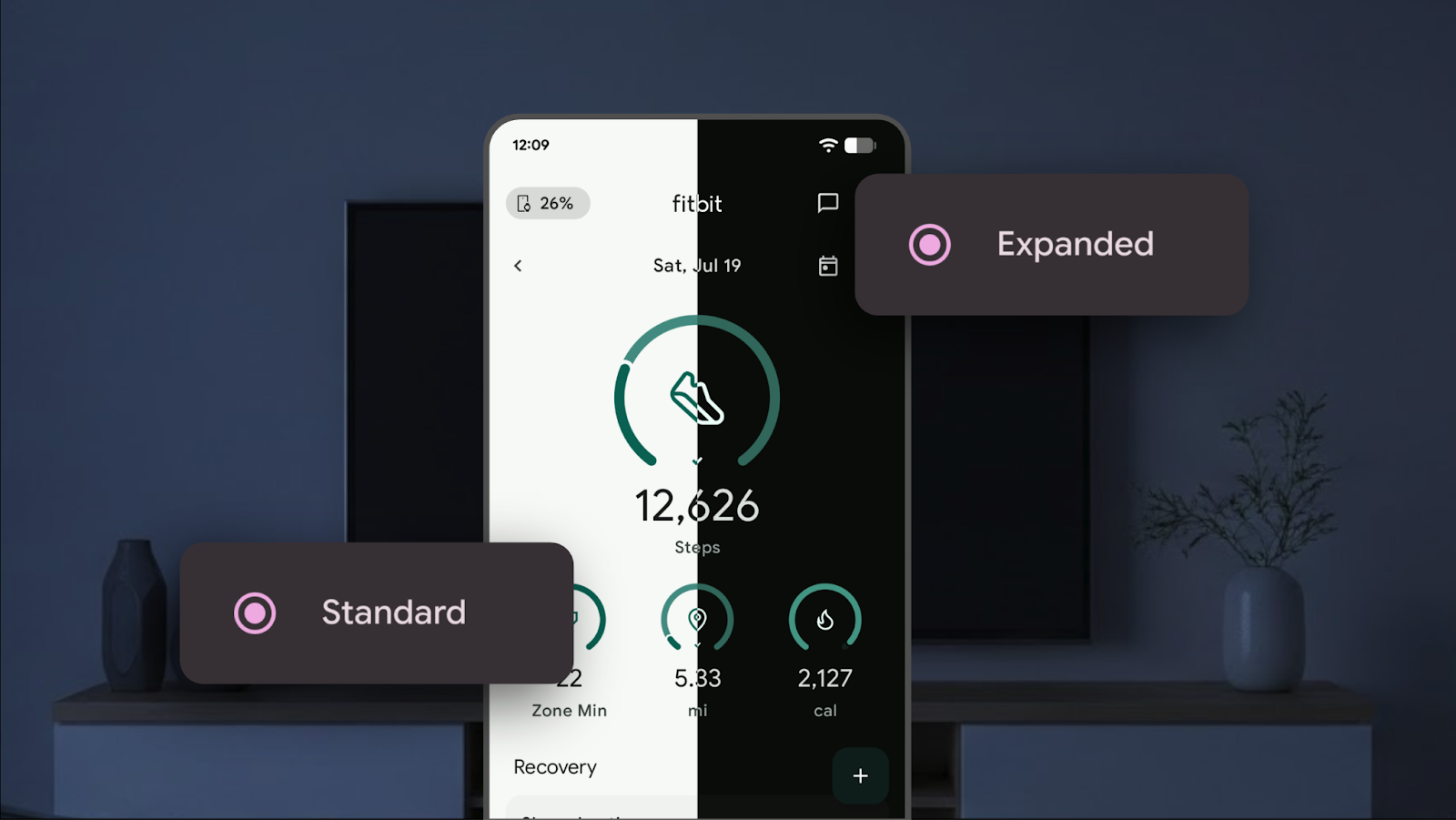
The dark theme has also received a significant upgrade. Many applications that previously lacked built-in dark mode support can now automatically align with the system’s dark theme. This not only makes the interface look clean and cohesive but also reduces eye strain, especially during evening hours or in low-light environments. With these improvements, the user interface appears smoother and more thoughtful in design.
Lock-screen widgets make a meaningful comeback in this update as well. Previously available mostly on tablets, they are now enabled on Android phones too. This means users can view essential information—such as calendar events, reminders, and weather updates—without unlocking their device. It saves time, increases productivity, and makes the lock screen feel more functional and alive.
Android 16 QPR2 also reimagines how notifications work. The new Notification Organizer helps reduce clutter by automatically grouping less important alerts, such as promotional messages or social updates, into dedicated sections. This makes the notification panel cleaner, allowing important messages to stand out. On top of that, AI-generated notification summaries transform long messages into short, easy-to-read previews, helping users understand content faster without opening each app.
Security has also been strengthened in this update. The introduction of the Secure Lock Device mode allows the phone to hide lock-screen shortcuts, notifications, quick settings, and widgets the moment it is activated. This feature is particularly useful in situations where a device may be at risk, ensuring personal data stays protected and inaccessible to unauthorized users.
Families benefit from the updated parental controls as well. Setting screen-time limits, scheduling downtime, and managing app access becomes smoother and more intuitive, making it easier for parents to guide healthy device use for children.
The overall essence of Android 16 QPR2 is clear: it helps users stay organized while giving them more ways to express their personal style. From the shape of app icons to the way notifications display, and from lock-screen functionality to advanced security modes, every improvement is designed to make the smartphone feel more personal, more useful, and more aligned with daily life.
Imagine starting your day by checking a lock screen that instantly shows your schedule and essential updates. Your home screen displays icons shaped exactly the way you like, your notifications appear in a clean and structured manner, and the entire interface adjusts to a soothing dark theme when you need it. All of these enhancements work together to create a more modern, fluid, and intelligent experience.
Android 16 QPR2 is more than just a system update—it is a thoughtful redesign of how your phone fits into your daily routine. It encourages you to stay organized, stay secure, and express yourself every time you unlock your device.
0 COMMENTS:
Google Adds AutoFDO to Android Kernel for Faster Phones
Discover how Google’s AutoFDO optimization improves Android performance, boosts app speed, and exte…
Google Highlights AI Models for Coding Android Apps
Google highlights powerful AI models that help developers code Android apps faster, improve product…
Android 17 Beta Program Now Live for Pixel Devices (How to Install + Supported Models)
Google has launched the Android 17 Beta program for Pixel devices. Check supported models, how to i…
Android 17 Beta Program: Features, Performance Tools & Compatible Pixel Models
Google has released Android 17 Beta 1 under the Android 17 Beta Program. Here’s what’s new, includi…
Google Releases First Android 17 Beta: Features, Supported Devices & Release Date
Google releases Android 17 Beta 1 with performance upgrades, better foldable support, media improve…
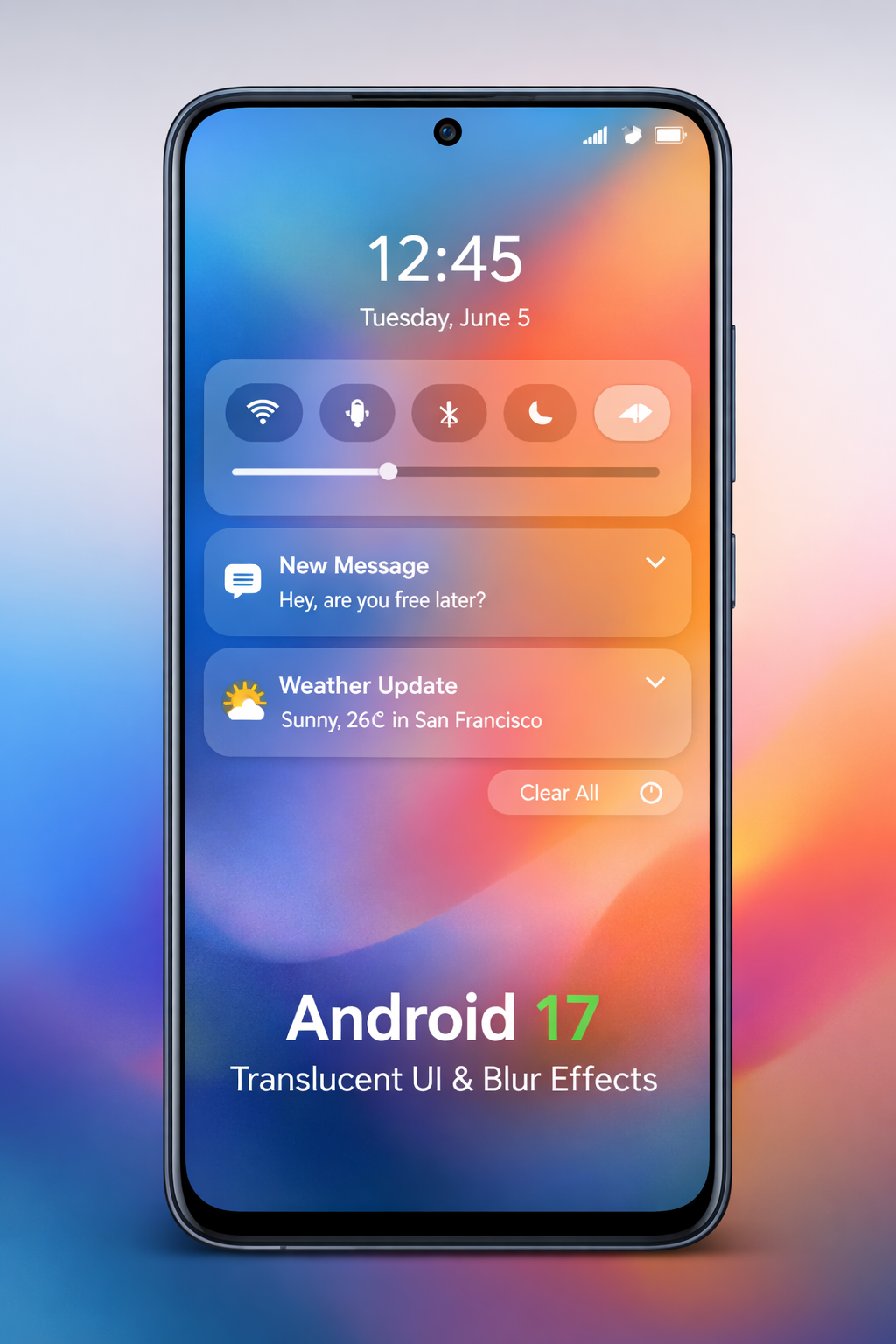
Android 17 Translucent UI & Blur Effects | Liquid Glass Look
Discover Android 17’s new translucent UI with blur effects, inspired by Liquid Glass, delivering a …
Android 17 Features: Confirmed Updates & What’s Coming Next
Discover all confirmed Android 17 features, expected improvements, and rumored updates like Cinnamo…

Gemini AI on Android: Talking to Phones in 2026
Explore how Google’s Gemini AI will transform Android, enabling more natural voice interactions and…
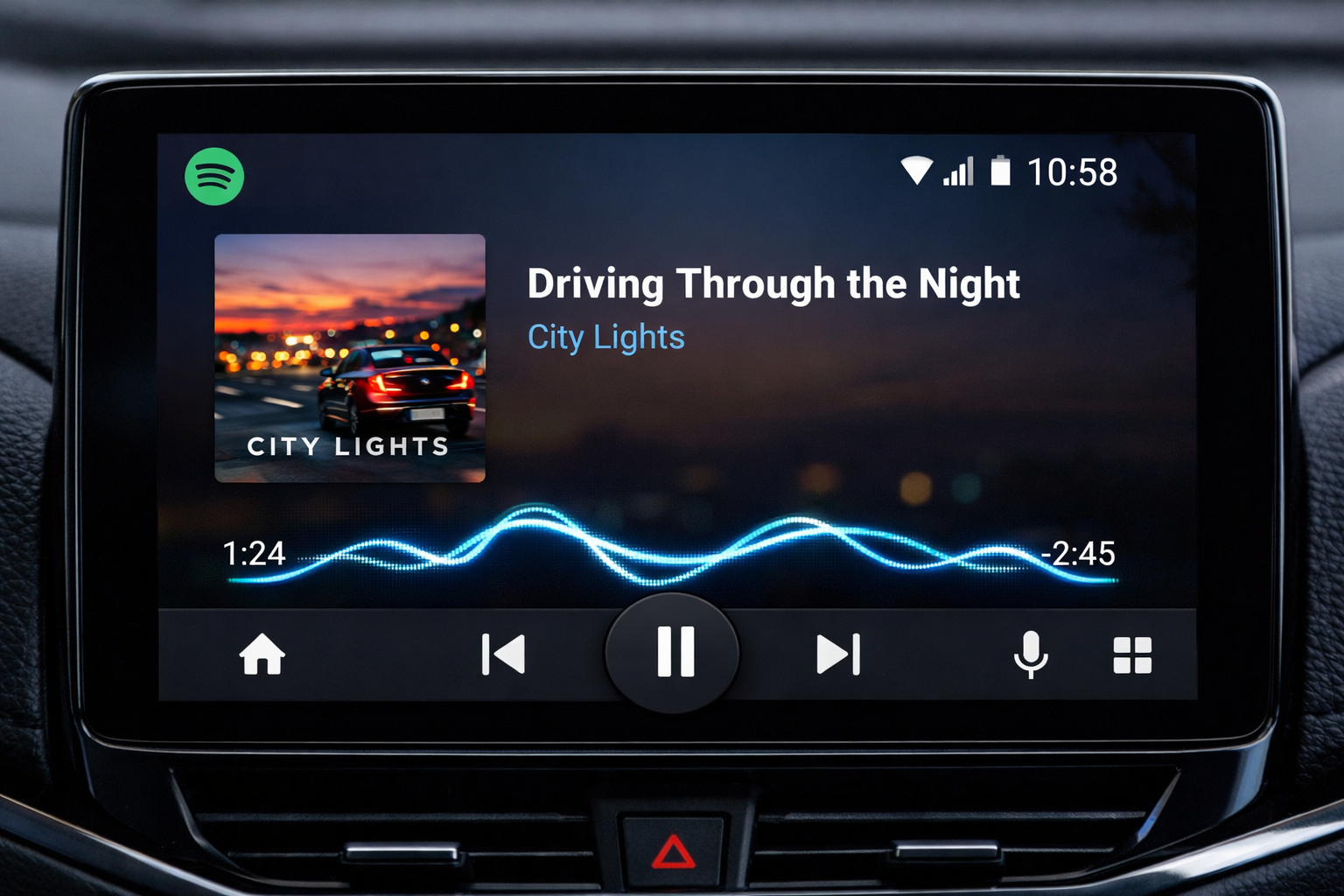
Android Auto Wavy Progress Bar Update: Enhanced Media Playback Interface
Discover Android Auto’s new wavy progress bar that transforms media playback. See music and podcast…
Android 16 QPR2 Update: Personalization, Smart Notifications & New Features Explained
Explore everything new in the Android 16 QPR2 update, including custom icon shapes, improved dark t…