Android 17 Beta Program: Features, Performance Tools & Compatible Pixel Models
bigsansar | Feb. 15, 2026
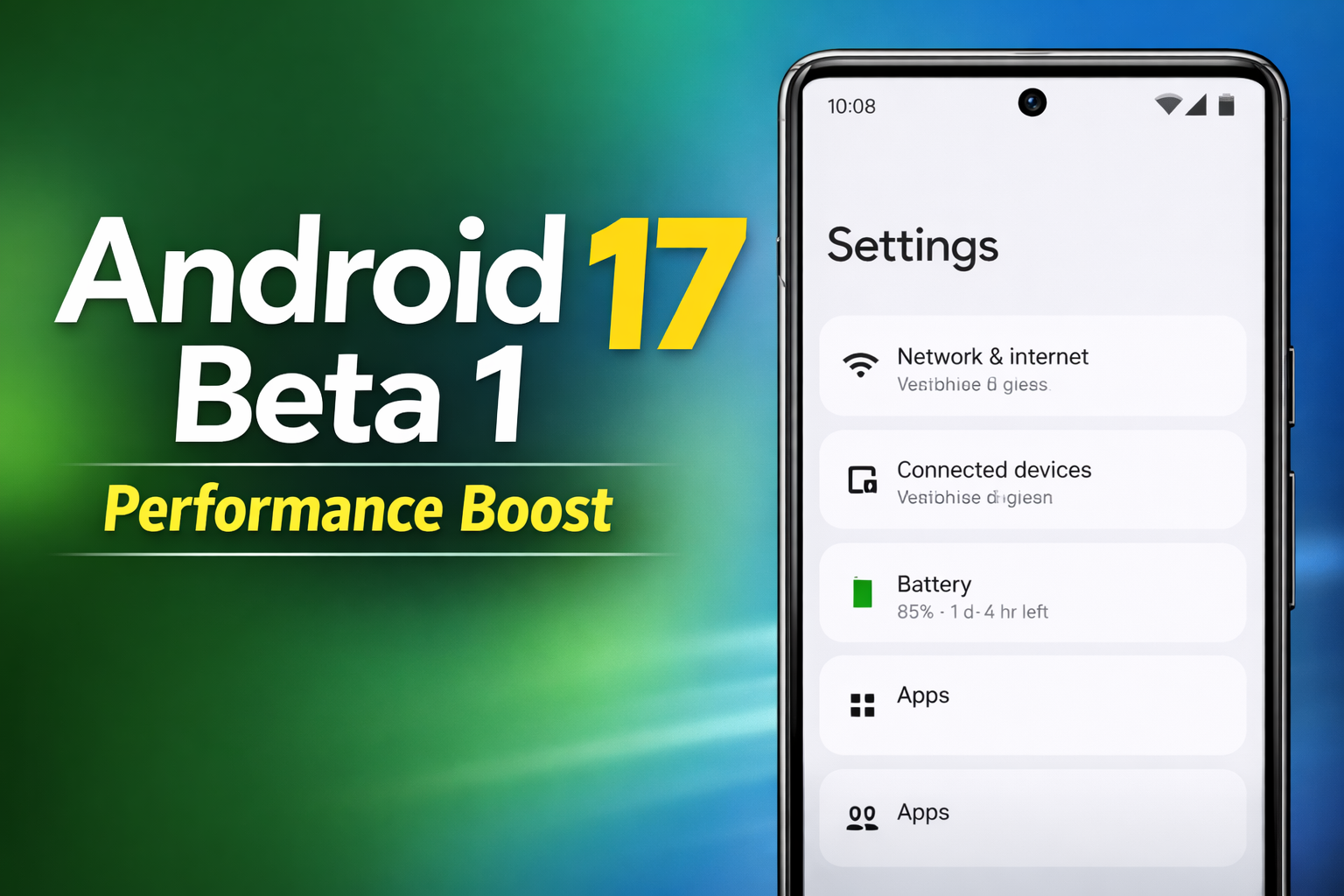
Google has officially rolled out the first public beta update under the Android 17 Beta Program, giving users and developers an early look at what the next major Android version will bring. Unlike some previous releases that focused heavily on visual redesign, Android 17 Beta 1 appears to prioritise performance, efficiency, stability, and developer-focused optimisation tools.
This first beta is mainly aimed at Pixel users who want to test new features early, while also helping developers prepare their apps before the stable release arrives.
Android 17 Beta Program: Why It Matters
The Android Beta Program plays a major role in shaping the final Android release. It allows:
- Developers to test app compatibility early
- Public testers to try upcoming features before the stable version
- Google to gather feedback and fix bugs before the final rollout
Since this is the first beta build, it is considered an important milestone in the Android 17 release cycle.
What’s New in Android 17 Beta 1 (Key Highlights)
Android 17 Beta 1 includes both visible improvements and deeper system-level upgrades. The most important updates revolve around performance, battery efficiency, and adaptive app support.
Performance Optimisation Tools and System Improvements
One of the biggest highlights of Android 17 Beta 1 is the focus on performance optimisation tools. Google is improving how Android handles memory, background processes, and system workload distribution.
This can result in:
- Faster app launching
- Reduced lag during multitasking
- More stable performance for heavy apps
- Smoother scrolling and animation rendering
For most users, these changes may feel like a “cleaner and faster” Android experience rather than a dramatic redesign.
Better Battery Efficiency and Background App Control
Android 17 Beta 1 also introduces improvements in how the system controls background activity. Since background apps are one of the biggest reasons for battery drain, Google is tightening system behaviour to reduce unnecessary resource usage.
This update is expected to improve:
- Standby battery performance
- Background process control
- Efficiency when multiple apps run simultaneously
Stronger Adaptive Apps Support for Tablets and Foldables
Android 17 continues Google’s push toward better support for tablets and foldable devices. Many apps still struggle with resizing and layout consistency across different screen sizes.
With Android 17 Beta 1, Google is strengthening adaptive behaviour, which improves:
- App resizing and layout responsiveness
- Better support for large screens
- More stable orientation and rotation behaviour
- Improved user experience on foldables and tablets
This is one of the most important changes, especially as Android hardware expands beyond standard smartphones.
Camera and Media Enhancements
Android 17 Beta 1 also includes camera and media-related improvements. While not all changes are immediately visible, the update introduces refinements that can improve media performance and compatibility.
Some of the improvements include:
- Better camera transitions
- Improved video and media handling
- Enhanced audio and loudness controls
- Support improvements for modern video formats
These changes are likely to benefit both camera apps and content-focused apps.
Privacy and Security Improvements
As expected, Android 17 Beta 1 also comes with updated privacy and security enhancements. Android updates increasingly focus on protecting user data and improving app permission handling.
Android 17 Beta 1 strengthens:
- Permission behaviour
- System-level security
- Privacy safeguards for user data
Even though these changes may not be obvious in daily use, they are critical for long-term Android safety.
Android 17 Beta 1 Release Timeline
Android 17 Beta 1 began rolling out in February 2026, marking the start of public testing for the new Android version.
Based on Google’s typical Android release cycle, the stable Android 17 update is expected around mid-2026, likely in Q2 (around June).
Compatible Models: Supported Devices for Android 17 Beta
As usual, Google is rolling out the Android 17 Beta Program first to Pixel devices. Android 17 Beta 1 is available for a range of Pixel models, including:
- Pixel 6 / 6 Pro / 6a
- Pixel 7 / 7 Pro / 7a
- Pixel 8 / 8 Pro / 8a
- Pixel 9 series (including Fold models)
- Pixel Tablet
Other Android manufacturers like Samsung, Xiaomi, OnePlus, and Oppo may join later, but Pixel devices are always the first to receive official Android beta builds.
How to Join the Android 17 Beta Program
If you own a compatible Pixel device, joining the Android 17 Beta Program is straightforward.
The general process includes:
- Visit the official Android Beta Program page
- Log in with your Google account
- Select your eligible Pixel device
- Opt in to the beta
- Install the OTA update once it becomes available
Important Things to Know Before Installing Android 17 Beta
Although Android 17 Beta 1 is exciting, it is still a beta build. This means it may include bugs and stability issues.
Before installing, users should keep in mind:
- Beta versions may cause random bugs or crashes
- Some banking and payment apps may not work correctly
- Battery performance may fluctuate
- Overheating or network issues may occur in early builds
- Backing up important data is strongly recommended
For most users, it is safer to install the beta on a secondary device instead of a daily-use phone.
The first Android 17 Beta update makes it clear that Google is taking a more refined approach this year. Rather than focusing only on design changes, Android 17 Beta 1 is built around performance optimisation, better battery efficiency, stronger adaptive app support, and improved developer tools.
For Pixel users who enjoy testing new Android releases early, the Android 17 Beta Program offers a great opportunity to explore upcoming features before the stable rollout. However, since it is still a beta, users should install it carefully and expect occasional bugs.
0 COMMENTS:

Google Adds AutoFDO to Android Kernel for Faster Phones
Discover how Google’s AutoFDO optimization improves Android performance, boosts app speed, and exte…

Google Highlights AI Models for Coding Android Apps
Google highlights powerful AI models that help developers code Android apps faster, improve product…
Android 17 Beta Program Now Live for Pixel Devices (How to Install + Supported Models)
Google has launched the Android 17 Beta program for Pixel devices. Check supported models, how to i…
Android 17 Beta Program: Features, Performance Tools & Compatible Pixel Models
Google has released Android 17 Beta 1 under the Android 17 Beta Program. Here’s what’s new, includi…
Google Releases First Android 17 Beta: Features, Supported Devices & Release Date
Google releases Android 17 Beta 1 with performance upgrades, better foldable support, media improve…
Android 17 Translucent UI & Blur Effects | Liquid Glass Look
Discover Android 17’s new translucent UI with blur effects, inspired by Liquid Glass, delivering a …
Android 17 Features: Confirmed Updates & What’s Coming Next
Discover all confirmed Android 17 features, expected improvements, and rumored updates like Cinnamo…

Gemini AI on Android: Talking to Phones in 2026
Explore how Google’s Gemini AI will transform Android, enabling more natural voice interactions and…
Android Auto Wavy Progress Bar Update: Enhanced Media Playback Interface
Discover Android Auto’s new wavy progress bar that transforms media playback. See music and podcast…
Android 16 QPR2 Update: Personalization, Smart Notifications & New Features Explained
Explore everything new in the Android 16 QPR2 update, including custom icon shapes, improved dark t…