Google Adds AutoFDO to Android Kernel for Faster Phones
bigsansar | March 13, 2026
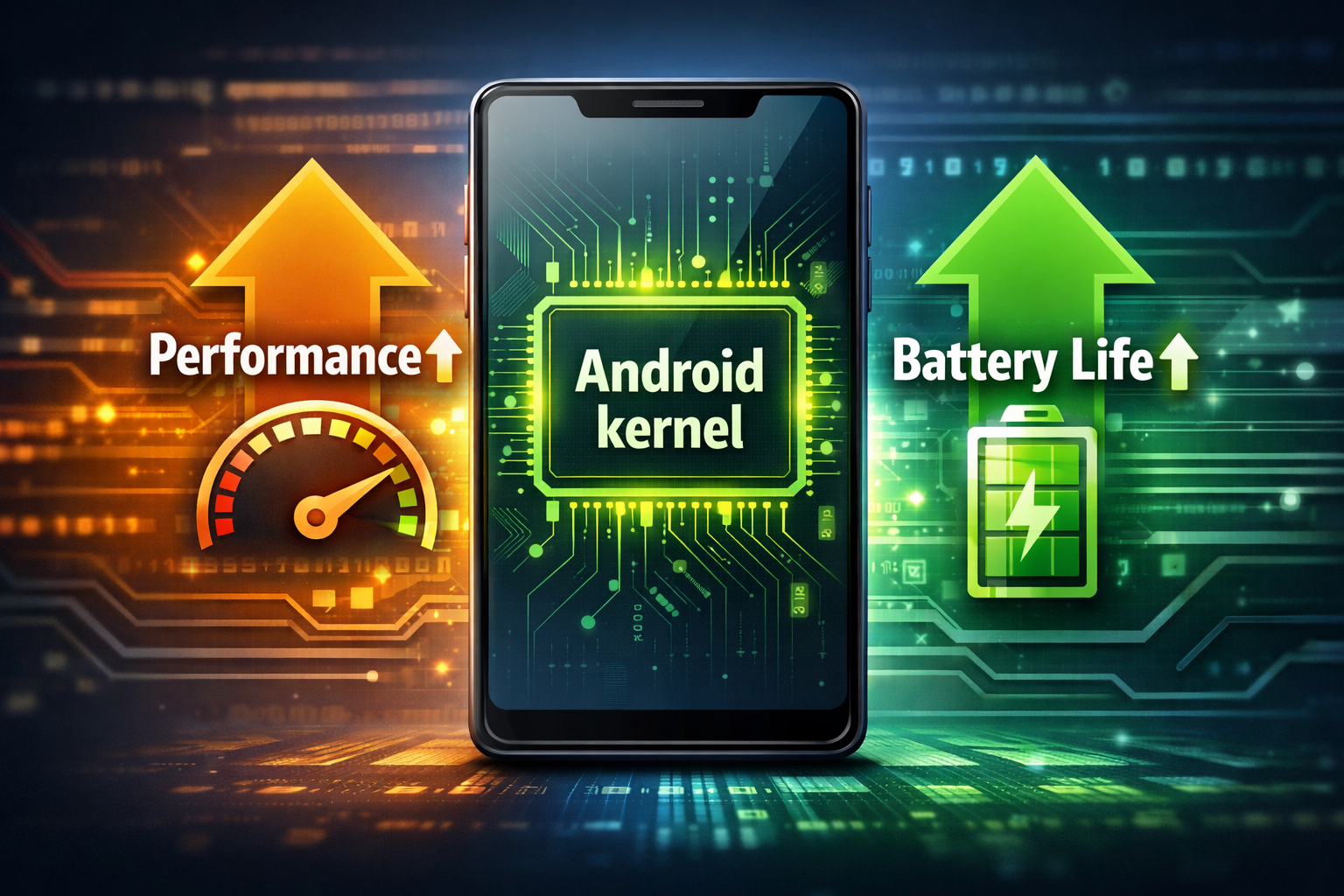
Google has quietly introduced a powerful optimization technique called Automatic Feedback‑Directed Optimization (AutoFDO) into the Android kernel, aiming to make future Android phones faster and more energy-efficient. Unlike visible features, this is a core system improvement that enhances the fundamental performance of Android devices.
What is AutoFDO?
AutoFDO (Automatic Feedback‑Directed Optimization) is a compiler optimization method that uses real-world usage data to improve how Android code is built.
- Traditional compilers rely on generic assumptions about which parts of the code are most frequently executed.
- AutoFDO uses actual device usage patterns to guide compilation, prioritizing the “hot” or frequently executed code paths for better performance.
In simple terms:
AutoFDO allows Android builds to be data-driven, optimizing the system based on how people actually use their phones.
How It Works
Google engineers collect usage data from popular apps in a controlled environment. This includes apps that users launch most frequently. The collected data form a profile of which parts of the kernel are most active.
This profile is then fed back into the compiler, which reorganizes and optimizes the kernel code, giving priority to high-usage areas. The result is a kernel that is faster, more efficient, and better suited to real-world workloads.
Benefits of AutoFDO
1. Faster Performance
- Prioritized kernel code improves app launch times and overall responsiveness.
- Benchmark tests show boot times improving by ~2–4% and apps opening slightly faster.
2. Better Battery Life
- Optimized kernel paths reduce CPU energy consumption, which extends battery longevity.
3. Smoother System Behavior
- Multitasking, app switching, and heavy tasks like gaming become more fluid due to intelligent resource management.
4. Invisible but impactful
- Users won’t notice a new button or setting; improvements happen under the hood, affecting the system silently but meaningfully.
Real-World Example
Imagine you use a messaging app multiple times a day. With AutoFDO:
- The kernel knows that launching and switching to this app happens frequently.
- The compiler optimizes these code paths.
- Result: faster app opening, smoother switching, and lower energy use.
Over time, these small optimizations accumulate, improving the overall user experience and battery efficiency.
When Will It Be Available?
- AutoFDO support has been merged into recent Android kernel versions like android15‑6.6 and android16‑6.12.
- Rollout timing depends on device manufacturers and carriers, as they must integrate and test these kernel changes in firmware updates.
Why This Matters
The kernel handles CPU scheduling, memory management, and background tasks, so even minor efficiency improvements have significant real-world effects. By using AutoFDO, Android can become more responsive and energy-efficient without requiring users to change any settings.
Google’s integration of AutoFDO into the Android kernel represents a smart, data-driven approach to system optimization. Users may not see a new feature on their screens, but performance improvements, smoother multitasking, and better battery life will be felt in everyday use.
This change highlights how under-the-hood optimizations can provide meaningful improvements to millions of Android users worldwide.
0 COMMENTS:
Google Adds AutoFDO to Android Kernel for Faster Phones
Discover how Google’s AutoFDO optimization improves Android performance, boosts app speed, and exte…

Google Highlights AI Models for Coding Android Apps
Google highlights powerful AI models that help developers code Android apps faster, improve product…
Android 17 Beta Program Now Live for Pixel Devices (How to Install + Supported Models)
Google has launched the Android 17 Beta program for Pixel devices. Check supported models, how to i…
Android 17 Beta Program: Features, Performance Tools & Compatible Pixel Models
Google has released Android 17 Beta 1 under the Android 17 Beta Program. Here’s what’s new, includi…
Google Releases First Android 17 Beta: Features, Supported Devices & Release Date
Google releases Android 17 Beta 1 with performance upgrades, better foldable support, media improve…
Android 17 Translucent UI & Blur Effects | Liquid Glass Look
Discover Android 17’s new translucent UI with blur effects, inspired by Liquid Glass, delivering a …
Android 17 Features: Confirmed Updates & What’s Coming Next
Discover all confirmed Android 17 features, expected improvements, and rumored updates like Cinnamo…

Gemini AI on Android: Talking to Phones in 2026
Explore how Google’s Gemini AI will transform Android, enabling more natural voice interactions and…
Android Auto Wavy Progress Bar Update: Enhanced Media Playback Interface
Discover Android Auto’s new wavy progress bar that transforms media playback. See music and podcast…
Android 16 QPR2 Update: Personalization, Smart Notifications & New Features Explained
Explore everything new in the Android 16 QPR2 update, including custom icon shapes, improved dark t…