Google Highlights AI Models for Coding Android Apps
bigsansar | March 7, 2026
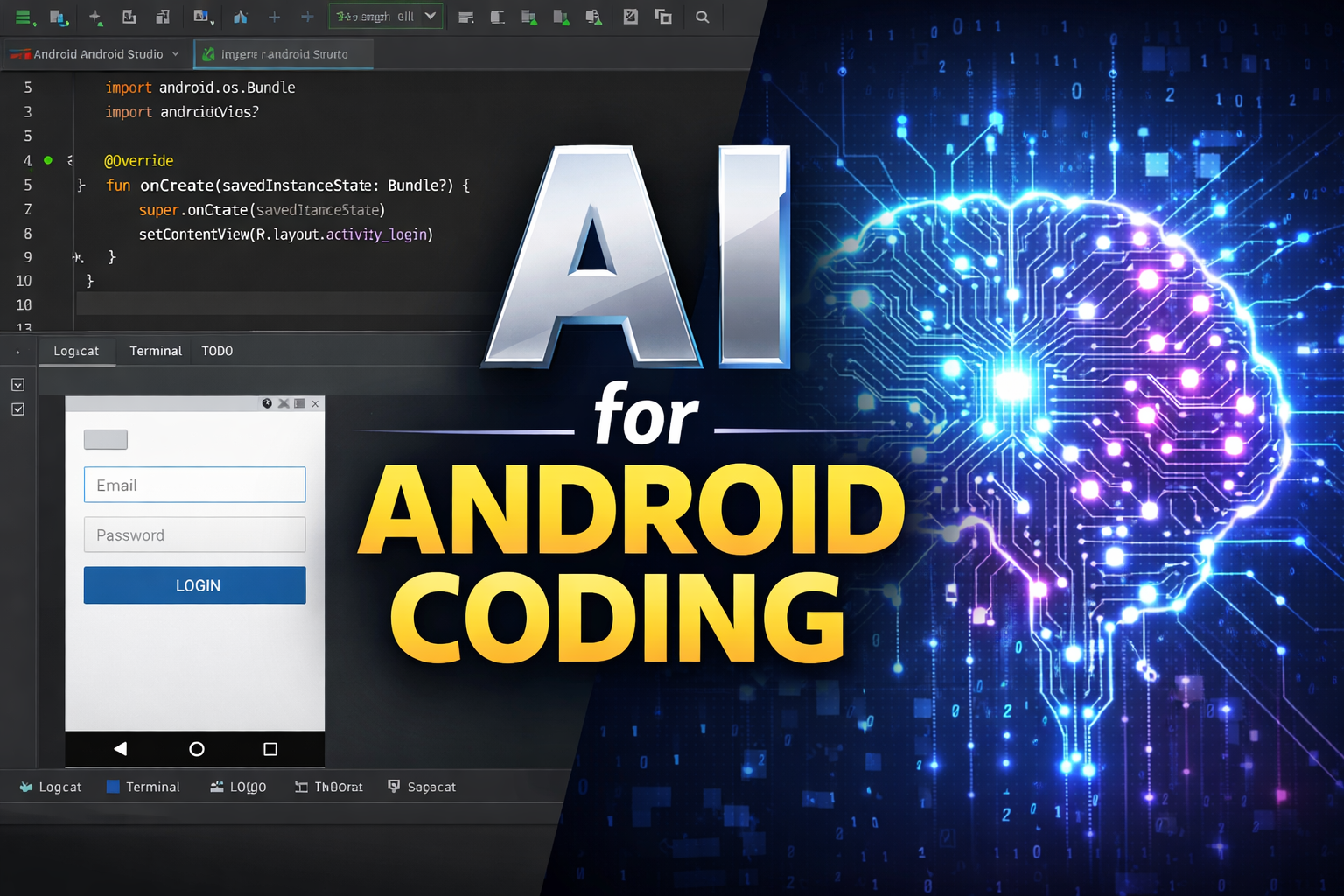
Artificial Intelligence (AI) is transforming the way developers build mobile applications. In recent discussions, Google has emphasized the growing role of advanced AI models in software development, especially for coding Android applications. While there is no official claim naming a single “best” model, Google promotes AI tools that significantly improve productivity and coding efficiency.
Why AI Matters in Android Development
Android app development involves multiple complex tasks, including:
- Writing code in Kotlin or Java
- Designing user interfaces (UI)
- Integrating APIs
- Debugging errors
- Testing and optimization
AI models help developers complete these tasks faster and with fewer mistakes.
They act as intelligent assistants that can generate code, explain errors, and suggest improvements.
How AI Supports Android Developers
1. Code Generation
AI can quickly create:
- Boilerplate project structures
- Activity and Fragment templates
- XML layout files
- Reusable functions
This reduces repetitive work and saves time.
2. Debugging Assistance
AI tools can:
- Identify coding errors
- Explain error messages
- Suggest possible fixes
This is especially helpful for beginners learning Android development.
3. UI Design Support
Some AI systems can help convert design ideas into working layouts.
This improves the speed of building modern and responsive interfaces.
4. Learning and Documentation
AI can:
- Explain complex programming concepts
- Provide coding examples
- Generate project documentation
This makes it easier for new developers to understand Android development.
Important Clarification
It is important to note:
- AI does not replace developers.
- Human review is still necessary for security, performance, and quality.
- AI works best as a collaborative tool, not a full replacement.
Google’s focus is on integrating AI into development tools to enhance productivity rather than fully automating app creation.
Practical Example
Scenario: Creating a Login Screen
Without AI:
- Developers must manually write XML layouts.
- They must create validation logic.
- They must handle error messages.
With AI Assistance:
- The developer can request a login screen template.
- AI can generate layout code.
- AI can suggest email validation logic.
- The developer can review and modify the output.
Result: Faster development and reduced effort.
Key Benefits of Using AI in Android Coding
- Faster development time
- Improved productivity
- Better code suggestions
- Easier learning for beginners
- Reduced repetitive work
AI is becoming an essential part of modern Android development. While Google promotes powerful AI models that assist in coding tasks, the goal is to support developers rather than replace them.
The combination of human creativity and AI assistance represents the future of Android app development. Developers who learn to effectively use AI tools will have a strong advantage in the rapidly evolving technology industry.
0 COMMENTS:

Google Adds AutoFDO to Android Kernel for Faster Phones
Discover how Google’s AutoFDO optimization improves Android performance, boosts app speed, and exte…
Google Highlights AI Models for Coding Android Apps
Google highlights powerful AI models that help developers code Android apps faster, improve product…
Android 17 Beta Program Now Live for Pixel Devices (How to Install + Supported Models)
Google has launched the Android 17 Beta program for Pixel devices. Check supported models, how to i…

Android 17 Beta Program: Features, Performance Tools & Compatible Pixel Models
Google has released Android 17 Beta 1 under the Android 17 Beta Program. Here’s what’s new, includi…

Google Releases First Android 17 Beta: Features, Supported Devices & Release Date
Google releases Android 17 Beta 1 with performance upgrades, better foldable support, media improve…
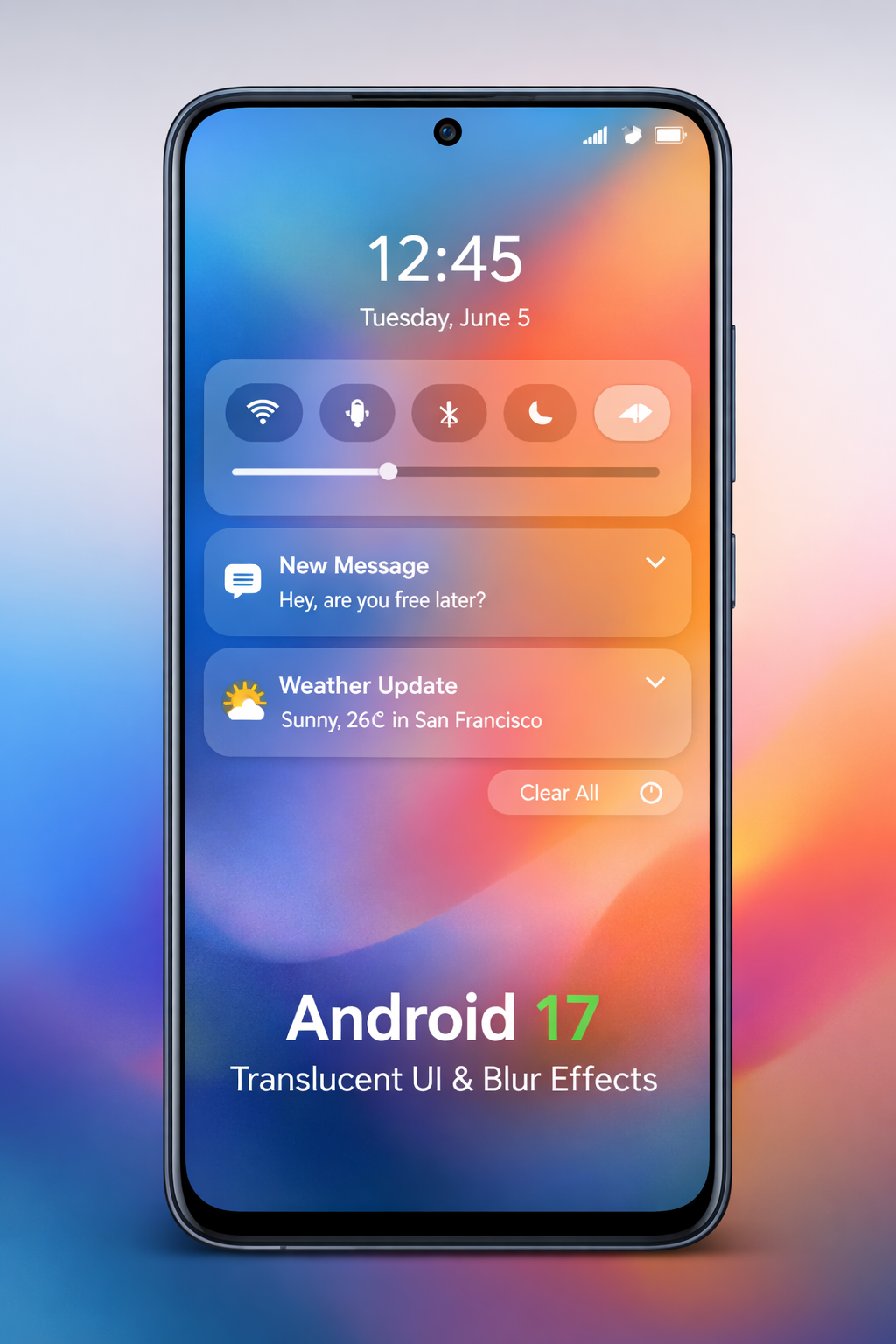
Android 17 Translucent UI & Blur Effects | Liquid Glass Look
Discover Android 17’s new translucent UI with blur effects, inspired by Liquid Glass, delivering a …
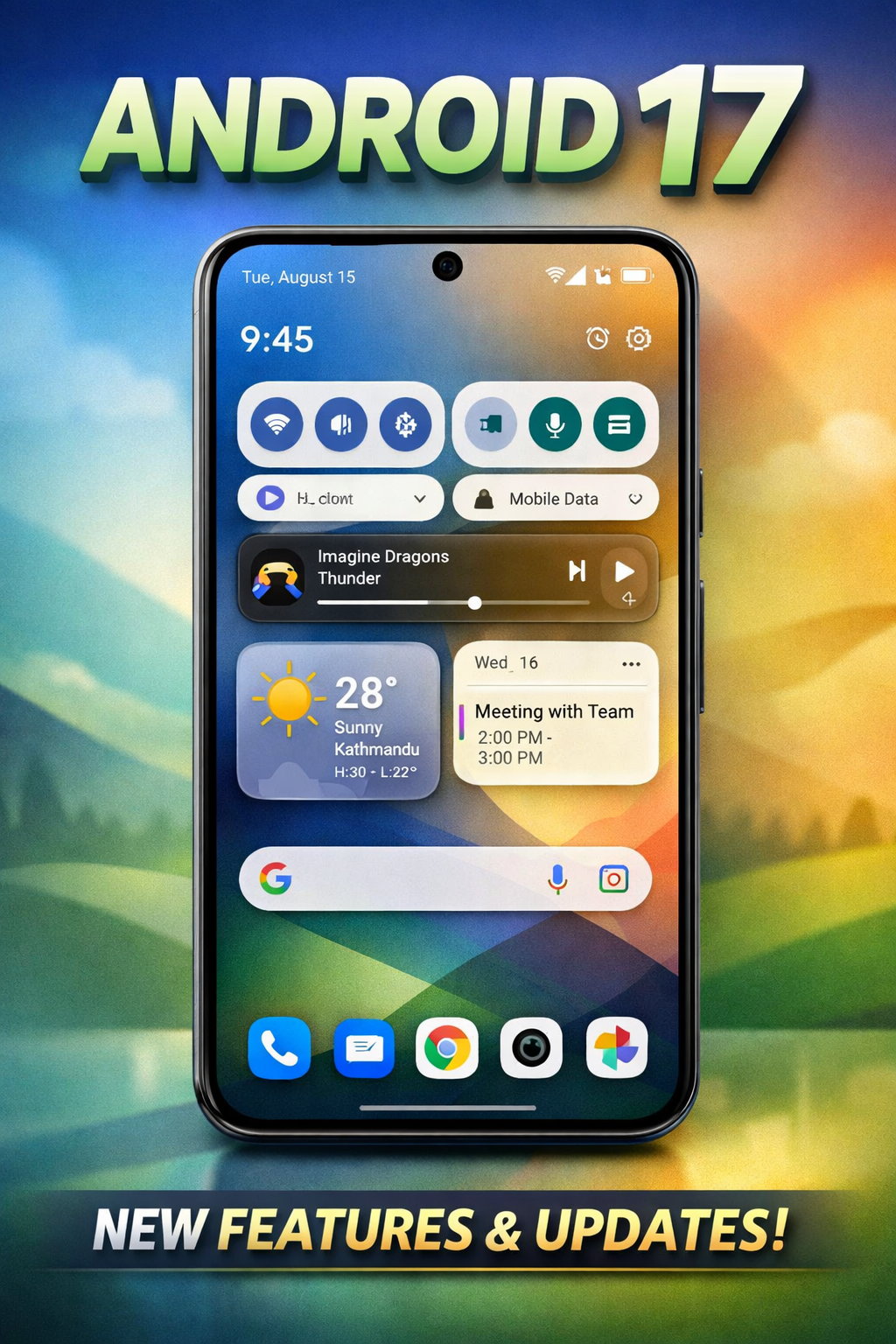
Android 17 Features: Confirmed Updates & What’s Coming Next
Discover all confirmed Android 17 features, expected improvements, and rumored updates like Cinnamo…

Gemini AI on Android: Talking to Phones in 2026
Explore how Google’s Gemini AI will transform Android, enabling more natural voice interactions and…

Android Auto Wavy Progress Bar Update: Enhanced Media Playback Interface
Discover Android Auto’s new wavy progress bar that transforms media playback. See music and podcast…
Android 16 QPR2 Update: Personalization, Smart Notifications & New Features Explained
Explore everything new in the Android 16 QPR2 update, including custom icon shapes, improved dark t…