WhatsApp Update 2025: Voice, Video, AI Features & Desktop Improvements
bmw | Dec. 12, 2025
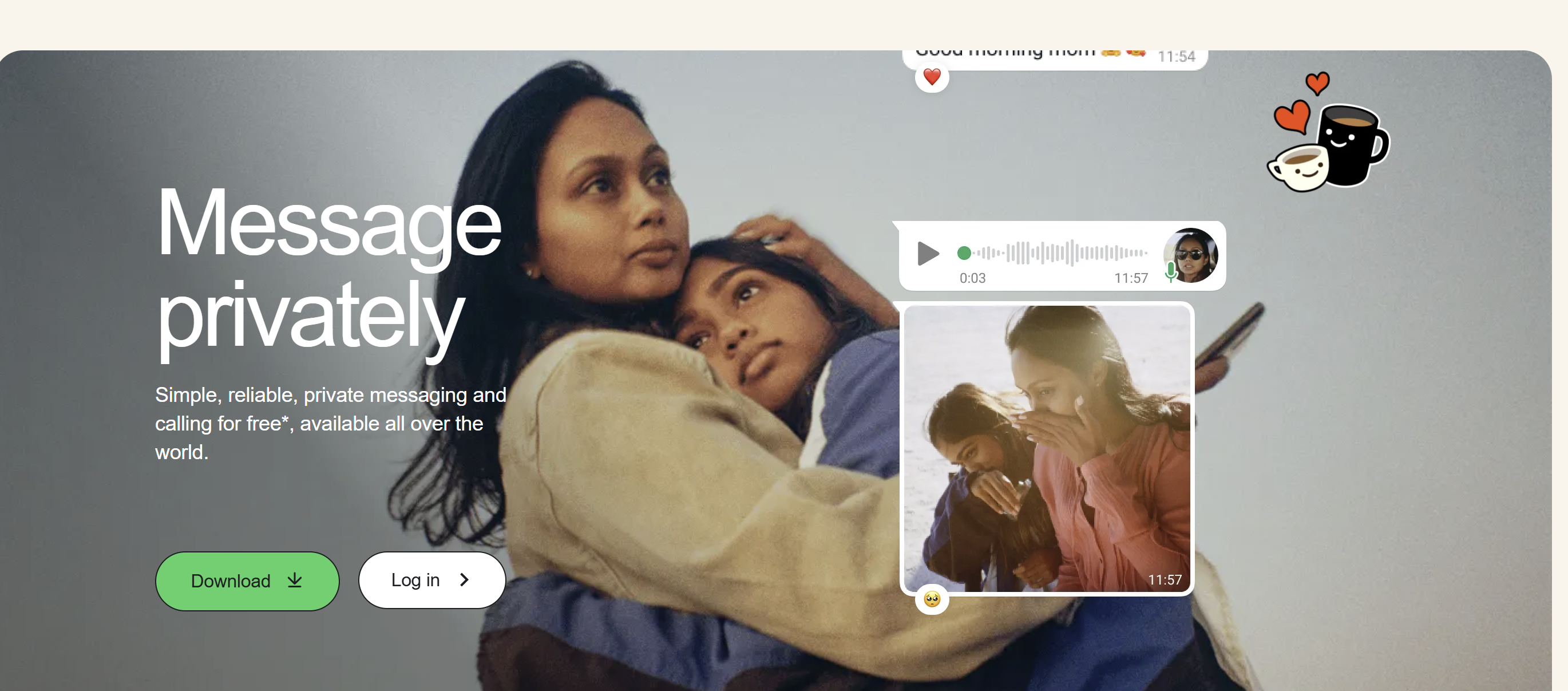
WhatsApp, one of the world’s most widely used messaging platforms, has once again introduced a major update that significantly enhances the way people communicate online. This update focuses on improving voice and video interactions, strengthening its AI-powered creative tools, and refining the desktop messaging experience. With these changes, WhatsApp continues to evolve far beyond a simple chat application, becoming a more dynamic and intelligent communication ecosystem.
One of the most notable additions in this update is the ability to leave a voice or video message directly from the call screen when someone does not answer your call. Previously, users had to return to the chat window to record and send a message, which was often inconvenient and time-consuming. Now, the moment a voice or video call goes unanswered, users can immediately record what they want to say without breaking the flow. This makes missed-call communication much smoother, especially in urgent or time-sensitive situations.
Group communication has also been made more expressive with the introduction of emoji reactions in voice chats. Voice chat environments previously relied solely on spoken responses, which could interrupt the conversation or create unnecessary noise. The new reaction system allows participants to respond silently with simple expressions, adding emotion and participation without disrupting the discussion. This small but thoughtful feature enhances the overall atmosphere of group interactions.
Improvements have also been introduced to video calls, particularly for large groups. WhatsApp now automatically highlights the active speaker, making it easier for participants to follow conversations. In busy video calls where several people are talking, identifying the person speaking can sometimes be confusing. With automatic spotlighting, the platform brings more clarity and structure to digital meetings, personal catch-ups, and collaborative discussions.
Another major highlight of this update is the enhancement of WhatsApp’s AI capabilities. The built-in Meta AI image generator has been upgraded with support from advanced models such as Midjourney and Flux. This gives users the ability to create more detailed, visually appealing AI-generated images that can be used in chats, greetings, and Status posts. Additionally, WhatsApp now allows users to animate their personal photos, turning still images into short motion clips. This opens up new possibilities for creative expression and personalized storytelling within the app.
WhatsApp has also made significant improvements to its desktop and web versions, addressing long-standing pain points for users who rely on computers for communication. A new unified media tab organizes all shared photos, videos, documents, and links in a cleaner, more accessible format. Searching through old content becomes noticeably easier with this feature. The platform has also upgraded link previews to appear cleaner and less cluttered, ensuring that conversations remain visually organized.
Enhancements have been made to Status and Channels as well. Users now have more expressive ways to share updates through interactive stickers, music lyrics, and question prompts. These additions encourage greater engagement and help people communicate their moods and thoughts in more creative ways. Channel administrators can now use question prompts to interact with their audiences more effectively, creating a more conversational environment.
Altogether, this update shows WhatsApp’s ongoing commitment to improving digital communication in meaningful ways. The ability to leave instant voice or video notes after a missed call, the integration of advanced AI image tools, better management of media on desktop, and richer interactive features all contribute to a smoother, more expressive, and more powerful messaging experience. WhatsApp is clearly transitioning from a simple messaging service into a comprehensive communication platform tailored for personal, social, and even professional use.
0 COMMENTS:

WhatsApp Usernames Explained: Risks, Benefits & Scam Warning
Learn how WhatsApp usernames work, why they're replacing phone number sharing, their privacy benefi…

Instagram Encrypted Chats Ending in May 2026 – What Users Should Know
Instagram will remove encrypted chats starting May 8, 2026. Learn why Meta is ending Instagram encr…

TV App Whiplash: Shutdowns, Rebuilds & New Gatekeepers
Explore why TV apps shut down or get rebuilt, and how emerging gatekeepers are reshaping streaming …
X Removes Night Mode Setting: What Happened to Dark Mode Twitter?
X (formerly Twitter) has removed its in-app night mode setting. Dark Mode still exists but now foll…

5 Open Source Apps That Vanished from the Play Store
Several popular open source apps disappeared from the Play Store due to policy and API changes. Her…

Meta Bringing Voice & Video Calls to WhatsApp Web Soon – WhatsApp Web Update 2026
WhatsApp Web is rolling out voice and video calling features, allowing users to make secure calls d…

OpenAI Launches Codex App to Lead the AI Coding Race
OpenAI has launched the Codex desktop app to strengthen its position in the AI coding race, offerin…

Amazon Fire TV Blocks Sideloaded TV Apps – Safe Alternatives & Updates
Amazon Fire TV is now blocking the installation of some sideloaded TV apps. Learn why this change m…

WhatsApp May Let New Group Members See Past Chats – New Feature Tested
WhatsApp is testing a new feature that allows new group members to view recent chat history. Learn …

Substack TV App Launch: Why Many Writers Are Unhappy
Substack is launching a TV app for Apple TV and Google TV. Discover why some writers are unhappy an…