Why Your iPhone Wants You to Update to iOS 26.2.1 – Key Fixes & Features
bigsansar | Jan. 31, 2026
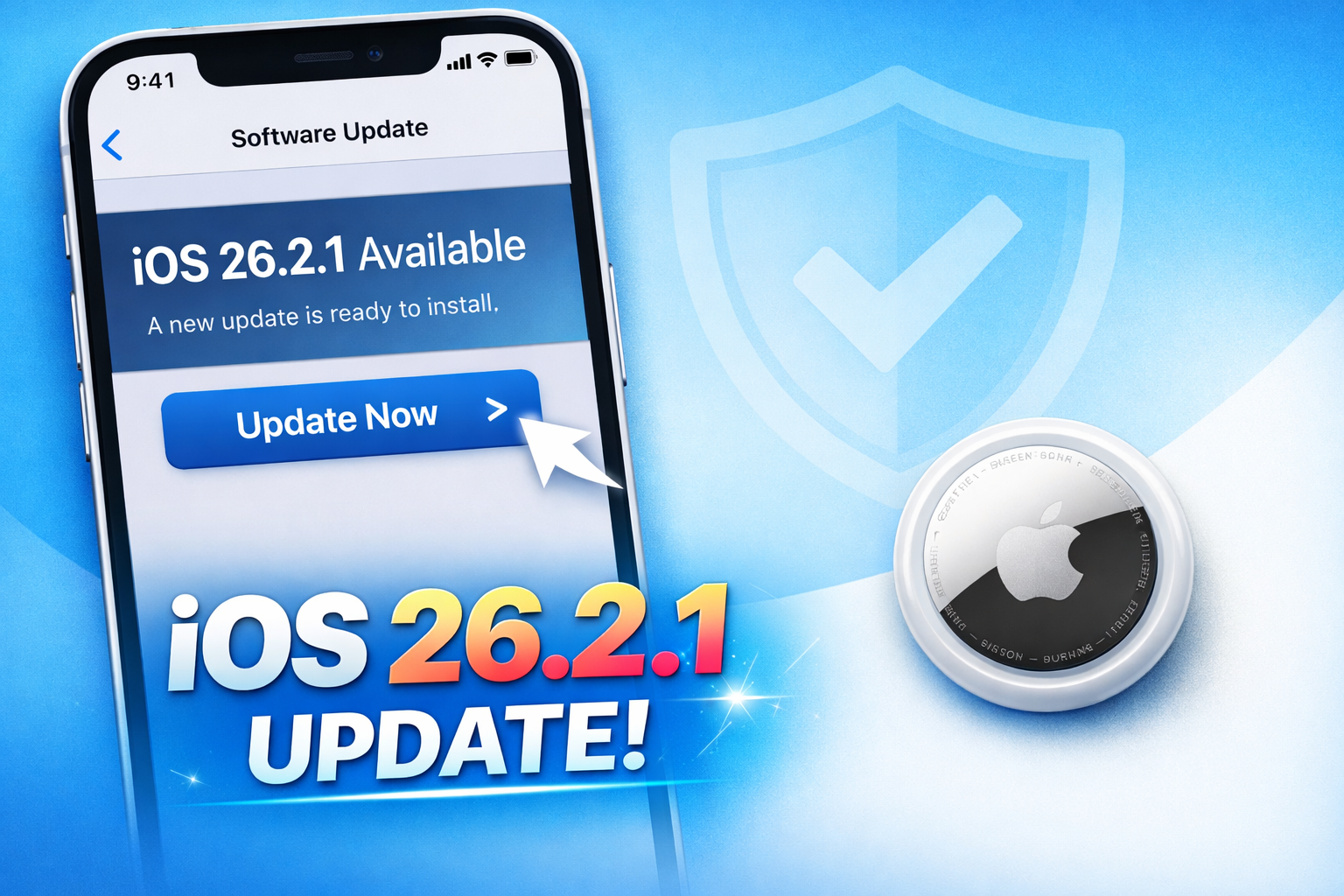
Apple released iOS 26.2.1 in January 2026, and if your iPhone is prompting you to update, there’s a good reason. While this may appear to be a minor update, it brings critical improvements, bug fixes, and device compatibility enhancements that improve the overall performance and usability of your iPhone.
Key Reasons to Update
1. AirTag (2nd Generation) Support
One of the main reasons for this update is support for Apple’s second-generation AirTag (AirTag 2). The new AirTag includes an upgraded Ultra Wideband (UWB) chip that enables Precision Finding with better range and accuracy.
Benefits include:
- Easier tracking of lost items
- Improved Bluetooth connectivity and stronger audio alerts
- Full compatibility with the new AirTag 2 hardware
If you plan to use AirTag 2, updating to iOS 26.2.1 is essential.
2. Bug Fixes and Performance Improvements
While iOS 26.2.1 does not introduce major new features, it addresses minor bugs and system stability issues reported in iOS 26.2.
Key improvements:
- Fixes glitches and app crashes
- Enhances overall system reliability
- Improves device responsiveness
Even without security patches listed in official notes, this update optimizes compatibility across iPhone models and ensures smoother operation.
3. Device Compatibility and Ecosystem Updates
iOS 26.2.1 also improves compatibility across Apple devices, including iPadOS and watchOS updates. For example, the Apple Watch Series 9 and Ultra 2 can now interact seamlessly with AirTag 2 using iOS 26.2.1, enabling a better ecosystem experience.
User Experience
After updating, user feedback has been mixed but generally positive:
- Many report smoother performance and improved stability
- Some experience minor glitches or installation verification delays
- Short-term performance dips can occur due to device indexing after the update
Overall, users agree that iOS 26.2.1 enhances reliability and prepares devices for future hardware.
How to Update
- Open Settings
- Go to General
- Tap Software Update
- Select Download & Install
Ensure your iPhone is connected to Wi-Fi and has sufficient battery before starting the update. The installation typically takes 10–15 minutes.
Even though iOS 26.2.1 is a minor update, it is critical for:
- AirTag 2 support
- Bug fixes and improved system stability
- Better device compatibility across the Apple ecosystem
If your iPhone prompts you to update, it is highly recommended to install it. Skipping the update could limit the functionality of new hardware or minor system improvements.
0 COMMENTS:

iPhone Ultra Price 2026: Apple Foldable Leak, Features & iPhone 18 Pro Impact ExplainediPhone Ultra
iPhone Ultra price leaks suggest Apple’s first foldable iPhone could cost $1,999+. Explore expected…
Apple iPhone 18 Pro Expected to Launch in September 2026: Leaks, Features & Specs
Apple iPhone 18 Pro is expected to debut in September 2026. Discover the latest leaks, rumored A20 …
iOS 26.5 Encrypted RCS Explained: How to Check Secure Messaging on iPhone
iOS 26.5 introduces end-to-end encrypted RCS messaging on iPhone. Learn how it works, how to enable…
iPhone 18 Pro Max Leak: Smaller Dynamic Island Rumors Explained
Apple’s iPhone 18 series, including the iPhone 18 Pro Max, is rumored to feature a smaller Dynamic …

Apple TV App Adds Crunchyroll Channel: What It Means for Users & Streaming Future
Apple TV app has added Crunchyroll as a new channel, allowing users to stream anime directly inside…
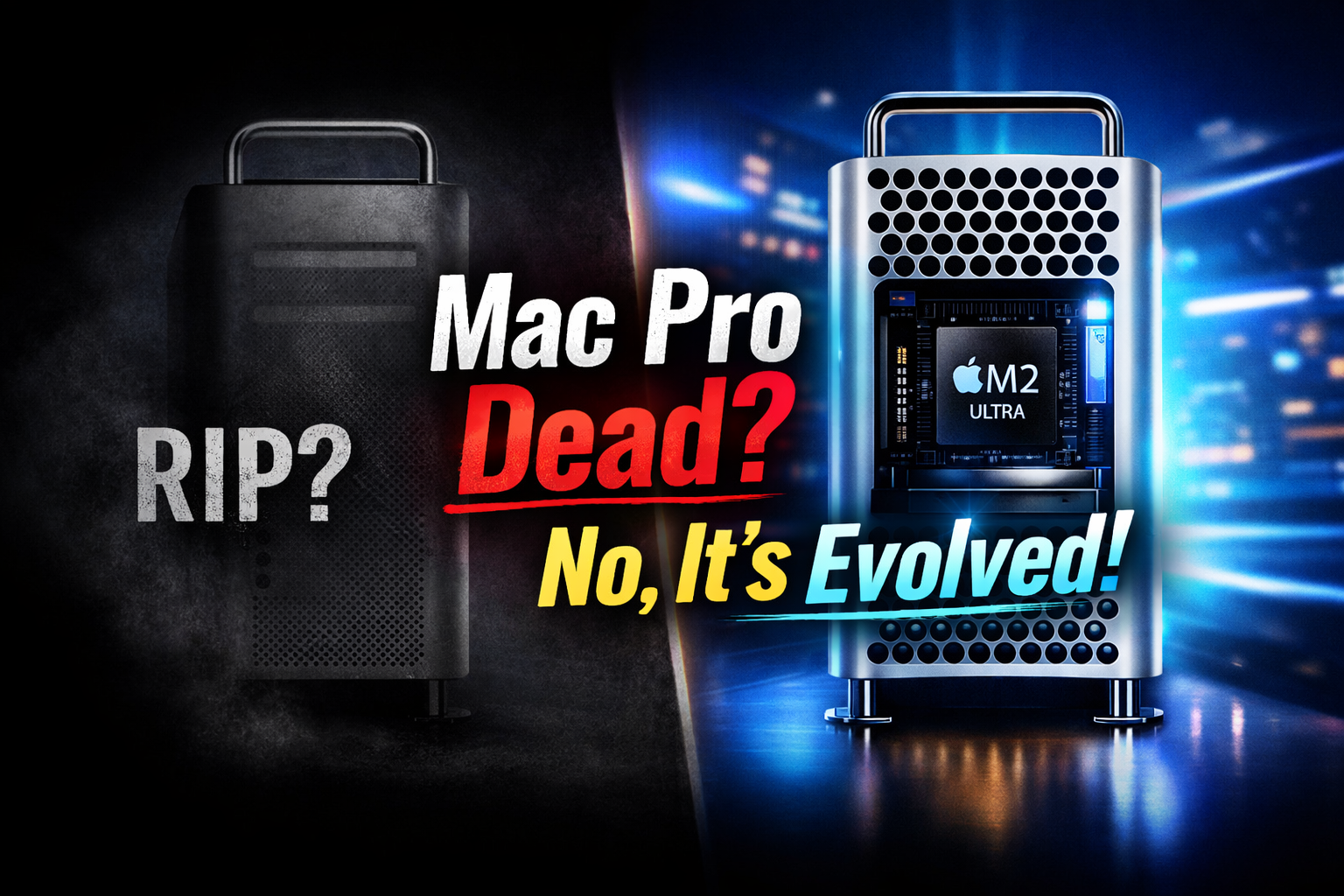
Mac Pro Is Not Dead: Apple’s Tower Computer Transformation Explained (M2 Ultra Update)
Apple has not killed the Mac Pro. The iconic tower computer has evolved with Apple Silicon, now pow…

Apple Offers Up to $400K Bonuses to iPhone Designers Amid OpenAI Talent War
Apple is reportedly offering retention bonuses of up to $400K to iPhone designers as competition wi…

Apple Music Partners with Ticketmaster for Concert Discovery
Discover live concerts effortlessly! Apple Music teams up with Ticketmaster to recommend events bas…
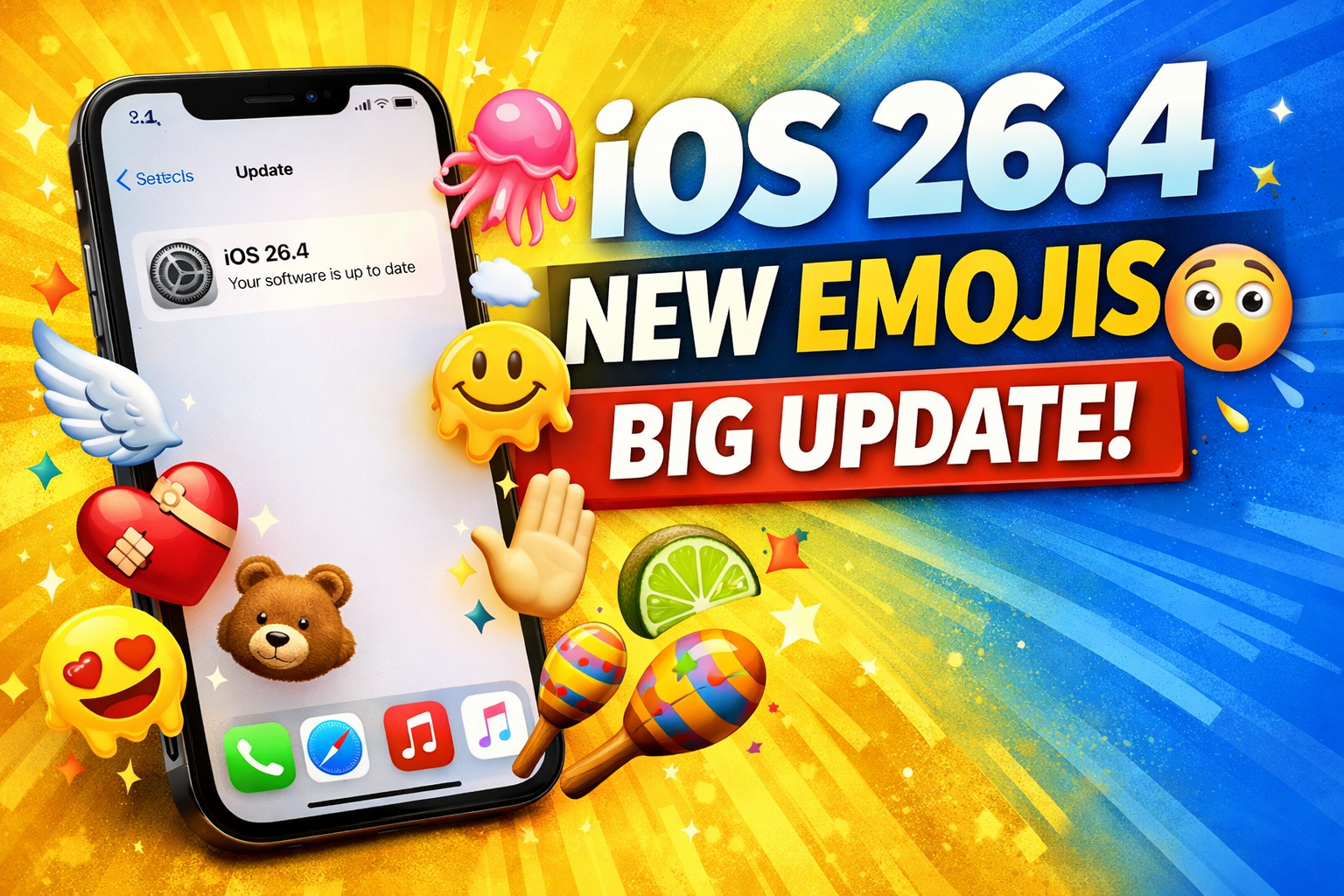
iOS 26.4 New Emojis & Updates: Features, Security Improvements Explained
Discover the latest iOS updates including new emojis, enhanced security features, and performance i…
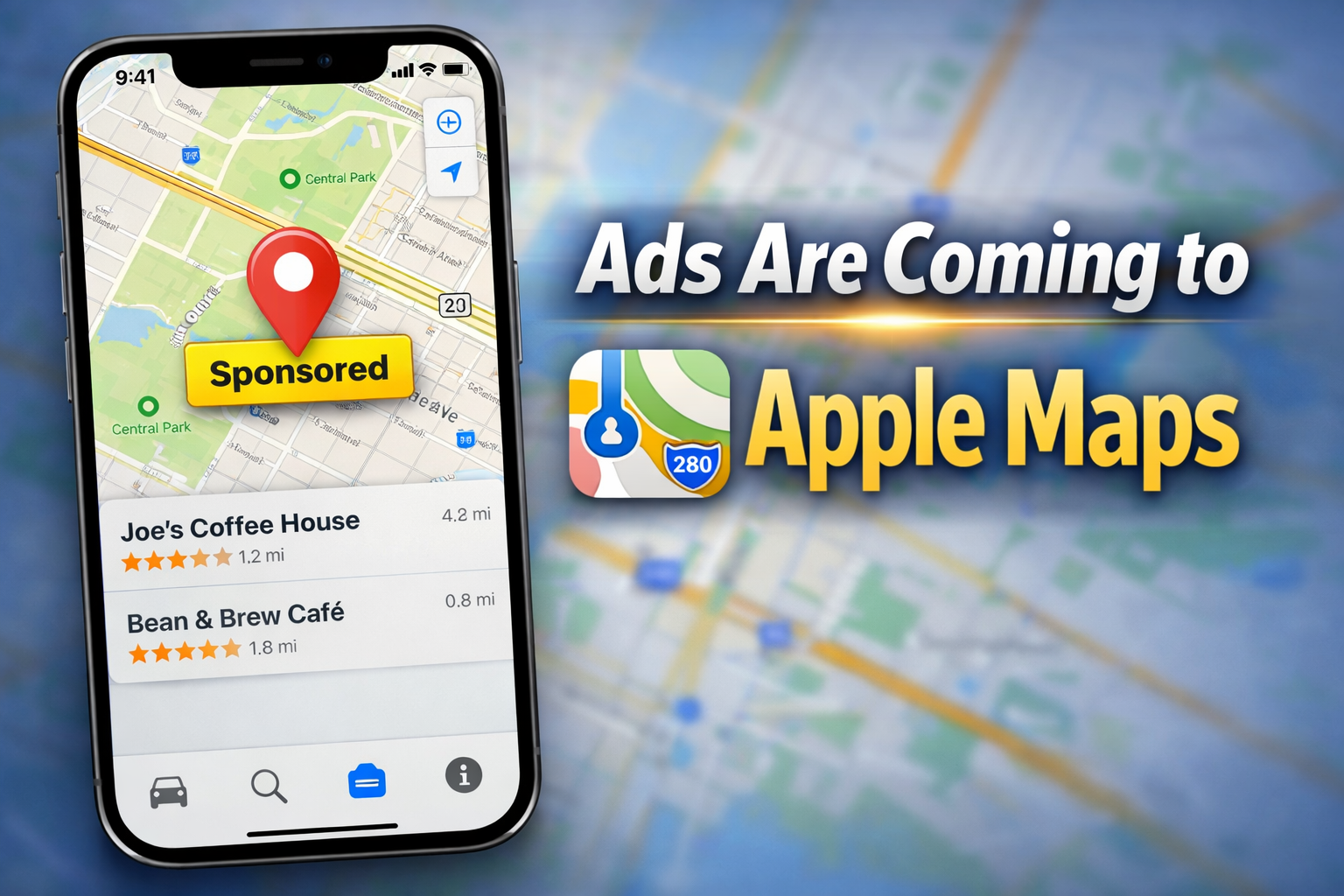
Apple Maps Ads Coming: Apple Expands Services Strategy
Apple is planning to introduce ads in Apple Maps as part of its growing services strategy. Learn ho…