Google Password Manager: Features, Updates & Why It’s Trending in India
bmpokhrel9 | June 23, 2025
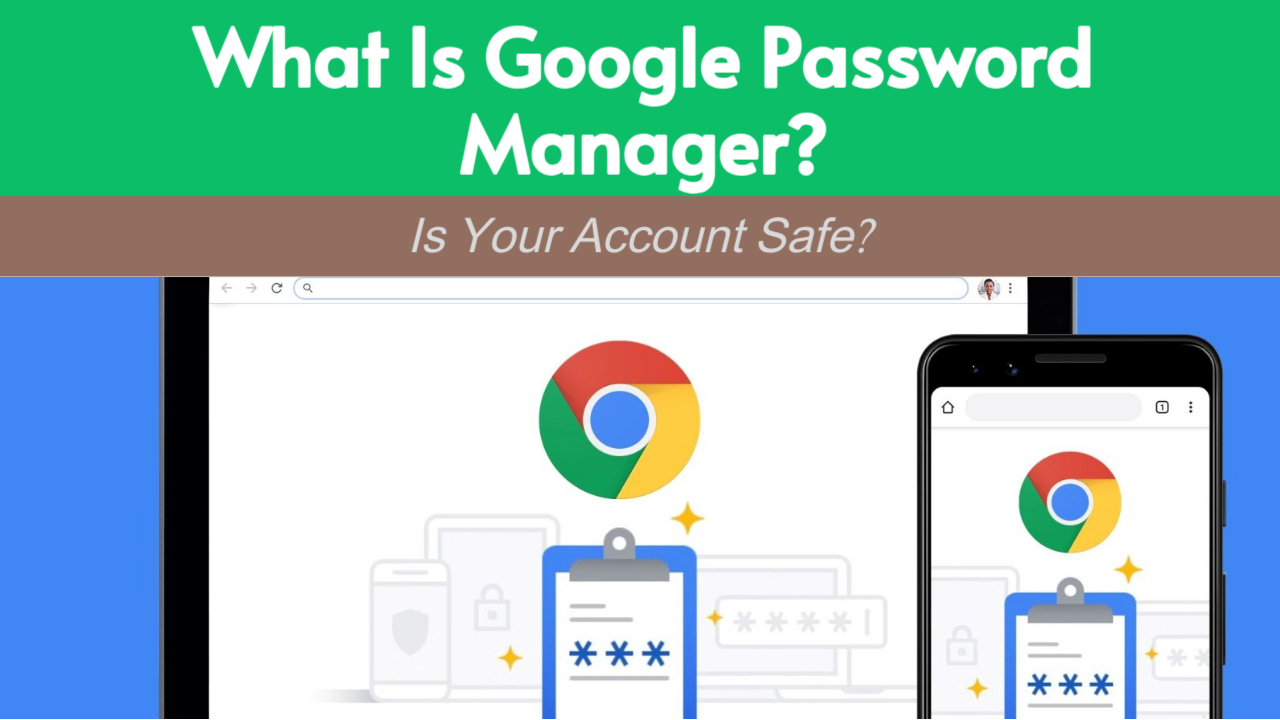
Google Password Manager (GPM) is a complimentary tool built into Chrome, available on Android, and can be accessed via passwords.google.com. It assists users in:
- Saving, autofilling, and generating robust passwords.
- Syncing passwords and passkeys across multiple devices.
- - Ensuring credentials are encrypted and secure through on-device encryption.
Passkeys represent a new innovative login method that substitutes passwords with biometric authentication methods (such as fingerprint or facial recognition) or device screen locks.
Why Is It Trending in India?
In June 2025, Google Password Manager began trending in India for several reasons:
- Google’s new passkey support updates for Android, Windows, and iOS. Security awareness was sparked by the 16-billion-password data breach affecting Apple, Google, and other major platforms.
- Gemini AI’s integration with account protection features, alongside Gmail's smart summary updates, which highlighted account security.
This increased users' awareness of tools like GPM.
Latest Features You Should Know
a. Device-to-Device Sync for Passkeys
Passkeys can now sync securely across devices like Android phones, Windows PCs, and Macs using your screen lock or PIN for verification. ChromeOS support is in beta.
b. Family Sharing (Rollout in India)
Google is now allowing users to share saved passwords with trusted family members (up to 6 people in a Google Family Group). This is currently available on mobile (Android and iOS), with desktop support expected soon.
c. Biometric Unlock on Android
You can now view saved passwords by verifying your fingerprint or device lock screen instead of entering your Google password.
d. CSV Import/Export
Users can now import/export passwords as CSV files directly from their Android devices. Use caution when exporting to avoid accidental exposure.
Security and Limitations
- On-Device Encryption: Your passwords are encrypted on your device and not accessible by Google servers.
- Limited Sharing: Password sharing is restricted to family groups only. No business or cross-account is sharing like in other tools.
- Sync Bugs: Some users reported missing passwords in Chrome version M127—this is being investigated by Google.
- Browser Limitations: Safari and Firefox do not yet support all passkey functionality; it works best with Chrome and Android.
Should You Use It?
| Situation | Recommendation |
|---|---|
| You want a free and simple password manager | Google Password Manager is a good choice |
| You use Android and Chrome primarily | Fully supported with the best experience |
| You need to share passwords with family | Family Sharing is now possible on mobile |
| You want enterprise features, team sharing, or offline vaults | Use dedicated managers like 1Password, Bitwarden, or NordPass |
- Google Password Manager is now more powerful with passkey support, family sharing, and cross-device syncing.
- It’s trending in India due to major security events and updates from Google itself.
- While it's great for personal use, professionals and advanced users may still prefer dedicated alternatives for added control and features.
0 COMMENTS:

Google Play Store Could Soon Get Individual Collection Widgets
Google Play Store is reportedly working on individual widgets for Collections, allowing Android use…

Google Pixel 10 Pro and Pixel 10a Discounts Make Premium Android More Affordable
Google Pixel 10 Pro and Pixel 10a discounts are making premium Android smartphones more affordable.…

Exclusive: Google Pixel 11 Pro Fold CAD Renders Leak – First Look at Google’s Next Foldable
Leaked CAD renders reveal the first look at the Google Pixel 11 Pro Fold. Discover its refined desi…

Google I/O 2026: Dates, AI Updates & Developer Announcements
Discover Google I/O 2026 on May 19–20: AI innovations, Android updates, and developer tools. Live a…

Pixel 10a Leak: 30-Hour Battery, Camera Coach & New Colors Revealed
A leaked Pixel 10a ad claims up to 30-hour battery life, introduces Camera Coach, and reveals new c…
How to Share Live Location Safely on Google Maps (Step-by-Step)
Learn how to share your live location safely using Google Maps. Step-by-step guide for Android and …

Google Crosses $400B Revenue | Cloud AI Driving Growth
Google hits $402B annual revenue for the first time. Discover how Cloud AI and Gemini AI are drivin…
Pixel 6 & Pixel 7 Update Missing? Here’s What’s Happening (2026)
Pixel 6 and Pixel 7 users are reporting missing Google Pixel updates. Learn why updates may be dela…

Google Gemini Tools Update: Explore New Experimental Features
Discover Google’s Gemini AI update! Labs section highlights experimental tools, letting users test …
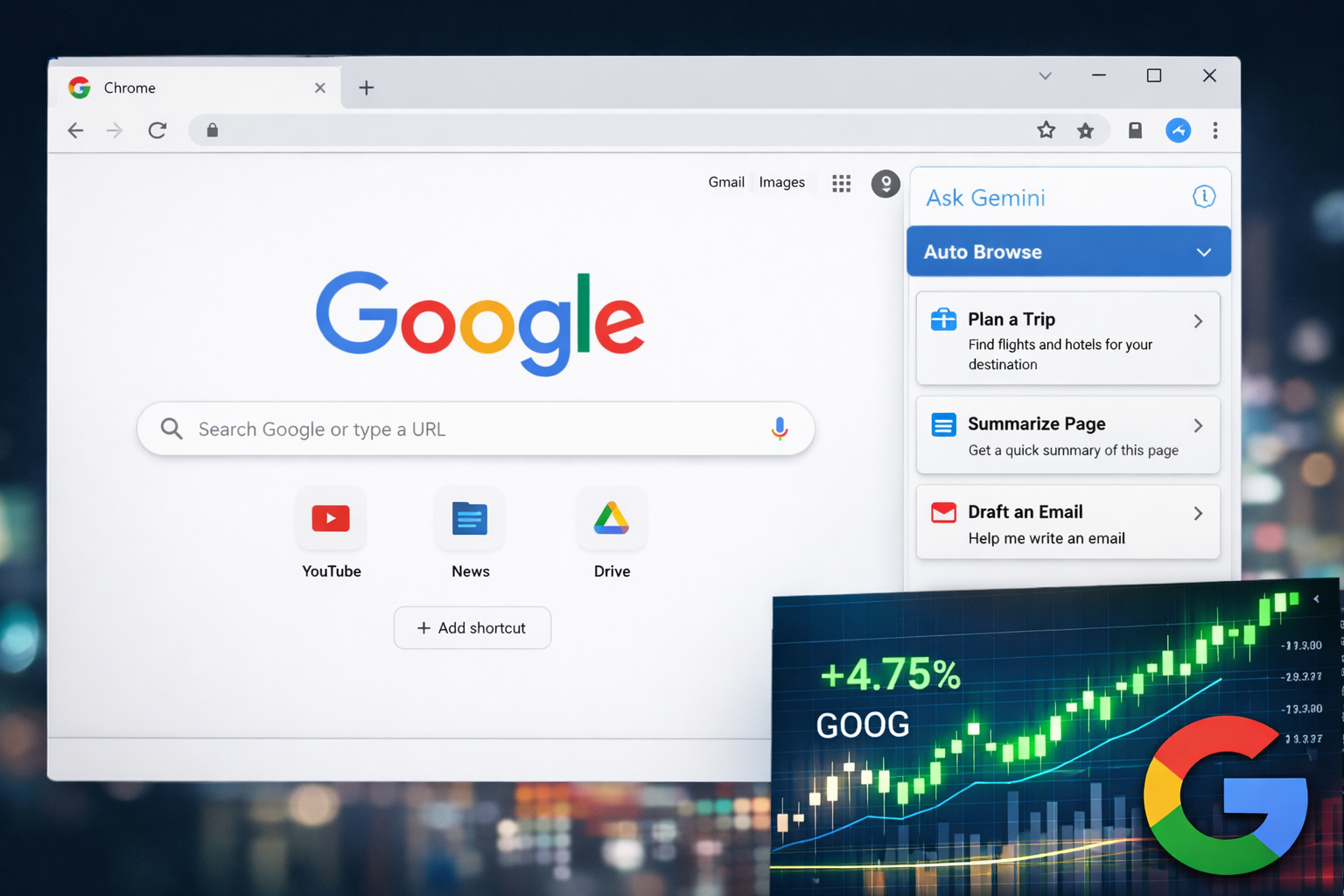
Alphabet (GOOG) Stock Rises as Google Launches AI-Powered Chrome Features
Google Chrome adds AI tools like Auto Browse and Side Panel, boosting productivity and driving Alph…