How to Share Live Location Safely on Google Maps (Step-by-Step)
bigsansar | Feb. 9, 2026
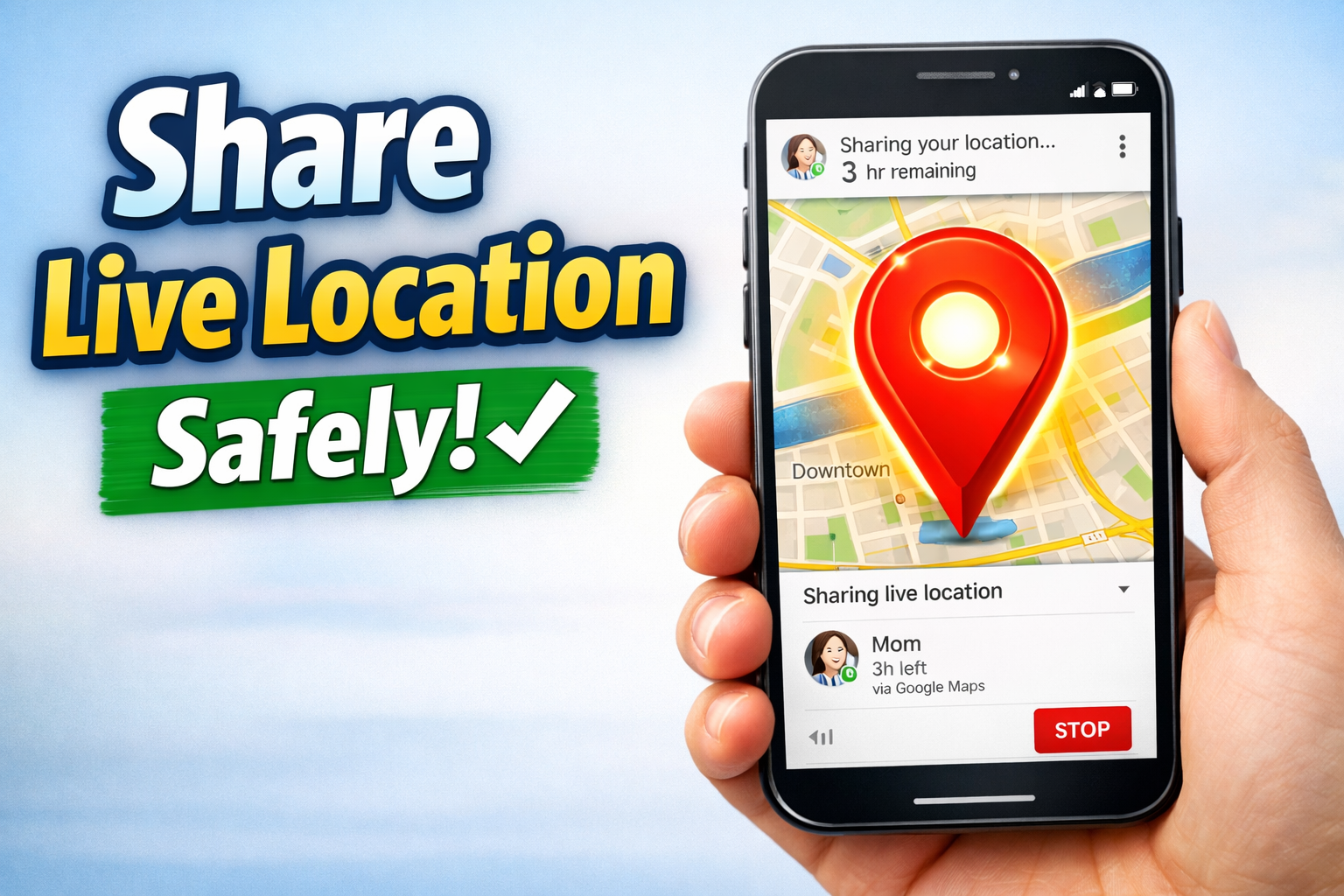
In today’s digital world, the word “live” has become part of our everyday life. We hear it everywhere: live streaming, live updates, live chat. But there is one “live” feature that is often overlooked, even though it can be extremely useful in real life — live location.
Whether you are traveling, returning home late, meeting someone in a new place, or simply trying to stay safe, Google Maps makes it easy to share your real-time location with trusted people.
This article explains how to share live location using Google Maps, why it matters, and the most important safety rules you should follow.
What is Live Location?
Live location is different from sending a normal location pin.
A normal location pin shows where you were at one specific moment.
Live location shows where you are in real time. It updates continuously as you move. This means the person you share it with can see your movement on the map until the sharing time ends or you manually stop it.
Why Live Location is Useful (And Why People Use It)
Live location is not just a “tech feature.” It is a practical safety and convenience tool.
It is especially helpful when:
- You are traveling a long distance
- You are using a taxi or ride service
- You are returning home late at night
- You are meeting friends in an unfamiliar area
- You want family members to know you are safe
- You are in an emergency situation
The biggest benefit is simple: you do not need to keep calling or texting “Where are you?” because the map shows it automatically.
Why Google Maps is a Smart Choice for Live Location Sharing
Many apps support live location sharing, including WhatsApp. However, Google Maps is often considered a better option because it gives you stronger control.
Important advantages of Google Maps include:
- You can choose a fixed time duration for sharing
- You can stop sharing instantly at any moment
- You can check who currently has access to your live location
- You can share via contacts or share a link through other apps
This makes the feature more controlled, safer, and easier to manage.
How to Share Live Location on Google Maps (Step-by-Step)
Sharing your live location on Google Maps is simple and works on both Android and iPhone.
Step 1: Open Google Maps
Open the Google Maps app on your phone.
Step 2: Tap your Profile icon
This is usually located in the top-right corner.
Step 3: Select “Location Sharing”
From the menu, tap “Location sharing.”
Step 4: Tap “Share location”
You will now see the sharing options.
Step 5: Choose a time duration
This is the most important step for safety. You can choose different durations, such as 15 minutes, 1 hour, 2 hours, and more.
Step 6: Select a contact or share a link
You can share directly with a Google contact or copy a link and send it through WhatsApp, Telegram, SMS, or email.
The Most Important Safety Rules (Read This Before Sharing)
Live location is useful, but it is also sensitive. It shows your real-time movement, so it should be handled carefully.
Here are the most important rules:
Rule 1: Avoid “Until you turn this off” whenever possible
This option keeps sharing active until you manually stop it. Many people forget to stop it, which can create a privacy risk.
It is safer to choose a fixed time like 30 minutes or 1 hour.
Rule 2: Share only with trusted people
Live location should never be shared with unknown contacts, random online friends, or public groups.
Treat it like private information.
Rule 3: Stop sharing as soon as you arrive
Even if you selected a time duration, it is still a good habit to stop sharing immediately once your trip is complete.
Rule 4: Check your “Location Sharing” list regularly
Google Maps allows you to see exactly who can currently view your live location.
Make it a habit to check and remove access when needed.
Rule 5: Remember battery and internet usage
Live location uses GPS and the internet continuously.
For long trips, a power bank is strongly recommended.
A Real Example: When Live Location Can Save You Time and Stress
Imagine you are traveling from Kathmandu to Pokhara.
Your family wants to know you are safe, but they do not want to call you repeatedly during your trip.
You can share your live location for 3 hours using Google Maps.
They will be able to see your route and your current position in real time.
Once the selected time ends, sharing stops automatically.
This is one of the simplest and safest ways to stay connected during travel.
How to Stop Live Location Sharing
Stopping live location sharing is quick:
- Open Google Maps
- Tap Profile icon
- Go to Location Sharing
- Select the person you shared with
- Tap Stop
Once stopped, your live location will no longer update for them.
Google Maps live location sharing is one of the most practical “live” features available today. It can improve safety, reduce stress, and make travel easier.
However, the feature should always be used responsibly.
The key safety takeaway is simple:
Always set a time limit.
Only share with trusted people.
Stop sharing when you are done.
If you follow these rules, Google Maps live location sharing becomes a smart, safe, and extremely helpful daily tool.
0 COMMENTS:

Google Play Store Could Soon Get Individual Collection Widgets
Google Play Store is reportedly working on individual widgets for Collections, allowing Android use…

Google Pixel 10 Pro and Pixel 10a Discounts Make Premium Android More Affordable
Google Pixel 10 Pro and Pixel 10a discounts are making premium Android smartphones more affordable.…

Exclusive: Google Pixel 11 Pro Fold CAD Renders Leak – First Look at Google’s Next Foldable
Leaked CAD renders reveal the first look at the Google Pixel 11 Pro Fold. Discover its refined desi…

Google I/O 2026: Dates, AI Updates & Developer Announcements
Discover Google I/O 2026 on May 19–20: AI innovations, Android updates, and developer tools. Live a…
Pixel 10a Leak: 30-Hour Battery, Camera Coach & New Colors Revealed
A leaked Pixel 10a ad claims up to 30-hour battery life, introduces Camera Coach, and reveals new c…
How to Share Live Location Safely on Google Maps (Step-by-Step)
Learn how to share your live location safely using Google Maps. Step-by-step guide for Android and …

Google Crosses $400B Revenue | Cloud AI Driving Growth
Google hits $402B annual revenue for the first time. Discover how Cloud AI and Gemini AI are drivin…
Pixel 6 & Pixel 7 Update Missing? Here’s What’s Happening (2026)
Pixel 6 and Pixel 7 users are reporting missing Google Pixel updates. Learn why updates may be dela…

Google Gemini Tools Update: Explore New Experimental Features
Discover Google’s Gemini AI update! Labs section highlights experimental tools, letting users test …
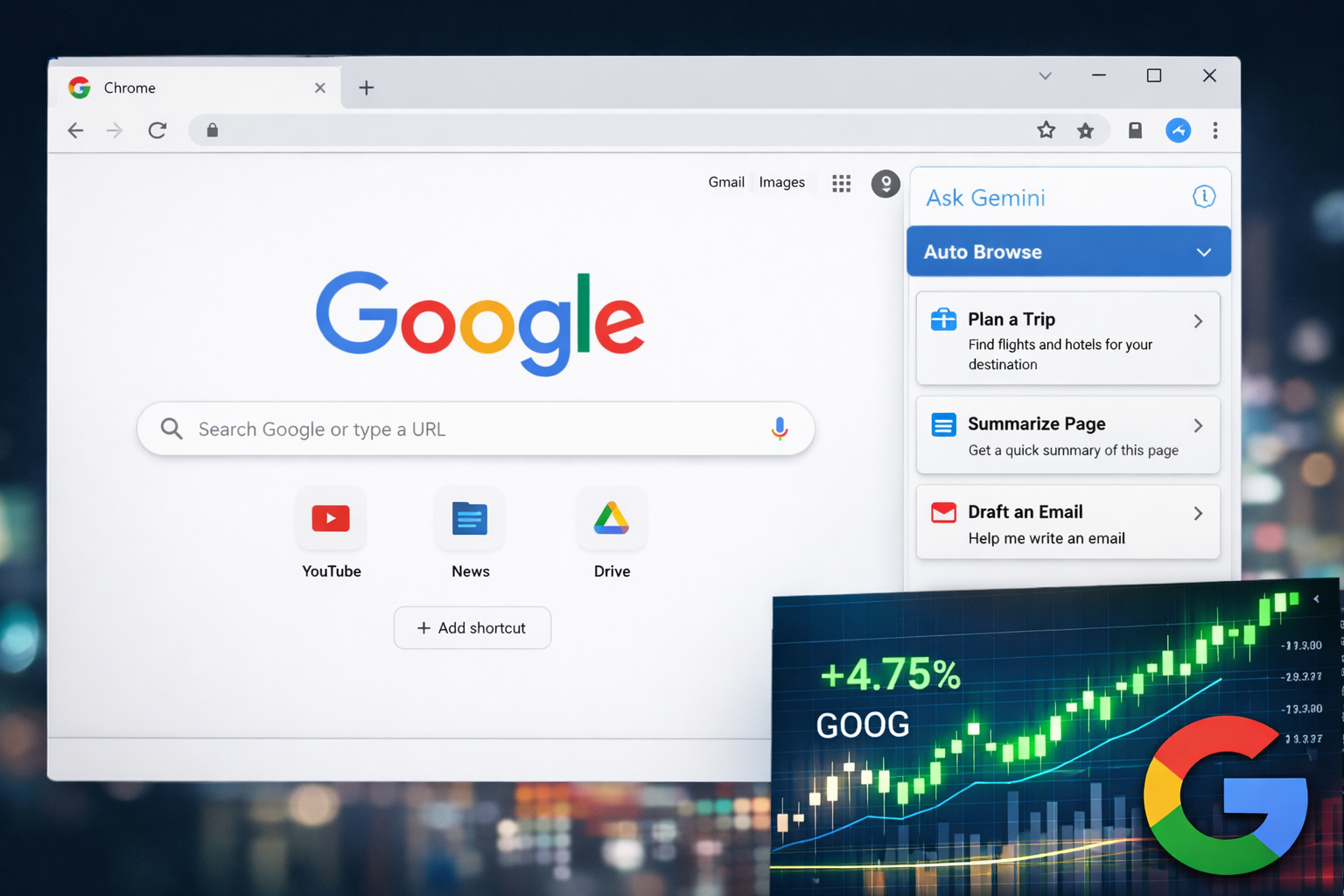
Alphabet (GOOG) Stock Rises as Google Launches AI-Powered Chrome Features
Google Chrome adds AI tools like Auto Browse and Side Panel, boosting productivity and driving Alph…