Pixel 6 & Pixel 7 Update Missing? Here’s What’s Happening (2026)
bigsansar | Feb. 5, 2026
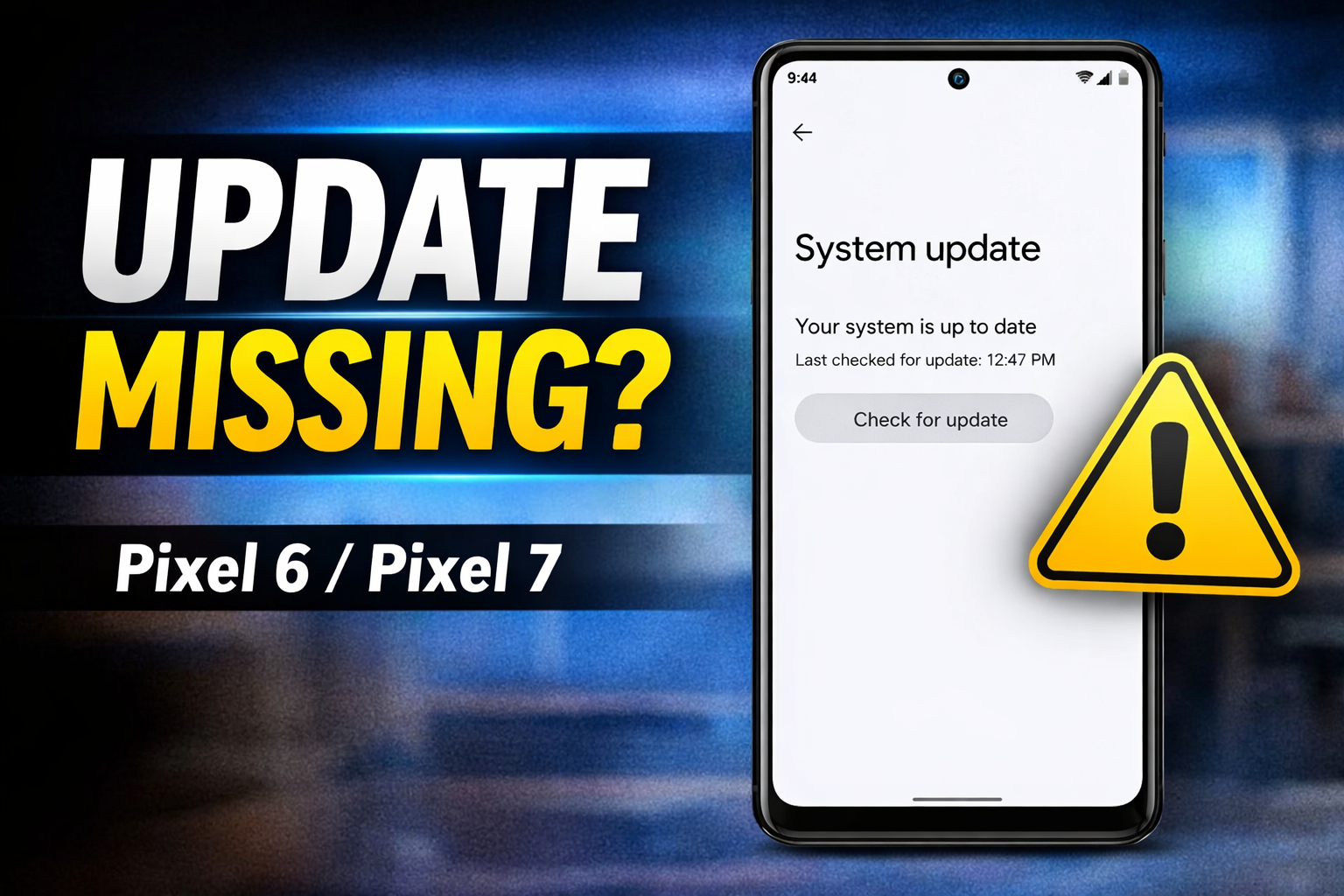
Google Pixel phones are known for receiving Android updates faster than almost any other Android brand. For Pixel 6 and Pixel 7 users, monthly security updates have always been something people expect to arrive regularly, usually at the beginning of each month.
However, many users have recently noticed something unusual: the latest Google Pixel update is not showing up. In some cases, Pixel 6 and Pixel 7 phones appear to be skipping monthly updates entirely, or receiving them much later than expected.
This has raised a common concern among users: Is something wrong with the phone, or is Google slowly ending support for these models?
The reality is more complicated, but the good news is this: most of the time, your phone is not broken, and Google has not stopped supporting Pixel 6 and Pixel 7.
What Is Actually Happening With Pixel 6 and Pixel 7 Updates?
Based on recent reporting and the update pattern observed by many users, it appears that Google may be changing how updates are delivered for older Pixel models.
The most important point to understand is this:
Pixel 6 and Pixel 7 devices are still supported, but their update schedule may no longer look “monthly” in the way it used to.
Instead, these phones may now be receiving updates in larger bundles, sometimes on a quarterly-like pattern, rather than small monthly patches.
Why Your Google Pixel Update May Be Missing
1. Google does not roll out updates to everyone at once
Even when Google officially releases an update, it often rolls it out in phases. This means:
- Some users receive the update on day one
- Others may get it after a few days
- Some regions and device variants receive it later
A delayed update does not automatically mean your phone has a problem.
2. Pixel 6 and Pixel 7 may be moving away from monthly updates
This is one of the biggest reasons users are confused right now.
For years, Pixel updates were extremely predictable. But recently, Pixel 6 and Pixel 7 devices have shown signs of receiving fewer monthly patches, and instead getting:
- larger updates
- bundled fixes
- Security improvements are delivered less frequently
This creates the impression that the update is “missing,” when in reality, Google may be adjusting the update cadence.
This does not mean Google has ended support. It means the delivery method appears to be changing.
3. Google sometimes pauses updates because of bugs
Another major reason updates can disappear is when Google discovers a serious issue during rollout.
For example, updates may be paused if users report problems such as:
- battery drain
- overheating
- network or Wi-Fi instability
- camera issues
- fingerprint sensor bugs
When this happens, Google may stop the rollout temporarily and later release a corrected build.
This is a normal safety practice and has happened before.
4. Carrier and region-based delays (especially outside the US)
In many countries, including Nepal and other Asian markets, Pixel phones are often imported from different regions. Because of this, update delivery can vary depending on:
- your phone’s region variant
- your SIM/network configuration
- carrier-level update approvals
As a result, a Pixel phone may show “up to date” even when other users already received the update.
What You Should Do If Your Pixel 6 or Pixel 7 Has No Update
If you are not seeing the update, these are the safest steps to follow.
Step 1: Check manually
Go to:
Settings → System → System update → Check for update
Sometimes the update appears only after a manual check.
Step 2: Restart your phone
A restart can refresh Google services and update checks.
Step 3: Use stable Wi-Fi
Updates often appear faster and download more reliably over Wi-Fi.
Step 4: Wait a few days
Because updates are phased, it can take anywhere from 2 to 7 days for some users to receive the same update.
In most cases, waiting is the best option.
Should You Install the Update Manually?
Some advanced users use methods like:
- OTA sideloading
- factory images
But for normal users, manual installation is not recommended.
The reason is simple:
If you flash the wrong file or make a mistake, it can cause boot problems, data loss, or installation failure.
Unless you are confident and experienced, it is safer to wait for the official update.
The Big Question: Is Google Ending Support for Pixel 6 and Pixel 7?
No.
Pixel 6 and Pixel 7 devices are still within their official support period. The issue is not support being removed, but rather:
Google’s update strategy for older devices may be changing.
Newer Pixel devices often get priority in monthly rollouts, while older devices may receive updates less frequently, but still receive security and stability improvements.
If your Pixel 6 or Pixel 7 is missing a Google Pixel update, it does not mean your phone is damaged. It also does not automatically mean Google has ended support.
The most likely explanation is one of the following:
- Google is rolling out the update in phases
- Your region or carrier is causing delays
- Google paused the update due to a bug
- Pixel 6 and Pixel 7 are receiving updates less frequently than before
The best approach is simple:
Check manually, stay on Wi-Fi, and wait a few days.
Your update will arrive.
0 COMMENTS:

Google Play Store Could Soon Get Individual Collection Widgets
Google Play Store is reportedly working on individual widgets for Collections, allowing Android use…

Google Pixel 10 Pro and Pixel 10a Discounts Make Premium Android More Affordable
Google Pixel 10 Pro and Pixel 10a discounts are making premium Android smartphones more affordable.…

Exclusive: Google Pixel 11 Pro Fold CAD Renders Leak – First Look at Google’s Next Foldable
Leaked CAD renders reveal the first look at the Google Pixel 11 Pro Fold. Discover its refined desi…

Google I/O 2026: Dates, AI Updates & Developer Announcements
Discover Google I/O 2026 on May 19–20: AI innovations, Android updates, and developer tools. Live a…
Pixel 10a Leak: 30-Hour Battery, Camera Coach & New Colors Revealed
A leaked Pixel 10a ad claims up to 30-hour battery life, introduces Camera Coach, and reveals new c…
How to Share Live Location Safely on Google Maps (Step-by-Step)
Learn how to share your live location safely using Google Maps. Step-by-step guide for Android and …

Google Crosses $400B Revenue | Cloud AI Driving Growth
Google hits $402B annual revenue for the first time. Discover how Cloud AI and Gemini AI are drivin…
Pixel 6 & Pixel 7 Update Missing? Here’s What’s Happening (2026)
Pixel 6 and Pixel 7 users are reporting missing Google Pixel updates. Learn why updates may be dela…

Google Gemini Tools Update: Explore New Experimental Features
Discover Google’s Gemini AI update! Labs section highlights experimental tools, letting users test …
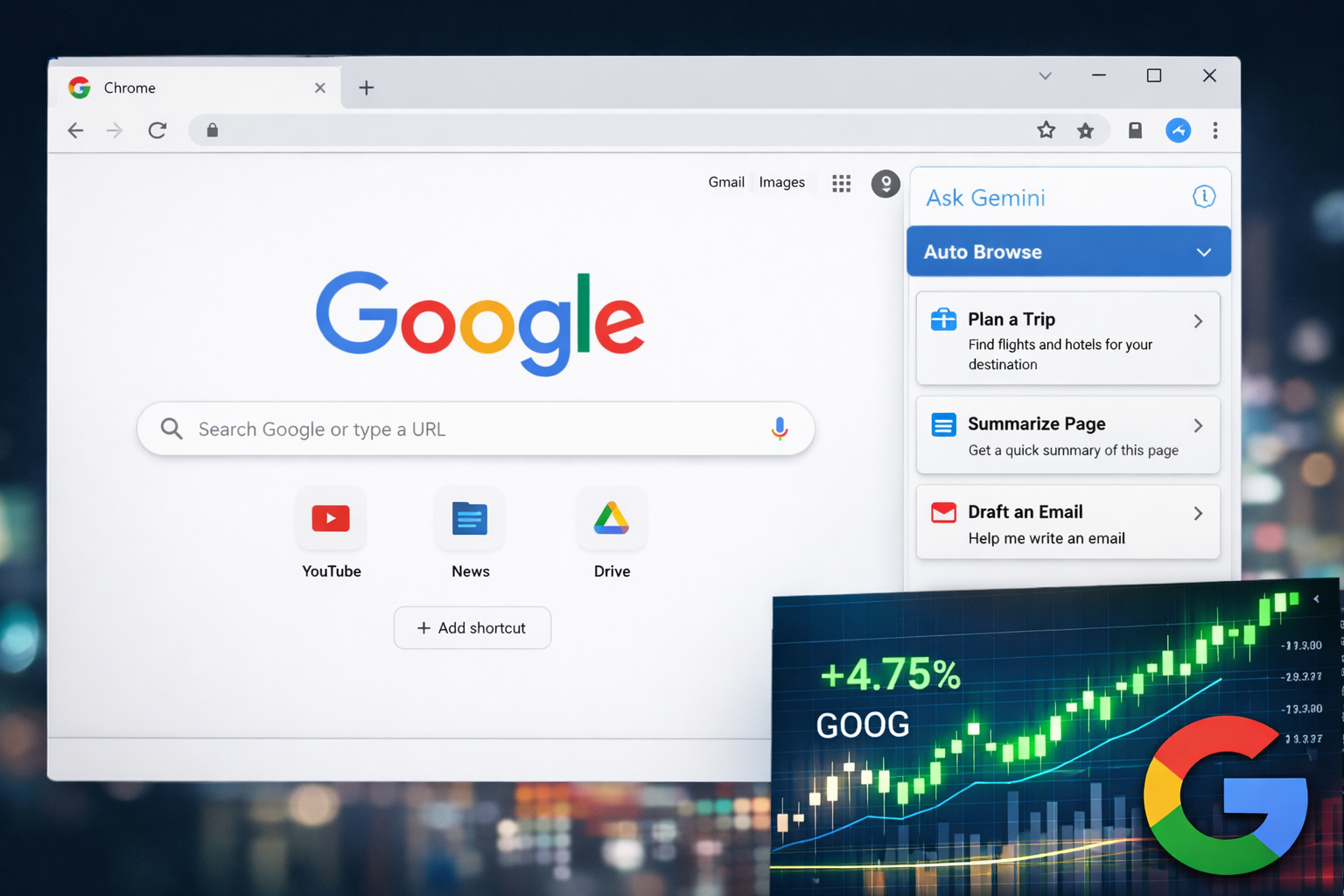
Alphabet (GOOG) Stock Rises as Google Launches AI-Powered Chrome Features
Google Chrome adds AI tools like Auto Browse and Side Panel, boosting productivity and driving Alph…