Build Nepali Calendar App with Python KivyMD | Android & Windows Guide
bigsansar | March 10, 2026
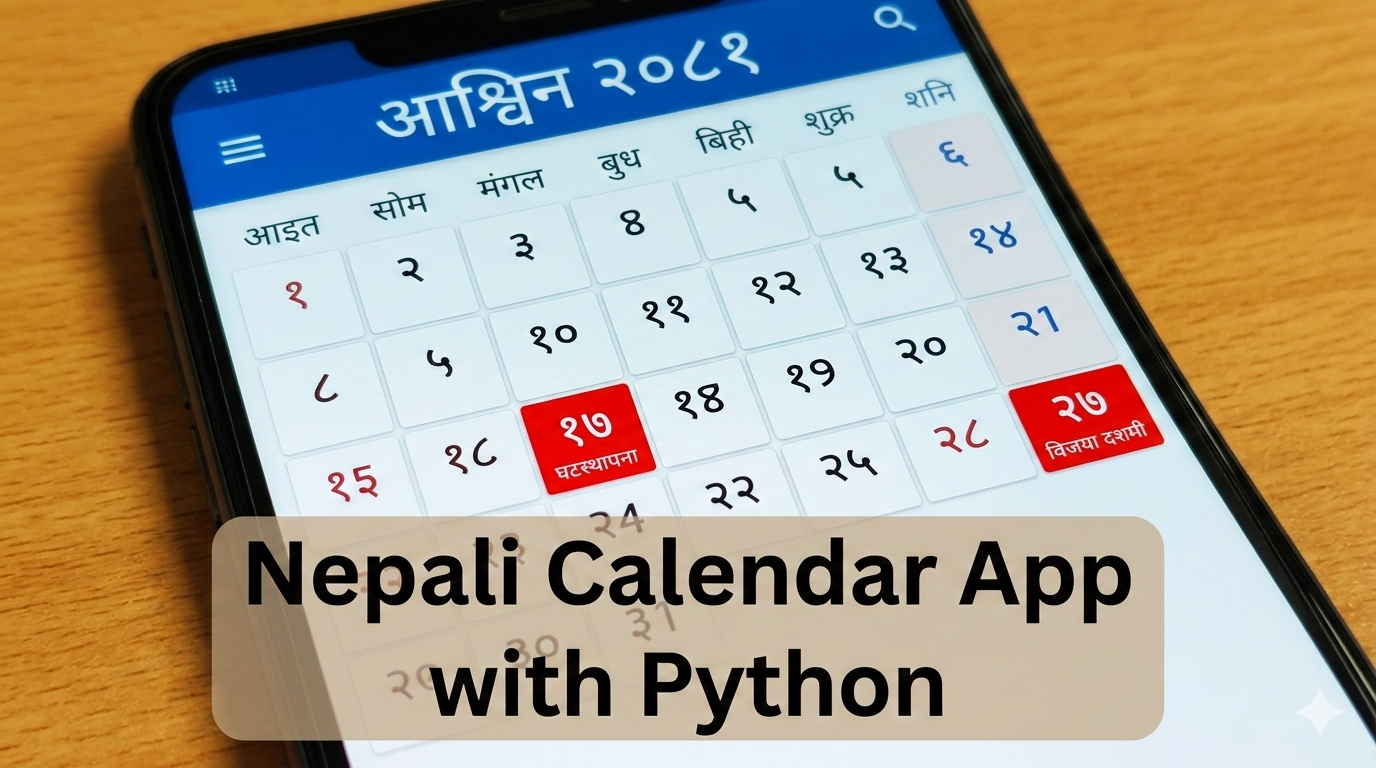
In Nepal, Nepali Calendars like Hamro Patro are widely used for managing daily tasks, festivals, and public holidays. If you are a Python developer and want to build a cross-platform Nepali calendar app that runs on Android, Windows, and optionally iOS, KivyMD is the most practical choice.
Why Use KivyMD?
KivyMD is an extension of Kivy that supports Material Design and modern widgets.
Key Highlights:
- Modern UI: Professional and attractive design
- Cross-platform: Works on Android and Windows; iOS possible but more complex
- Rich widgets: Many built-in components for faster development
- Events/holidays: Easy to implement
- Python-friendly: No need to learn a new language
For Python users, KivyMD is the ideal solution if you want cross-platform compatibility without switching to Dart or Flutter.
Step 1: Project Setup
- Install Python 3.10+.
- Install KivyMD:
pip install kivymd3. Create project folder structure:
nepali_calendar_kivymd/
├── main.py
├── calendar_data.py
└── utils.py
Step 2: Nepali Number Helper (utils.py)
def to_nepali(num):
    nep = "०१२३४५६७८९"
    return "".join(nep[int(i)] for i in str(num))
Important: Converts all numbers into Nepali digits for display in the calendar.
Step 3: Calendar Data (calendar_data.py)
CALENDAR = {
    2081: {
        1: {"name": "बैशाख", "days": 31, "start_day": 0,
            "events": {1: "New Year", 15: "Pashupatinath Festival", 30: "Ganesh Puja"}},
        2: {"name": "जेठ", "days": 32, "start_day": 3,
            "events": {15: "Republic Day"}}
        # Add other months as needed
    }
}
Fact Check Highlights:
start_dayis 0 for Sunday, 6 for Saturday.eventsdictionary stores day-specific festivals or holidays.
Step 4: Main App (main.py)
from kivymd.app import MDApp
from kivy.lang import Builder
from kivy.uix.label import Label
from calendar_data import CALENDAR
from utils import to_nepali

KV = '''
BoxLayout:
    orientation: 'vertical'
    padding: 10
    spacing: 10

    MDBoxLayout:
        size_hint_y: None
        height: 50

        MDIconButton:
            icon: "chevron-left"
            on_release: app.prev_month()

        MDLabel:
            id: title
            text: ""
            halign: "center"
            font_style: "H5"

        MDIconButton:
            icon: "chevron-right"
            on_release: app.next_month()

    GridLayout:
        id: calendar_grid
        cols: 7
        row_default_height: 40
        row_force_default: True
        spacing: 5
'''

DAYS = ["Sun", "Mon", "Tue", "Wed", "Thu", "Fri", "Sat"]

class NepaliCalendarApp(MDApp):
    def build(self):
        self.year = 2081
        self.month = 1
        self.root = Builder.load_string(KV)
        self.load_calendar()
        return self.root

    def load_calendar(self):
        grid = self.root.ids.calendar_grid
        grid.clear_widgets()
        data = CALENDAR[self.year][self.month]
        self.root.ids.title.text = f"{to_nepali(self.year)} Year {data['name']}"

        # Add weekday headers
        for d in DAYS:
            grid.add_widget(Label(text=d, bold=True))

        day = 1
        # Empty cells for start_day
        for _ in range(data["start_day"]):
            grid.add_widget(Label(text=""))

        # Fill days
        while day <= data["days"]:
            if day in data.get("events", {}):
                lbl = Label(text=to_nepali(day), bold=True, color=(1,0,0,1))  # Highlight events in red
            else:
                lbl = Label(text=to_nepali(day))
            grid.add_widget(lbl)
            day += 1

    def prev_month(self):
        self.month -= 1
        if self.month < 1:
            self.month = 12
            self.year -= 1
        self.load_calendar()

    def next_month(self):
        self.month += 1
        if self.month > 12:
            self.month = 1
            self.year += 1
        self.load_calendar()

NepaliCalendarApp().run()
Important Facts:
- Festivals/events are displayed in red.
- Month navigation is done via left/right arrows.
- Weekdays and dates are aligned in a grid layout.
- KivyMD provides Material Design UI for a modern look.
Step 5: Run the App
python main.py
After running:
- The top bar shows the current Nepali month and year.
- The grid shows weekdays and Nepali dates.
- Red numbers indicate festivals or public holidays.
Advantages of This Approach
- ✅ Python-friendly: No need to learn another language
- ✅ Cross-platform: Android + Windows compatible, iOS optional
- ✅ Nepali digits and festival support
- ✅ Modern Material Design UI
- ✅ Extendable: Can add features like pop-up info, today highlight, event list
For Python developers, KivyMD is the most practical way to create a Nepali Calendar app compatible with Android and Windows. It supports Nepali digits, festivals/events, modern UI, and is easy to extend.
0 COMMENTS:
How to Create an Internal Android WebView in KivyMD Using Pyjnius
Learn how to create an internal Android WebView in KivyMD using pyjnius. This complete tutorial exp…
KivyMD Blog List Reload Issue Fix | Prevent Repeated API Calls Using Cache
Learn how to fix Blog List reloading issue in KivyMD when navigating back from details screen. Unde…
Git & GitHub Complete Tutorial 2026 | Learn Version Control for Beginners
Learn Git and GitHub step-by-step in this complete guide. Understand version control, branching, me…

What is %(source.dir) in Buildozer? Complete Guide for Beginners
Learn what %(source.dir) means in Buildozer and how to use it correctly. Avoid path errors and make…
Fix WSA Play Store Crash on Windows 11 (Google Play Store Closing Issue Solved)
Google Play Store closing immediately in WSA on Windows 11? Learn why it happens and how to fix it …

Fix Kivy App Crash on Android (Loading Screen Closes) – Buildozer Guide
If your Kivy or KivyMD app installs but closes after showing a loading screen, this guide explains …

VS Code .env Not Working? Fix “Environment Injection Disabled” Warning Easily
Learn why the “.env environment injection disabled” warning appears in Visual Studio Code and how t…
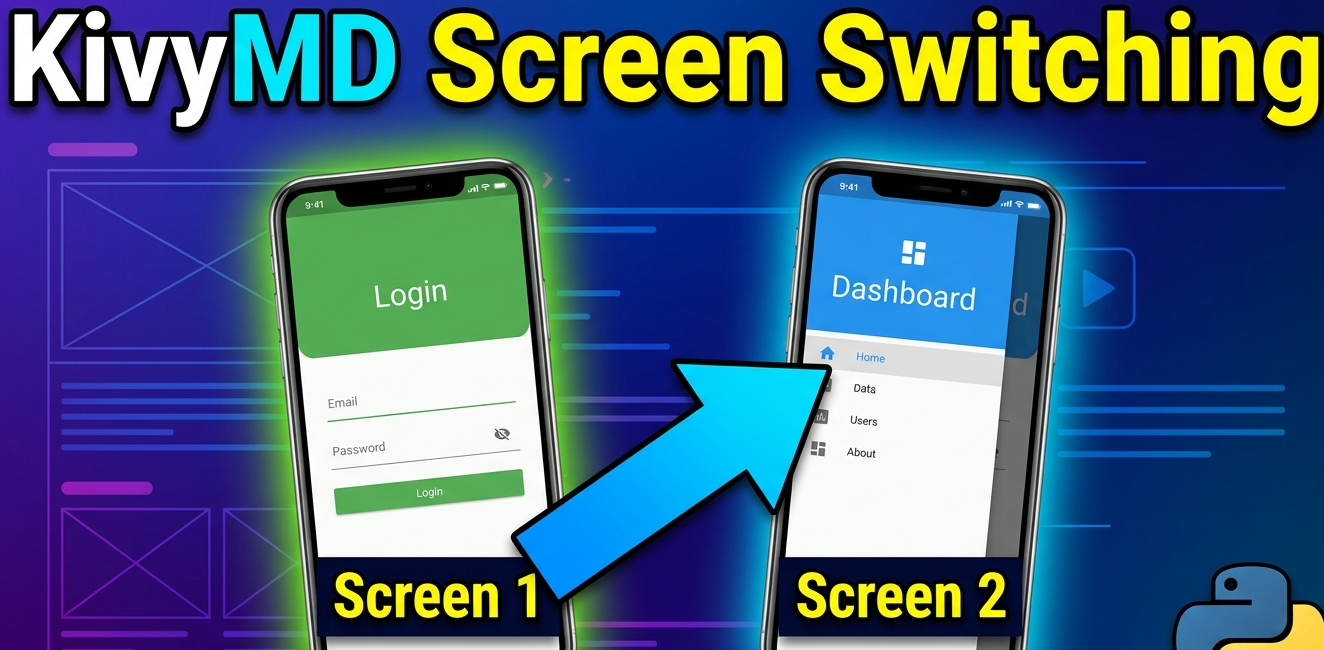
KivyMD MDScreen vs ScreenManager Explained | Screen Switching Guide (Python)
Learn how to use MDScreen and ScreenManager in KivyMD to build multi-screen Python apps. Understand…
Professional Windows EXE Download Page | Script-Free HTML & CSS Design
Learn how to create a professional Windows EXE download page using only HTML and CSS. Script-free, …
Build Nepali Calendar App with Python KivyMD | Android & Windows Guide
Learn how to create a Hamro Patro-style Nepali Calendar app using Python and KivyMD. Step-by-step g…