Fix Blinking Cursor on Black Screen – PC Won’t Boot
bigsansar | March 10, 2026
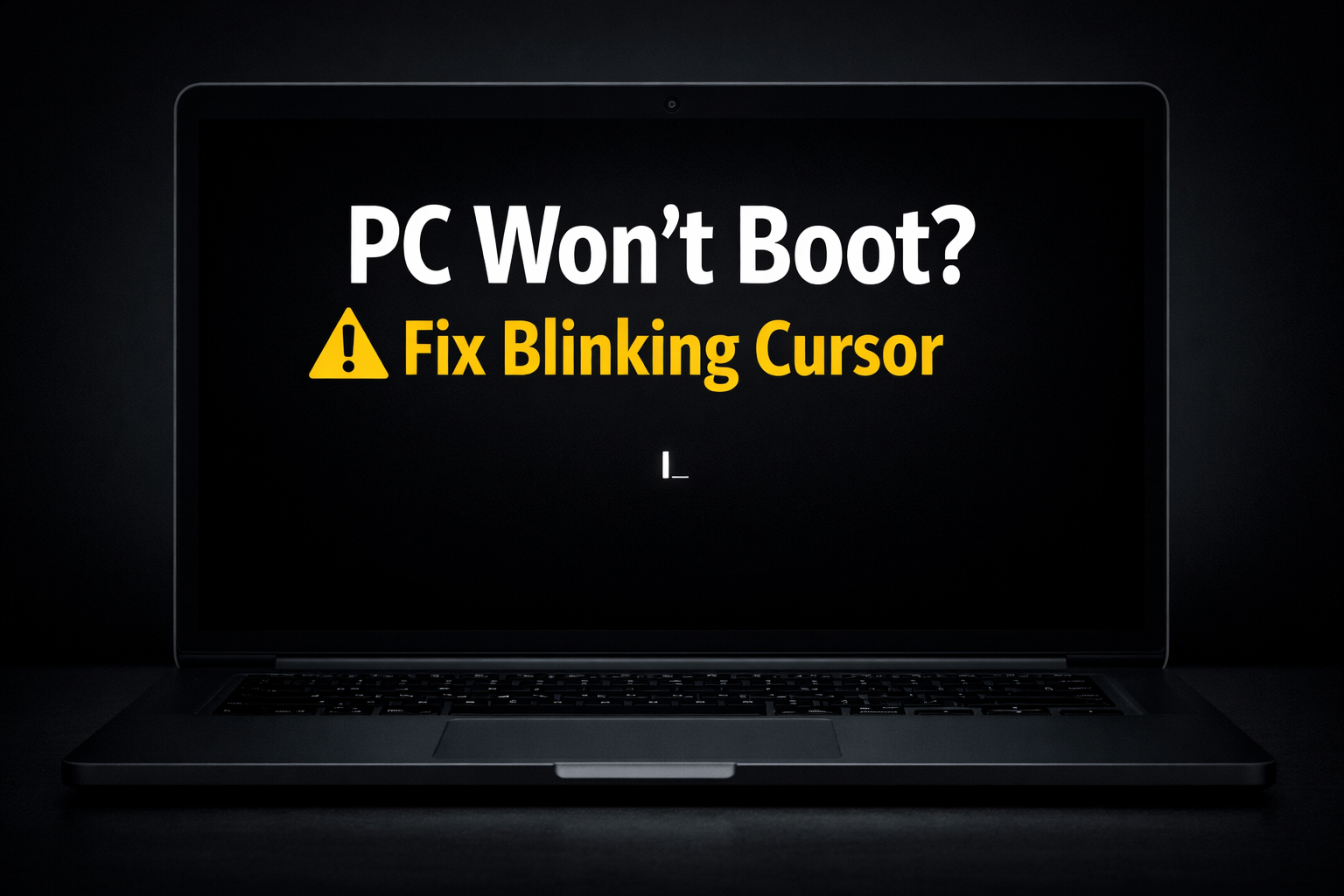
Sometimes, when you turn on your computer, it stops at a blinking cursor on a black screen. This happens before the operating system loads, preventing the computer from starting. The main reason is usually that the BIOS/UEFI cannot find a bootable device, or the bootloader is corrupted.
Main Causes
- Boot Order Problems
If your BIOS/UEFI tries to boot from the wrong device (USB, network, or secondary drive), the computer won’t start. - Corrupted Bootloader
Windows usesbootmgr, while Linux uses GRUB. If these files are missing or damaged, the OS cannot load. - Hard Drive Issues
Loose cables, failing SSD/HDD, or corrupted partitions can prevent the system from booting. - Incorrect Active Partition
On Windows, the system partition must be marked as “active” to boot properly. - Recent Hardware or Software Changes
Adding a new drive, reinstalling the OS, or changing BIOS settings can trigger this problem.
Step-by-Step Fixes
1. Check Boot Order
- Enter BIOS/UEFI (
F2,Del, orF12) and ensure your main hard drive is set as the first boot device. - Save changes and restart.
2. Verify Hard Drive Detection
- Ensure the BIOS recognizes your HDD/SSD.
- If not, check power/SATA cables or M.2/NVMe connections, or try a different port.
3. Repair Windows Bootloader
- Boot from a Windows installation USB → Repair your computer → Troubleshoot → Command Prompt.
- Run the following commands:
bootrec /fixmbr
bootrec /fixboot
bootrec /scanos
bootrec /rebuildbcd
If
/fixbootgives “Access Denied”, run:bootsect /nt60 C: /force.
4. Set Active Partition (Windows)
diskpart
list disk
select disk 0
list partition
select partition 1
active
exit
(Replace disk and partition numbers with your system drive info.)
5. Repair Linux Bootloader
- Boot from a live Linux USB and run:
sudo fdisk -l
sudo mount /dev/sda1 /mnt
sudo grub-install --root-directory=/mnt /dev/sda
sudo update-grub
6. Check Hardware
- Bad RAM or a failing drive can cause boot failure.
- Steps: reseat RAM, run BIOS hardware diagnostics, or replace failing drives.
7. Last Resort
- Backup data using a live USB.
- Reinstall the OS if the bootloader repair fails.
A blinking cursor without an error message usually means the PC cannot find a bootable OS. Focus on bootloader repair, hard drive detection, and boot order first before assuming hardware failure.
This guide is fact-checked for both Windows and Linux systems and highlights the most important steps for troubleshooting.
0 COMMENTS:
How to Debug Kivy APK Crashes Using ADB Logcat (Complete Guide)
Learn how to debug Kivy APK crashes using ADB Logcat. Discover how to find Python tracebacks, ident…
How to Create an Internal Android WebView in KivyMD Using Pyjnius
Learn how to create an internal Android WebView in KivyMD using pyjnius. This complete tutorial exp…
KivyMD Blog List Reload Issue Fix | Prevent Repeated API Calls Using Cache
Learn how to fix Blog List reloading issue in KivyMD when navigating back from details screen. Unde…

Git & GitHub Complete Tutorial 2026 | Learn Version Control for Beginners
Learn Git and GitHub step-by-step in this complete guide. Understand version control, branching, me…
What is %(source.dir) in Buildozer? Complete Guide for Beginners
Learn what %(source.dir) means in Buildozer and how to use it correctly. Avoid path errors and make…
Fix WSA Play Store Crash on Windows 11 (Google Play Store Closing Issue Solved)
Google Play Store closing immediately in WSA on Windows 11? Learn why it happens and how to fix it …
Fix Kivy App Crash on Android (Loading Screen Closes) – Buildozer Guide
If your Kivy or KivyMD app installs but closes after showing a loading screen, this guide explains …
VS Code .env Not Working? Fix “Environment Injection Disabled” Warning Easily
Learn why the “.env environment injection disabled” warning appears in Visual Studio Code and how t…
KivyMD MDScreen vs ScreenManager Explained | Screen Switching Guide (Python)
Learn how to use MDScreen and ScreenManager in KivyMD to build multi-screen Python apps. Understand…
Professional Windows EXE Download Page | Script-Free HTML & CSS Design
Learn how to create a professional Windows EXE download page using only HTML and CSS. Script-free, …