Fix WSA Play Store Crash on Windows 11 (Google Play Store Closing Issue Solved)
bigsansar | March 23, 2026
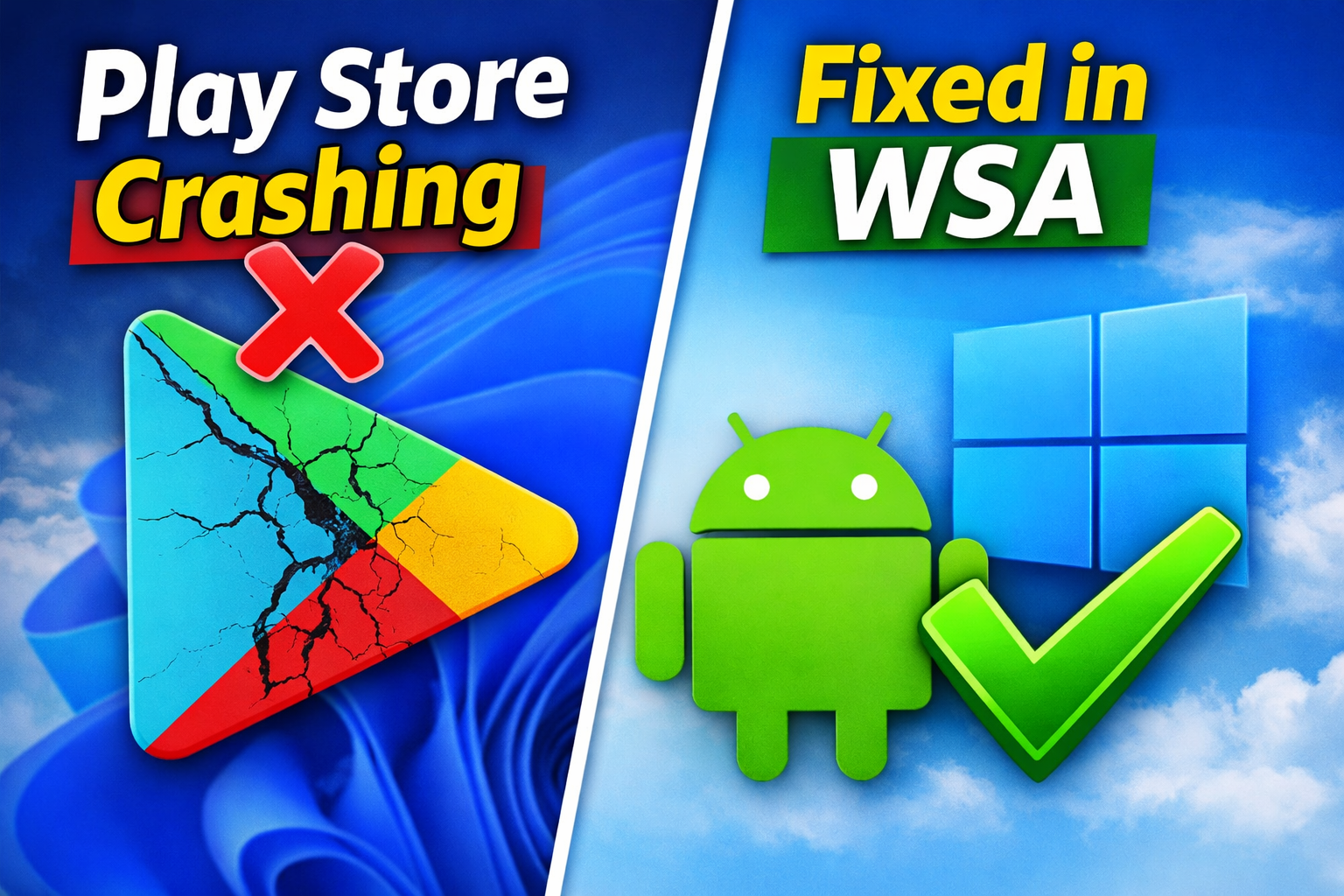
Many users try to run Android apps on Windows 11 using Windows Subsystem for Android (WSA), but a common issue appears: the Google Play Store opens and then immediately closes (crashes). This article explains the real reasons behind this problem and the correct way to fix it in a clear, human-readable format.
First, it is important to understand that the Google Play Store is not officially supported in WSA. Although WSA allows Android apps to run on Windows 11, it does not include Google services by default. This means apps that depend on Google services—especially the Play Store—will not function properly in a standard WSA installation.
Another critical point is that Google Play Services is required for the Play Store to work. It handles essential background tasks such as login authentication, syncing, and app communication. Without it, the Play Store cannot run and will crash immediately after opening. This is why simply installing the Play Store APK does not work.
Many users make the mistake of directly installing APK files. However, WSA is not designed to run Google apps without proper system integration. Without the necessary framework and services, the app lacks the environment it needs and fails to operate.
The most effective solution is to install a modified version of WSA that includes GApps (Google Apps). This version comes pre-integrated with:
- Google Play Store
- Google Play Services
- Required background components
Before installing it, you should uninstall the existing WSA. Then, enable Developer Mode in Windows settings and install the modified package using PowerShell. Once installed, you can open the Play Store, log in with your Google account, and start downloading apps normally.
There are also some important system requirements to consider. Virtualization must be enabled in BIOS, and having at least 8GB of RAM is recommended for smooth performance. A stable internet connection is also necessary, especially during the first setup, which may take a few minutes.
If the Play Store still crashes after setup, you can try a few troubleshooting steps. Reset WSA, restart Windows, or update Google Play Services. In some cases, disabling the firewall or VPN temporarily can also help identify the issue.
To understand this practically, consider this example: if you install only the Play Store APK, it will open and then crash immediately due to missing services. However, if you install a properly configured WSA with GApps, the Play Store works smoothly, allowing you to install and use apps like TikTok or Instagram without issues.
In conclusion, this is not a random error but a limitation of the default system. The key fix is proper configuration using a GApps-enabled WSA. Once everything is set up correctly, running Android apps on Windows 11 becomes a smooth and reliable experience.
0 COMMENTS:
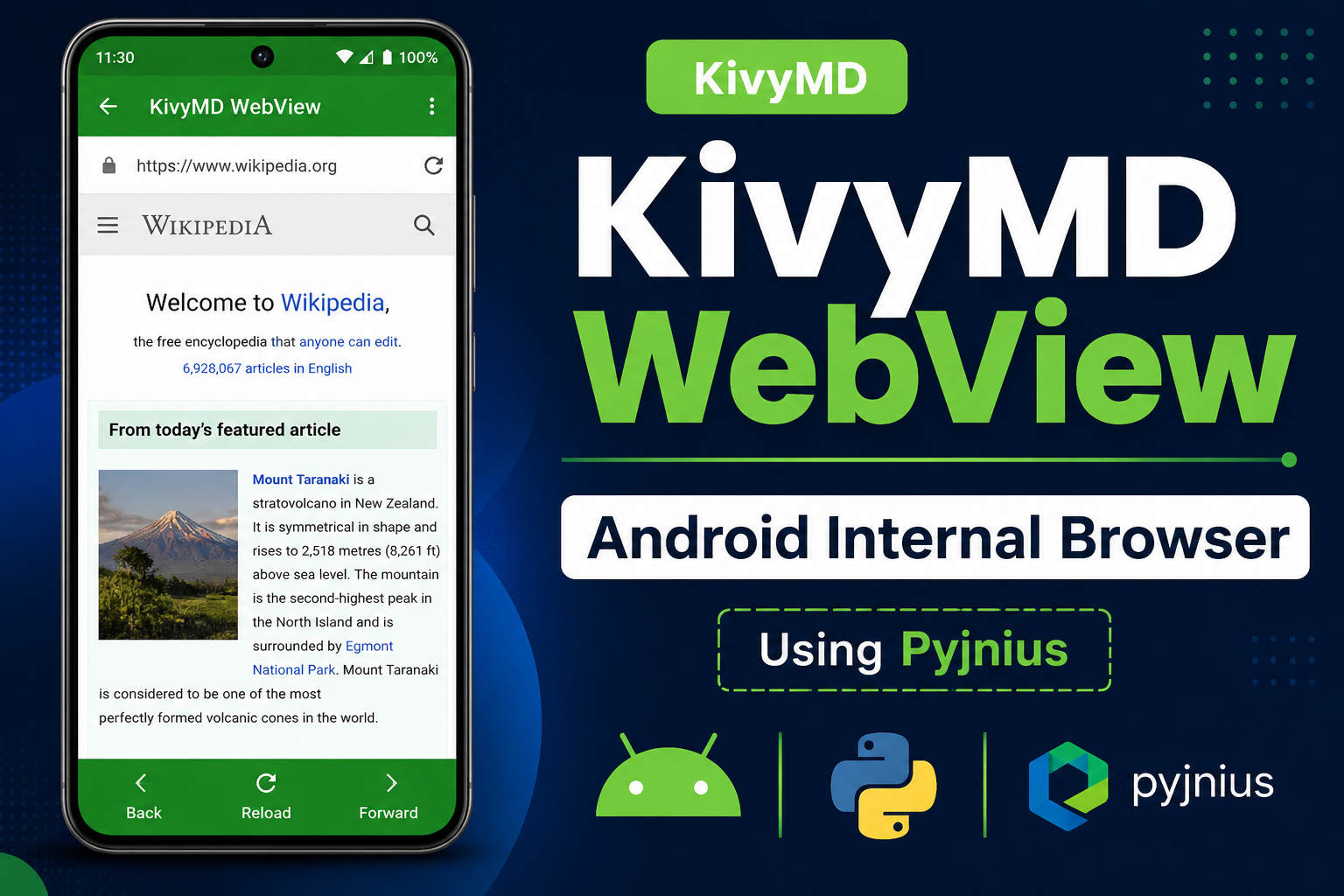
How to Create an Internal Android WebView in KivyMD Using Pyjnius
Learn how to create an internal Android WebView in KivyMD using pyjnius. This complete tutorial exp…
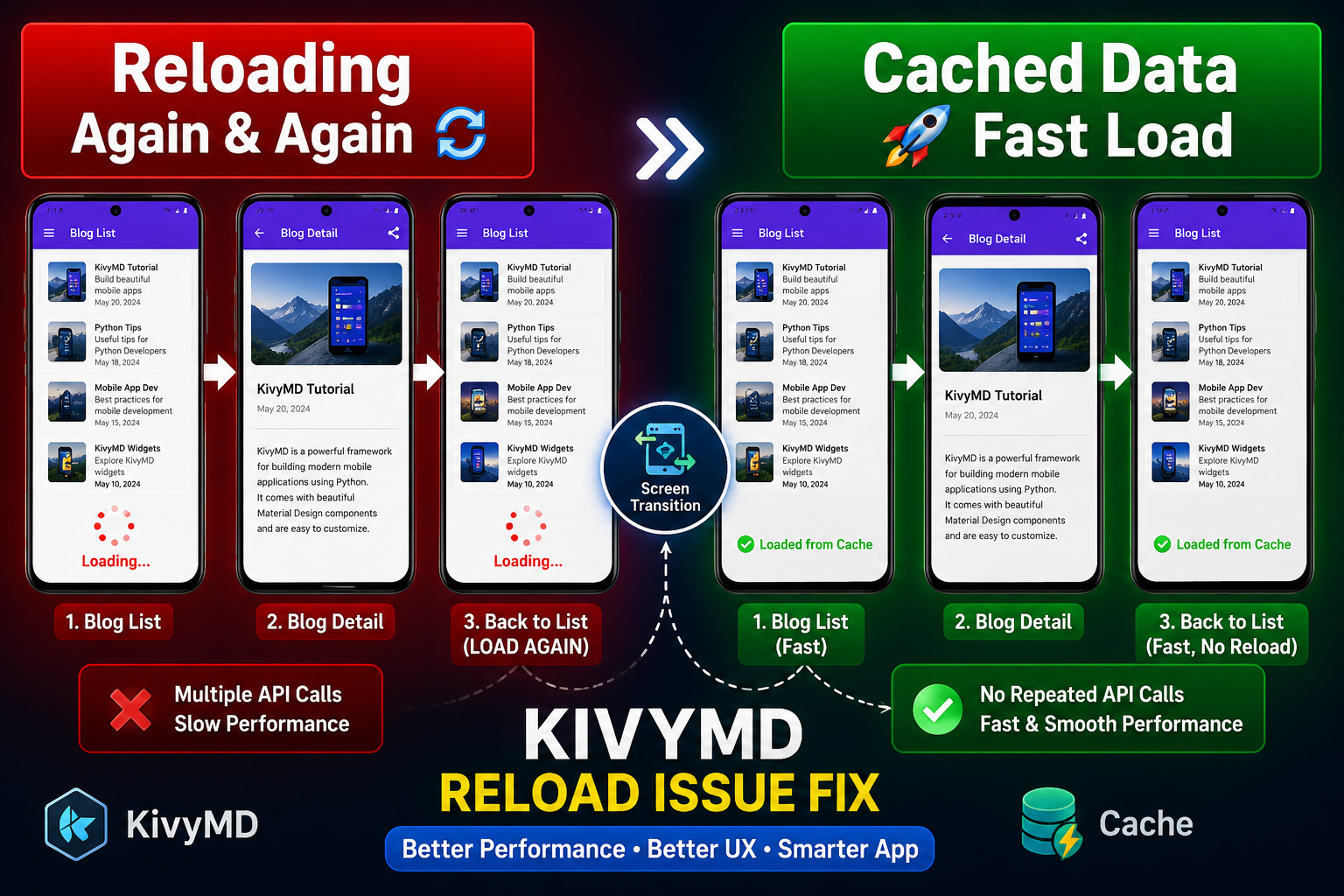
KivyMD Blog List Reload Issue Fix | Prevent Repeated API Calls Using Cache
Learn how to fix Blog List reloading issue in KivyMD when navigating back from details screen. Unde…
Git & GitHub Complete Tutorial 2026 | Learn Version Control for Beginners
Learn Git and GitHub step-by-step in this complete guide. Understand version control, branching, me…
What is %(source.dir) in Buildozer? Complete Guide for Beginners
Learn what %(source.dir) means in Buildozer and how to use it correctly. Avoid path errors and make…
Fix WSA Play Store Crash on Windows 11 (Google Play Store Closing Issue Solved)
Google Play Store closing immediately in WSA on Windows 11? Learn why it happens and how to fix it …
Fix Kivy App Crash on Android (Loading Screen Closes) – Buildozer Guide
If your Kivy or KivyMD app installs but closes after showing a loading screen, this guide explains …
VS Code .env Not Working? Fix “Environment Injection Disabled” Warning Easily
Learn why the “.env environment injection disabled” warning appears in Visual Studio Code and how t…
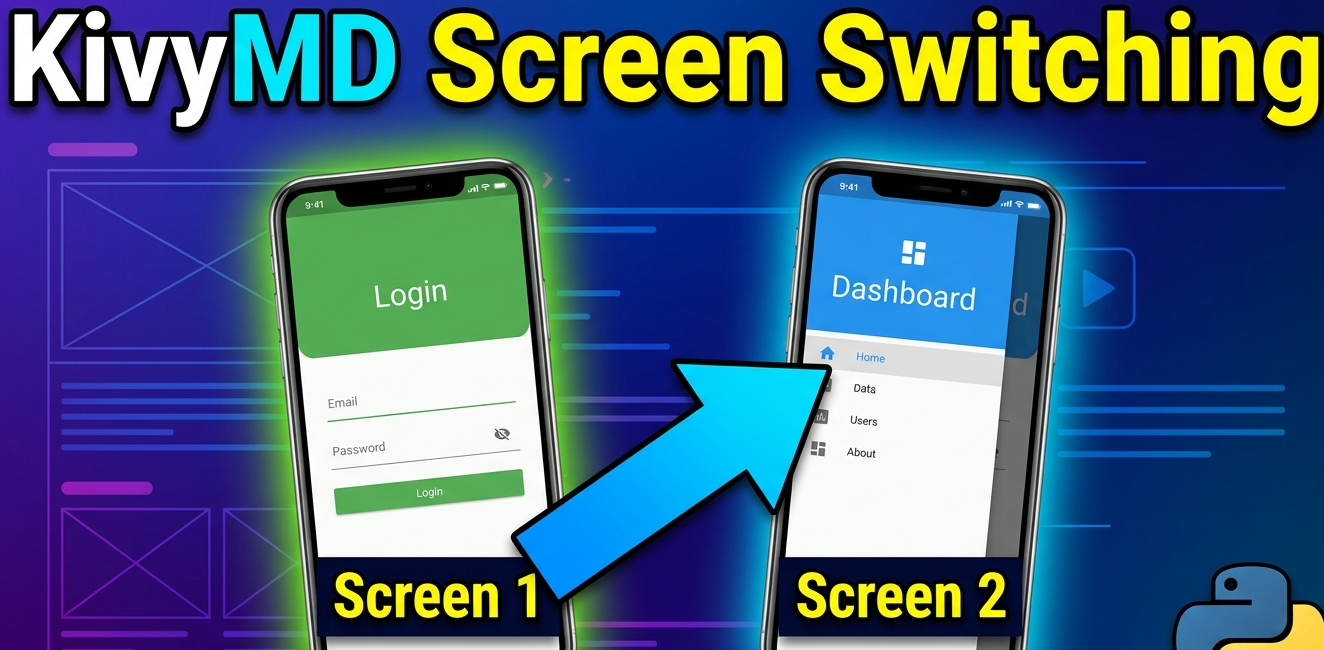
KivyMD MDScreen vs ScreenManager Explained | Screen Switching Guide (Python)
Learn how to use MDScreen and ScreenManager in KivyMD to build multi-screen Python apps. Understand…
Professional Windows EXE Download Page | Script-Free HTML & CSS Design
Learn how to create a professional Windows EXE download page using only HTML and CSS. Script-free, …
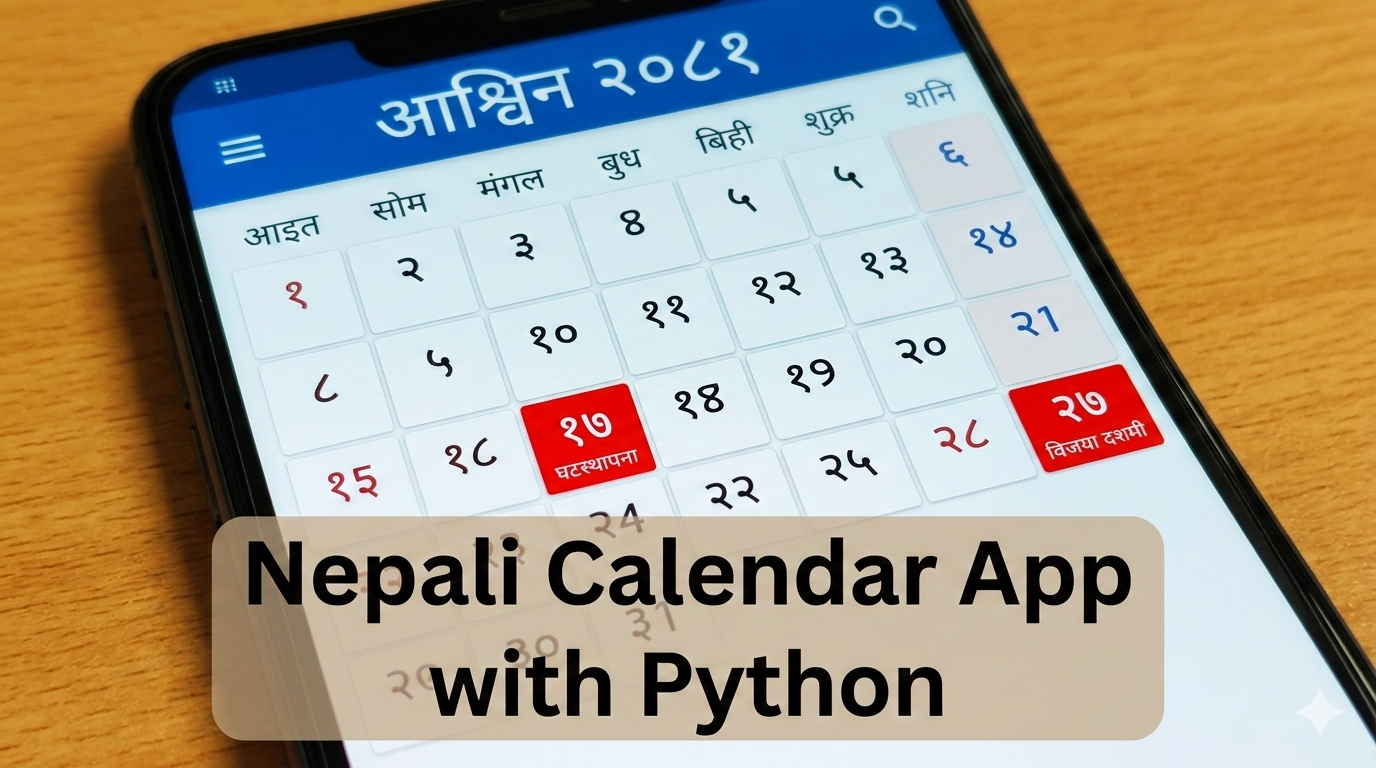
Build Nepali Calendar App with Python KivyMD | Android & Windows Guide
Learn how to create a Hamro Patro-style Nepali Calendar app using Python and KivyMD. Step-by-step g…