Professional Windows EXE Download Page | Script-Free HTML & CSS Design
bigsansar | March 14, 2026
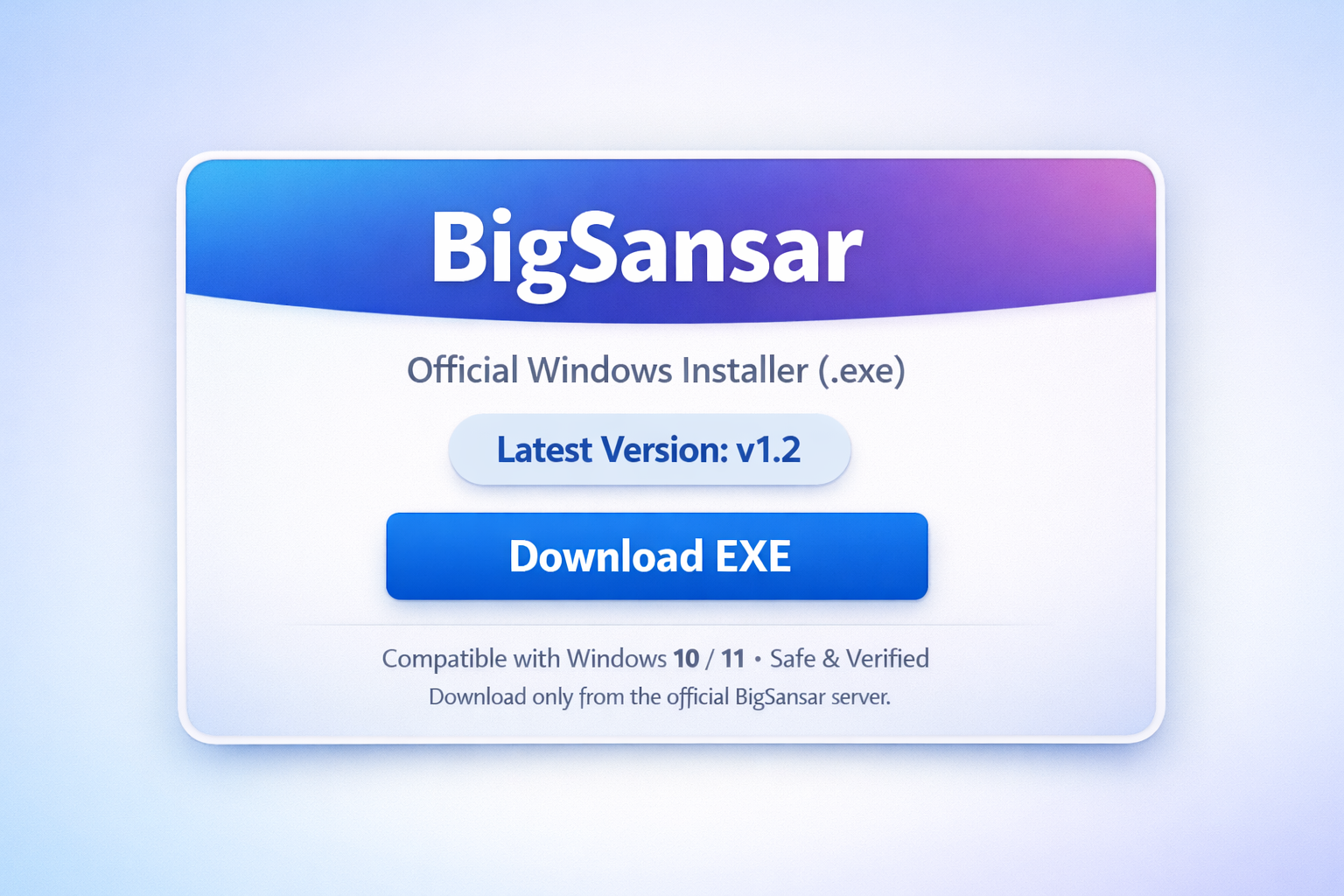
In modern software distribution, providing users with a smooth, secure, and professional download experience is crucial. Many developers rely on scripts or APIs to dynamically fetch version information or download links. However, it is possible to design a clean and fully human-readable download page using only HTML and CSS, without any JavaScript.
This approach offers several advantages:
- Compatibility: Works in all modern browsers without relying on external scripts.
- Simplicity: Version numbers and download links are hard-coded, making the page stable even if the backend server is unavailable.
- Responsive Design: Using frameworks like Bootstrap, the page can be mobile-friendly and perfectly centered.
- Professional Layout: You can include titles, version badges, call-to-action buttons, and security hints without any scripting.
- Performance: Pages load faster because there is no JavaScript processing.
- Accessibility: All content is readable by screen readers and search engines.
Key Features
- Centered Layout: The download card is placed in the exact center of the page, ensuring it looks great on all devices.
- Version Badge: Displays the latest version clearly for user confidence.
- Call-to-Action Button: A large Download EXE button encourages user interaction.
- Security Hint: Users are informed that the file is safe and verified, increasing trust.
- Script-Free Design: No API calls or dynamic scripts, ensuring stability and faster loading.
Example: BigSansar Windows Installer Page
Below is a human-writable example of a professional download page for a Windows EXE installer without any JavaScript:
<!DOCTYPE html>
<html lang="en">
<head>
<meta charset="UTF-8">
<meta name="viewport" content="width=device-width, initial-scale=1.0">
<title>BigSansar Windows Installer</title>
<link href="https://cdn.jsdelivr.net/npm/[email protected]/dist/css/bootstrap.min.css" rel="stylesheet">
<style>
  body { background: radial-gradient(circle at top, #eef4ff, #f8f9fb); }
  .download-card { border-radius: 22px; max-width: 430px; box-shadow: 0 15px 40px rgba(0,0,0,0.08); }
  .card-top { background: linear-gradient(135deg, #0d6efd, #6610f2); color: white; padding: 30px; text-align: center; }
  .app-title { font-size: 22px; font-weight: 800; margin: 0; }
  .app-subtitle { opacity: 0.9; font-size: 14px; margin-top: 6px; }
  .btn-download { border-radius: 14px; padding: 12px 18px; font-weight: 700; font-size: 16px; width: 100%; }
  .pill { background: #f1f5ff; border: 1px solid #dbe6ff; padding: 7px 14px; border-radius: 999px; font-size: 13px; font-weight: 600; display: inline-block; margin-bottom: 12px; }
  .mini-text { font-size: 13px; color: #6c757d; }
</style>
</head>
<body>
<div class="container-fluid min-vh-100 d-flex justify-content-center align-items-center p-3">
  <div class="card download-card">
    <div class="card-top">
      <h1 class="app-title">BigSansar</h1>
      <div class="app-subtitle">Official Windows Installer (.exe)</div>
    </div>
    <div class="card-body p-4 text-center">
      <div class="pill"><strong>Latest Version: v1.2</strong></div>
      <a class="btn btn-primary btn-download shadow-sm" href="/file/app/windows/2026/02/16/bigsansar-12.exe">
        <strong>Download EXE</strong>
      </a>
      <div class="mt-3 mini-text">
        <strong>Compatible with Windows 10 / 11 • Safe & Verified</strong>
      </div>
      <hr class="my-4">
      <div class="mini-text">
        <strong>Download only from the official BigSansar server.</strong>
      </div>
    </div>
  </div>
</div>
</body>
</html>
Why This Example Works
- Perfect Centering: The card is vertically and horizontally centered, making it visually appealing on all devices.
- Professional Look: Gradient header, large title, version badge, and download button create a clean, modern interface.
- Important Information Highlighted: The latest version, compatibility, and safety information are bolded for quick user recognition.
- No JavaScript: Static HTML ensures fast load times and stability, while remaining fully readable by humans.
This approach ensures users have a professional, secure, and visually appealing experience when downloading your Windows EXE, without relying on any scripts.
0 COMMENTS:

How to Debug Kivy APK Crashes Using ADB Logcat (Complete Guide)
Learn how to debug Kivy APK crashes using ADB Logcat. Discover how to find Python tracebacks, ident…
How to Create an Internal Android WebView in KivyMD Using Pyjnius
Learn how to create an internal Android WebView in KivyMD using pyjnius. This complete tutorial exp…
KivyMD Blog List Reload Issue Fix | Prevent Repeated API Calls Using Cache
Learn how to fix Blog List reloading issue in KivyMD when navigating back from details screen. Unde…
Git & GitHub Complete Tutorial 2026 | Learn Version Control for Beginners
Learn Git and GitHub step-by-step in this complete guide. Understand version control, branching, me…
What is %(source.dir) in Buildozer? Complete Guide for Beginners
Learn what %(source.dir) means in Buildozer and how to use it correctly. Avoid path errors and make…
Fix WSA Play Store Crash on Windows 11 (Google Play Store Closing Issue Solved)
Google Play Store closing immediately in WSA on Windows 11? Learn why it happens and how to fix it …
Fix Kivy App Crash on Android (Loading Screen Closes) – Buildozer Guide
If your Kivy or KivyMD app installs but closes after showing a loading screen, this guide explains …
VS Code .env Not Working? Fix “Environment Injection Disabled” Warning Easily
Learn why the “.env environment injection disabled” warning appears in Visual Studio Code and how t…
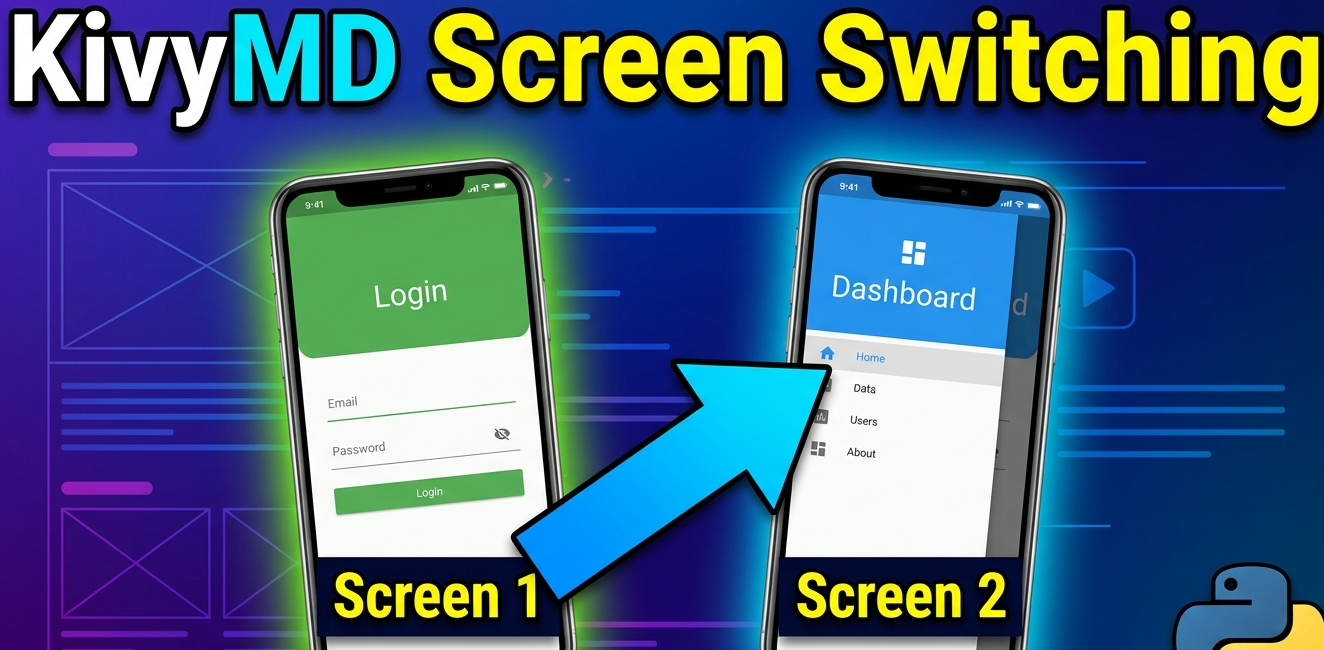
KivyMD MDScreen vs ScreenManager Explained | Screen Switching Guide (Python)
Learn how to use MDScreen and ScreenManager in KivyMD to build multi-screen Python apps. Understand…
Professional Windows EXE Download Page | Script-Free HTML & CSS Design
Learn how to create a professional Windows EXE download page using only HTML and CSS. Script-free, …