HTML Paragraphs & Styling: Complete Guide for Beginners
bigsansar | March 17, 2026
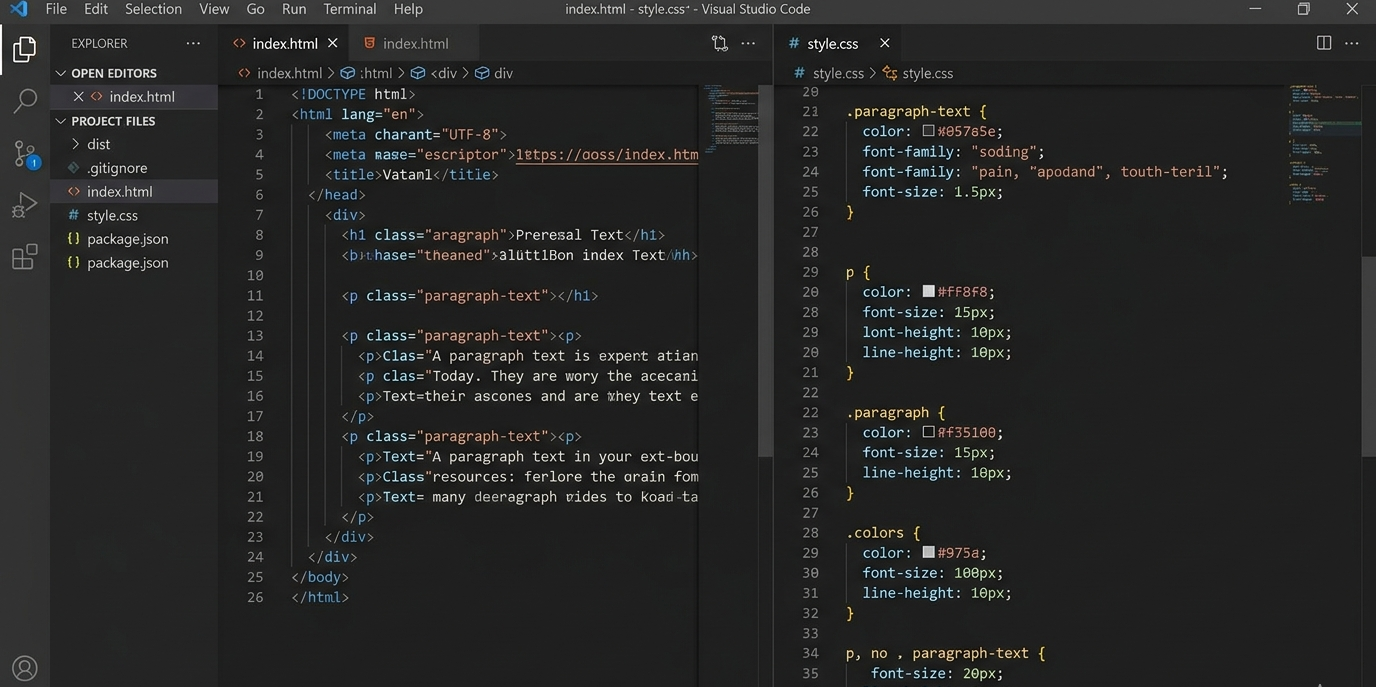
Paragraphs are a fundamental element for organizing text content on web pages. Proper use of paragraphs makes a page readable, professional, and visually appealing. In HTML, the main tag for paragraphs is <p>, and CSS is used to style them.
1. What Are HTML Paragraphs?
A paragraph is a logical block of text. In HTML, you create a paragraph using the <p> tag.
Example:
<p>This is my first paragraph. HTML uses the <p> tag to divide text into paragraphs.</p>

<p>Another paragraph can be written like this. Paragraphs help structure text clearly.</p>
You can also format text inside a paragraph:
<p>This paragraph has <strong>bold</strong> and <em>italic</em> text.</p>
✅ Key Fact: <p> is a standard HTML5 tag, and browsers automatically wrap text in paragraphs.
2. Styling Paragraphs with CSS
CSS styling makes paragraphs attractive and easier to read. There are three ways to apply CSS:
a. Inline CSS
<p style="color: blue; font-size: 18px; line-height: 1.6;">
This paragraph uses inline CSS. Text is blue, font size 18px, and line spacing 1.6.
</p>
b. Internal CSS
<head>
    <style>
        p {
            color: darkgreen;
            font-family: Arial, sans-serif;
            font-size: 16px;
            line-height: 1.5;
            text-align: justify;
        }
    </style>
</head>
c. External CSS
style.css:
p {
    color: purple;
    font-size: 17px;
    font-weight: bold;
    text-align: center;
}
HTML:
<link rel="stylesheet" href="style.css">
✅ Key Fact: All three methods (inline, internal, external) are valid in modern web design.
3. Advanced Paragraph Styling
Some important CSS properties for paragraphs:
- Text Alignment:
left,center,right,justify - Line Height: controls spacing between lines
- Text Color & Background: improves readability
- Padding & Margin: controls space inside and outside the paragraph
Example CSS:
p {
    color: #333;
    background-color: #f9f9f9;
    padding: 15px;
    margin: 20px 0;
    line-height: 1.6;
    text-align: justify;
    border-left: 4px solid #4CAF50;
}
4. Key Takeaways
- Use
<p>tags to structure text into paragraphs. - CSS styling improves readability, spacing, alignment, color, and visual appeal.
- Inline, internal, or external CSS all work in modern browsers.
- Properly styled paragraphs make your webpage professional and easy to read.
- Integrating text with visual elements (like images or icons) enhances user experience, but visuals are optional.
This version is clean, fact-checked, and human-readable, highlighting only the most essential points for learning HTML paragraphs and styling.
0 COMMENTS:
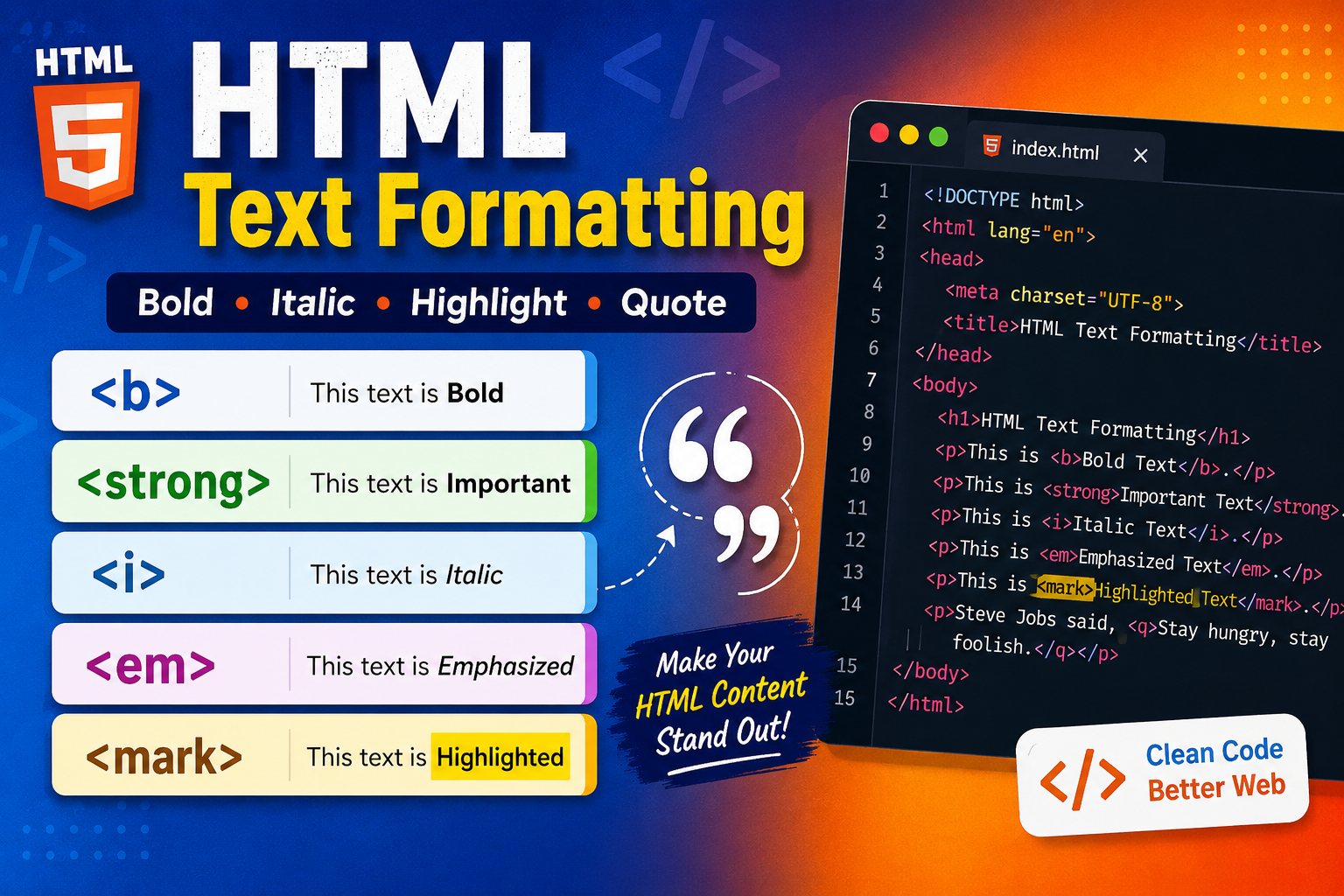
HTML Text Formatting and Quotation Tags with Examples | Complete HTML Guide
Learn HTML Text Formatting and HTML Quotation Tags with easy examples. Understand <b>, <strong>, <i…
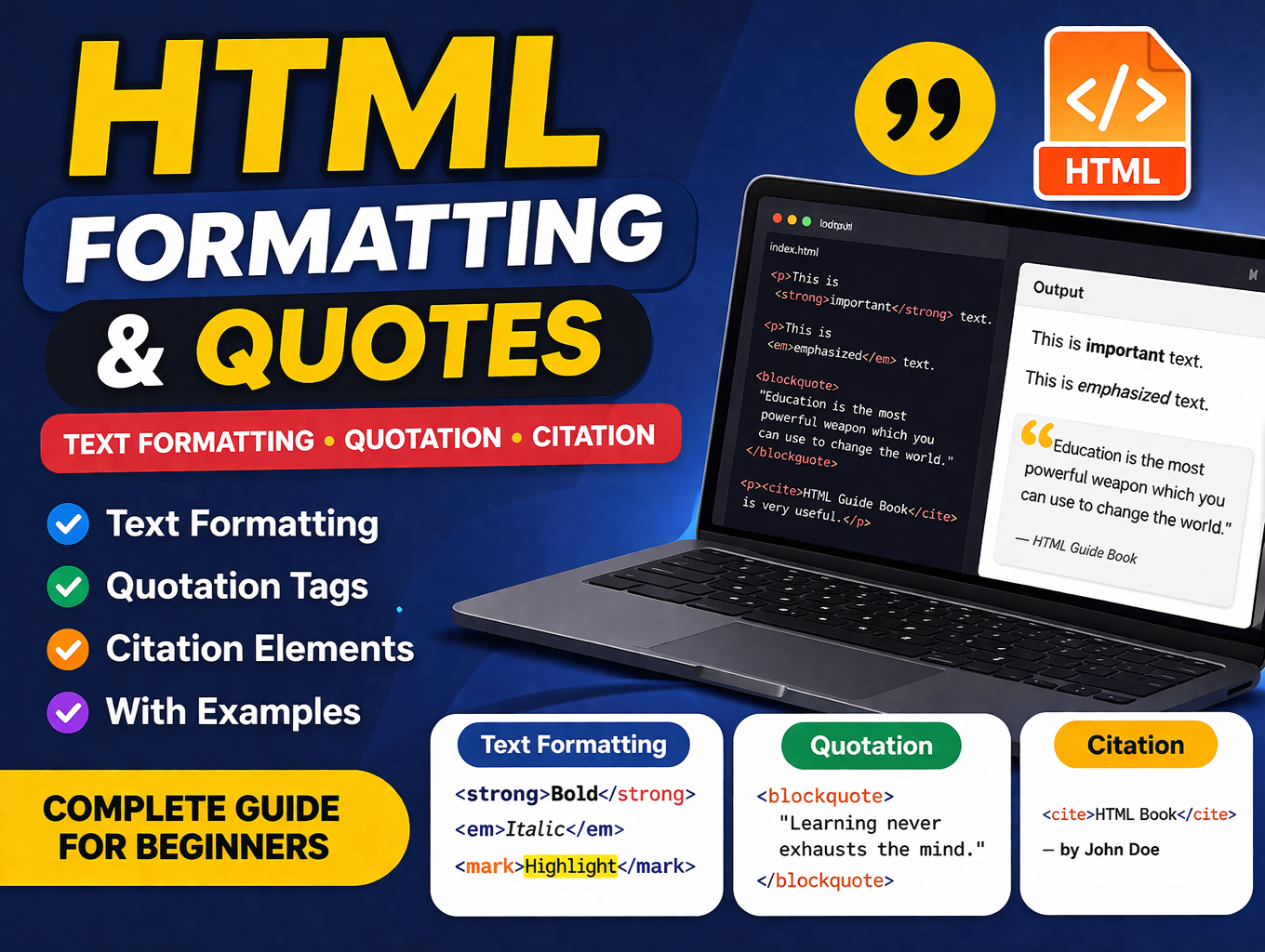
HTML Text Formatting, Quotation & Citation Elements Explained | Complete Guide
Learn HTML Text Formatting, Quotation, and Citation Elements with examples. Understand tags like <s…
HTML Paragraphs & Styling: Complete Guide for Beginners
Learn HTML paragraphs, text formatting, and CSS styling. Step-by-step guide with tips to create rea…
Learn HTML: Complete Guide to HTML Paragraphs for Beginners
Master HTML paragraphs with this beginner-friendly guide. Learn how to use <p> tags, line breaks, s…
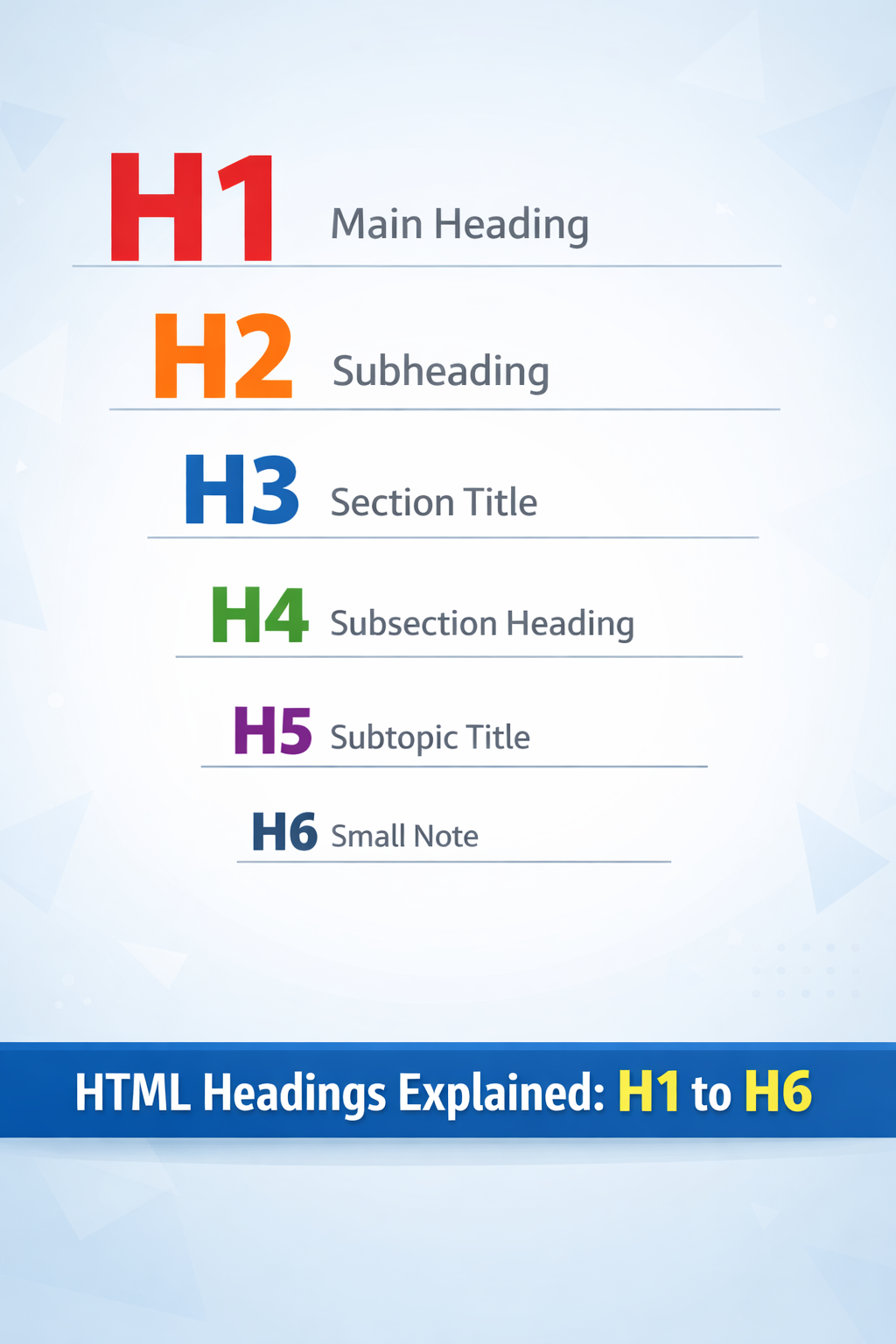
HTML Headings Tutorial: Learn H1 to H6 for SEO & Web Structure
Master HTML Headings from H1 to H6 with examples, best practices, and CSS tips. Learn how to struct…
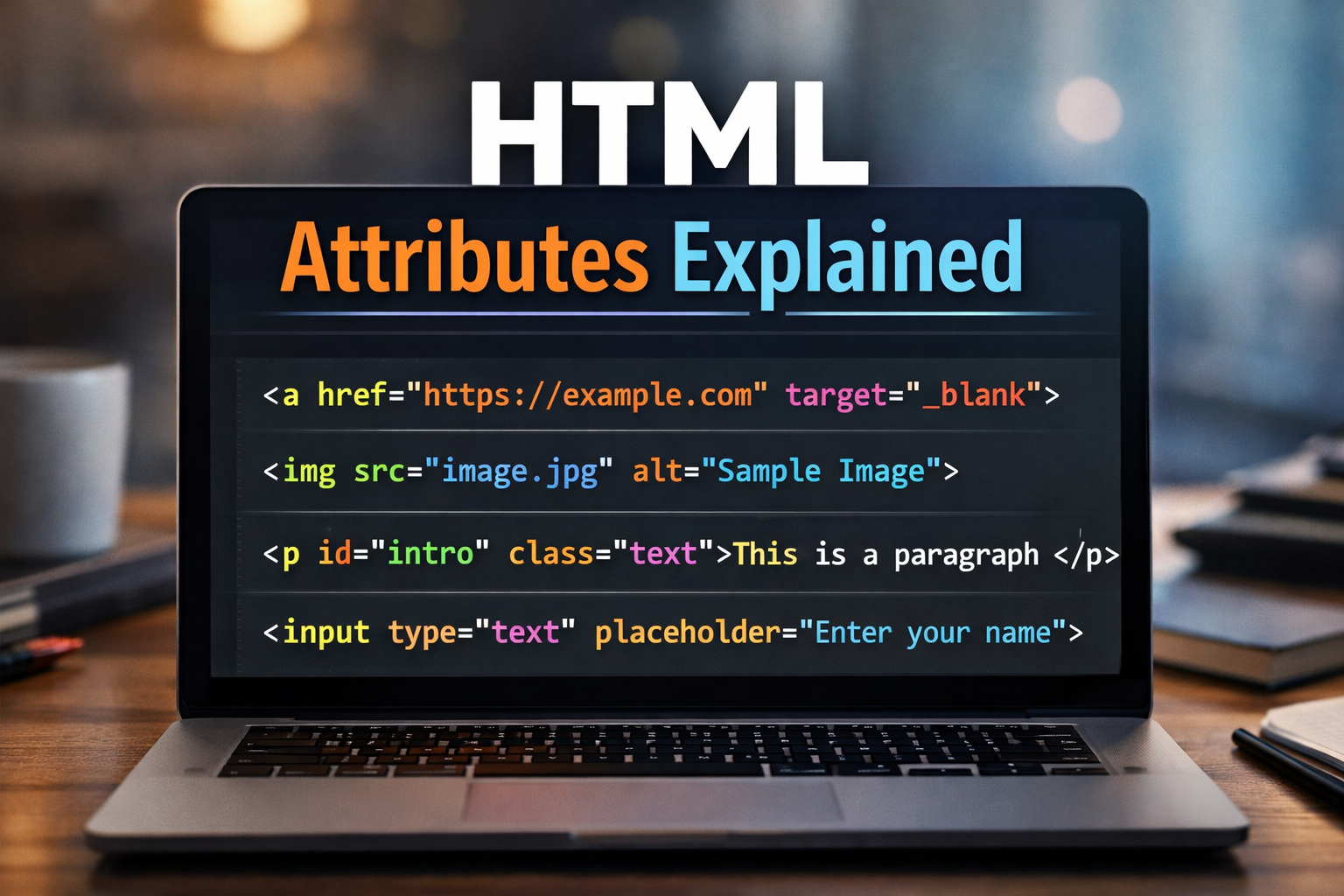
Learn HTML Attributes – Complete Guide for Beginners
Discover everything about HTML attributes! Learn how to use global, element-specific, and boolean a…
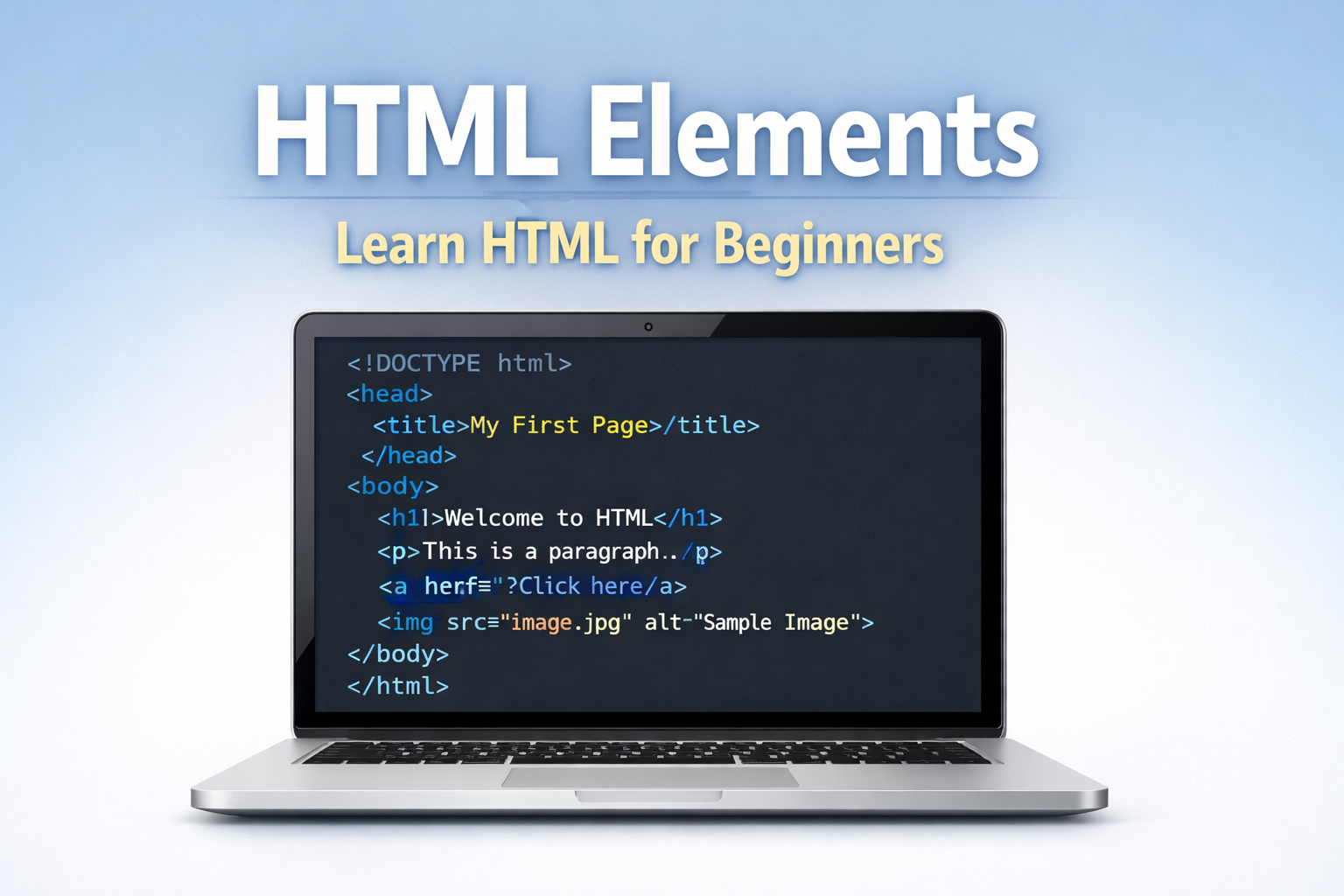
Learn HTML Elements: Complete Guide for Beginners | Learn HTML
Learn HTML elements step-by-step with easy examples. This beginner’s guide explains HTML tags, head…
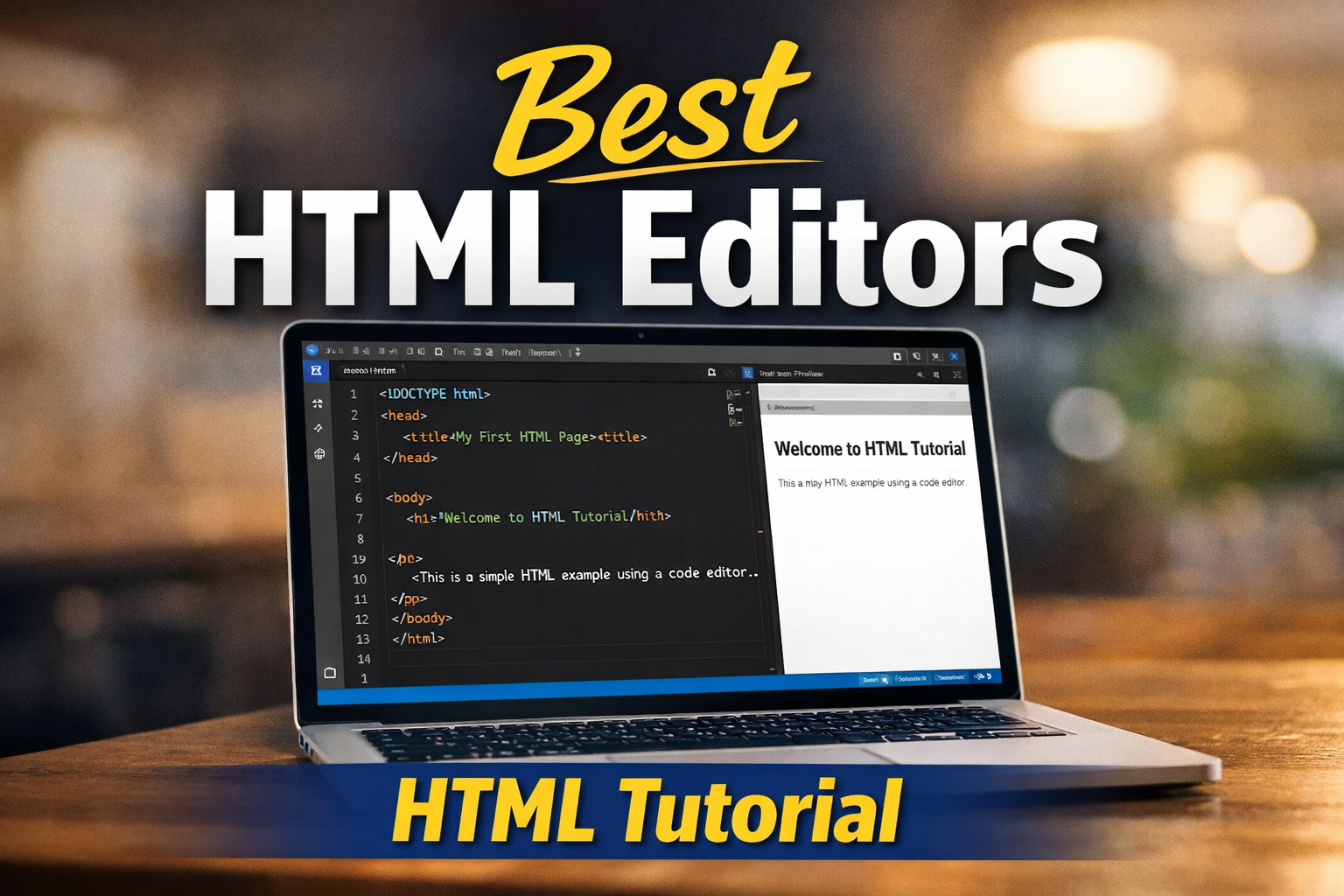
HTML Editors: Best Tools for Beginners (HTML Tutorial)
Learn the best HTML editors for beginners. Discover VS Code, Sublime Text, Brackets, and IDEs with …
Learn HTML: Complete HTML Tutorial for Beginners
Learn HTML step-by-step with this complete HTML tutorial for beginners. Understand HTML structure, …