HTML Text Formatting and Quotation Tags with Examples | Complete HTML Guide
bigsansar | July 12, 2026
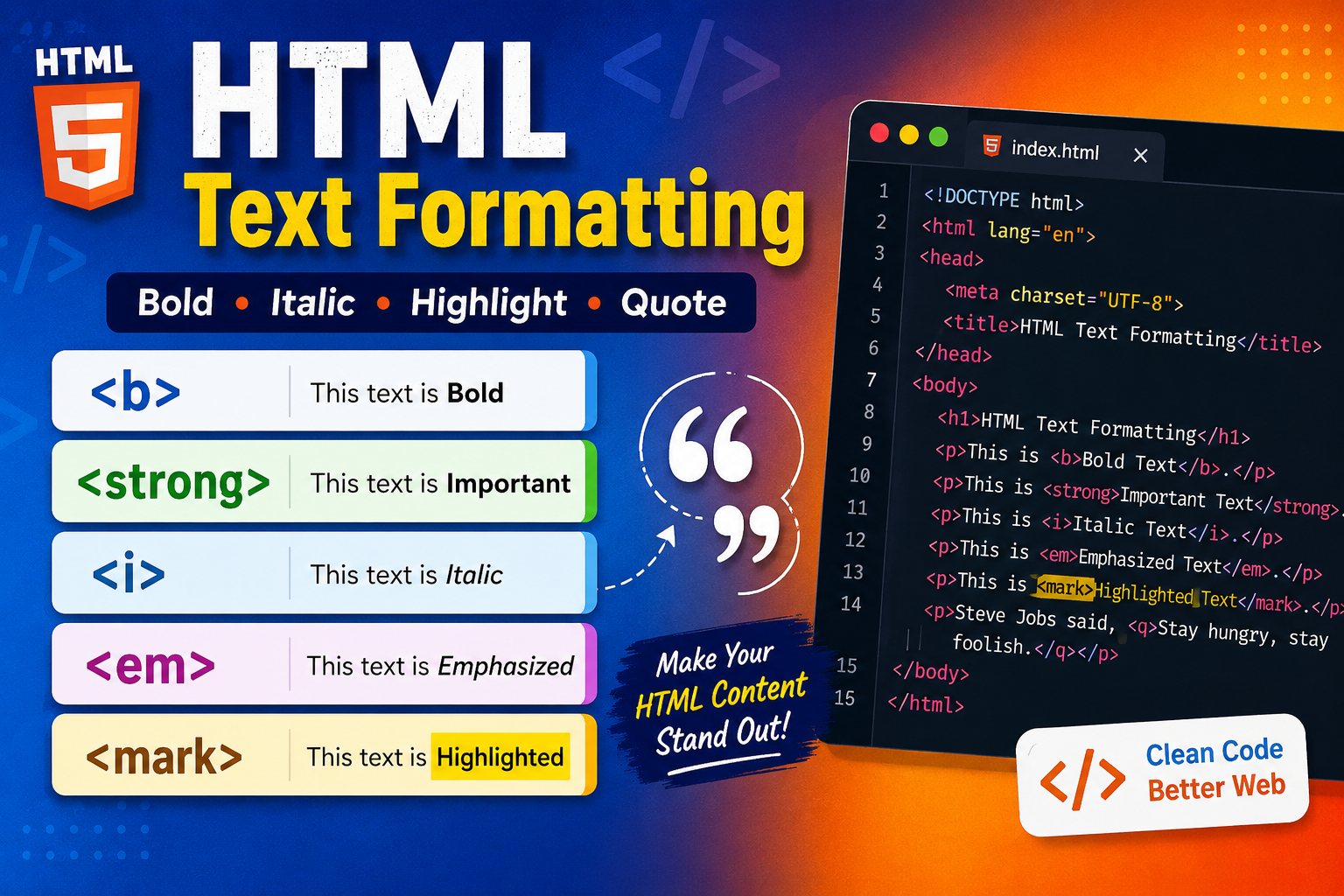
When creating a web page, simply writing text is not enough. Important information should stand out, quotations should be displayed correctly, and content should be easy to read. HTML provides several Text Formatting and Quotation Tags to improve both the appearance and meaning of your content.
Some tags change only the visual style of the text, while others also provide semantic meaning, helping search engines and screen readers understand your content better.
In this article, you will learn about all the commonly used HTML Text Formatting and HTML Quotation Tags, their purposes, differences, and practical examples.
What is HTML Text Formatting?
HTML Text Formatting is the process of changing the appearance or meaning of text using HTML tags.
Formatting tags can be used to:
- Make text bold or italic
- Highlight important information
- Display deleted and inserted text
- Show chemical formulas and mathematical expressions
- Improve accessibility and SEO using semantic tags
Important: Modern HTML encourages the use of semantic tags because they provide meaning to the content, not just visual styling.
HTML Text Formatting Tags
| Tag | Description |
|---|---|
<b> | Bold Text |
<strong> | Important Text |
<i> | Italic Text |
<em> | Emphasized Text |
<mark> | Highlighted Text |
<small> | Smaller Text |
<del> | Deleted Text |
<ins> | Inserted Text |
<sub> | Subscript Text |
<sup> | Superscript Text |
1. <b> Tag (Bold Text)
The <b> Tag displays text in bold without adding any extra meaning.
Example
<p>Welcome to <b>Bigsansar</b>.</p>
Output
Welcome to Bigsansar
Important: Use
<b>only when you need bold styling. It does not indicate that the text is important.
2. <strong> Tag (Important Text)
The <strong> tag indicates that the content is important. Browsers usually display it in bold, and screen readers give it additional emphasis.
Example
<p><strong>Warning!</strong> Do not turn off your computer.</p>
Output
Warning! Do not turn off your computer.
Important: Prefer
<strong>over<b>whenever the text carries importance.
3. <i> Tag (Italic Text)
The <i> Tag displays text in italic. It is commonly used for foreign words, technical terms, scientific names, or thoughts.
Example
<p>The word <i>Bonjour</i> means Hello.</p>
4. <em> Tag (Emphasized Text)
The <em> tag adds emphasis to text. Browsers usually display it in italic, but its primary purpose is semantic emphasis.
Example
<p>Please <em>read carefully</em> before submitting the form.</p>
Important: Use
<em>when the meaning of a sentence changes if the emphasized word is spoken with stress.
5. <mark> Tag (Highlighted Text)
The <mark> tag highlights text to draw the reader's attention.
Example
<p>HTML is <mark>easy to learn</mark>.</p>
6. <small> Tag (Small Text)
The <small> tag displays text in a smaller font size. It is commonly used for copyright notices, disclaimers, and additional information.
Example
<p>Price: Rs.1500 <small>(VAT Included)</small></p>
7. <del> Tag (Deleted Text)
The <del> tag represents content that has been removed. Browsers usually display it with a strikethrough.
Example
<p>Old Price: <del>Rs.2000</del></p>
8. <ins> Tag (Inserted Text)
The <ins> tag represents newly inserted content. Browsers typically underline the text.
Example
<p><ins>Now available in Nepal.</ins></p>
9. <sub> Tag (Subscript)
The <sub> tag displays text slightly below the normal line. It is commonly used in chemical formulas.
Example
<p>Water = H<sub>2</sub>O</p>
Output
H₂O
10. <sup> Tag (Superscript)
The <sup> tag displays text slightly above the normal line. It is commonly used for exponents, footnotes, and ordinal numbers.
Example
<p>10<sup>2</sup> = 100</p>
Output
10² = 100
What are HTML Quotation Tags?
HTML provides special tags for displaying quotations, abbreviations, contact information, creative work titles, and text direction.
These tags make your content more meaningful and improve accessibility.
HTML Quotation Tags
| Tag | Description |
|---|---|
<blockquote> | Long Quotation |
<q> | Short Quotation |
<abbr> | Abbreviation |
<address> | Contact Information |
<cite> | Title of a Creative Work |
<bdo> | Bidirectional Text Override |
1. <blockquote> Tag
The <blockquote> tag is used for long quotations.
Browsers normally display blockquotes as indented blocks.
Example
<blockquote>
Learning never exhausts the mind.
</blockquote>
2. <q> Tag
The <q> tag is used for short inline quotations.
Browsers automatically add quotation marks around the quoted text.
Example
<p>Steve Jobs said, <q>Stay hungry, stay foolish.</q></p>
3. <abbr> Tag
The <abbr> tag defines an abbreviation or acronym.
Example
<p>
<abbr title="HyperText Markup Language">
HTML
</abbr>
</p>
When users hover over the abbreviation, the full form appears as a tooltip.
4. <address> Tag
The <address> tag contains contact information for the author or owner of a document or article.
Example
<address>
Written by Bigsansar<br>
Email: [email protected]<br>
Butwal, Nepal
</address>
Important:
<address>is intended for author or owner contact information, not just any postal address.
5. <cite> Tag
The <cite> tag identifies the title of a creative work, such as a book, movie, painting, song, or research paper.
Example
<p>My favorite book is <cite>Atomic Habits</cite>.</p>
Important:
<cite>should refer to the title of a creative work, not the author's name.
6. <bdo> Tag
The <bdo> tag overrides the default text direction.
Example
<bdo dir="rtl">
HTML Tutorial
</bdo>
The dir attribute supports:
ltr– Left to Rightrtl– Right to Left
Complete Example
<!DOCTYPE html>
<html>
<head>
    <title>HTML Formatting Example</title>
</head>
<body>

<h1>HTML Text Formatting and Quotation Example</h1>

<p>Welcome to <strong>Bigsansar</strong>.</p>

<p>This is <b>Bold</b> text.</p>

<p>This is <i>Italic</i> text.</p>

<p>Please <em>read carefully</em>.</p>

<p>HTML is <mark>easy to learn</mark>.</p>

<p>
Price:
<del>Rs.2000</del>
<ins>Rs.1500</ins>
</p>

<p>Water Formula: H<sub>2</sub>O</p>

<p>10<sup>2</sup> = 100</p>

<hr>

<blockquote>
Learning never exhausts the mind.
</blockquote>

<p>
Albert Einstein said,
<q>Imagination is more important than knowledge.</q>
</p>

<p>
<abbr title="HyperText Markup Language">
HTML
</abbr>
is the standard markup language for creating web pages.
</p>

<p>
Book:
<cite>Atomic Habits</cite>
</p>

<address>
Written by Bigsansar<br>
Email: [email protected]
</address>

<p>
<bdo dir="rtl">
HTML Tutorial
</bdo>
</p>

</body>
</html>
<b> vs <strong>
<b> | <strong> |
|---|---|
| Makes text bold. | Indicates important text. |
| No semantic meaning. | Has semantic meaning. |
| Used mainly for styling. | Used for important content. |
<i> vs <em>
<i> | <em> |
|---|---|
| Displays italic text. | Adds emphasis to text. |
| No semantic meaning. | Has semantic meaning. |
| Used mainly for appearance. | Used when emphasis changes meaning. |
<blockquote> vs <q>
<blockquote> | <q> |
|---|---|
| Used for long quotations. | Used for short quotations. |
| Block-level element. | Inline element. |
| Usually displayed as an indented block. | Automatically adds quotation marks. |
HTML Text Formatting and HTML Quotation Tags improve both the appearance and meaning of web content. While tags like <b> and <i> mainly affect presentation, semantic tags such as <strong>, <em>, <blockquote>, <abbr>, and <cite> provide meaningful structure that benefits accessibility, SEO, and maintainability.
Best Practice: Whenever possible, use semantic HTML tags instead of relying only on visual formatting. This makes your code cleaner, more accessible, and aligned with modern web development standards.
0 COMMENTS:
HTML Text Formatting, Quotation & Citation Elements Explained | Complete Guide
Learn HTML Text Formatting, Quotation, and Citation Elements with examples. Understand tags like <s…
HTML Paragraphs & Styling: Complete Guide for Beginners
Learn HTML paragraphs, text formatting, and CSS styling. Step-by-step guide with tips to create rea…
Learn HTML: Complete Guide to HTML Paragraphs for Beginners
Master HTML paragraphs with this beginner-friendly guide. Learn how to use <p> tags, line breaks, s…
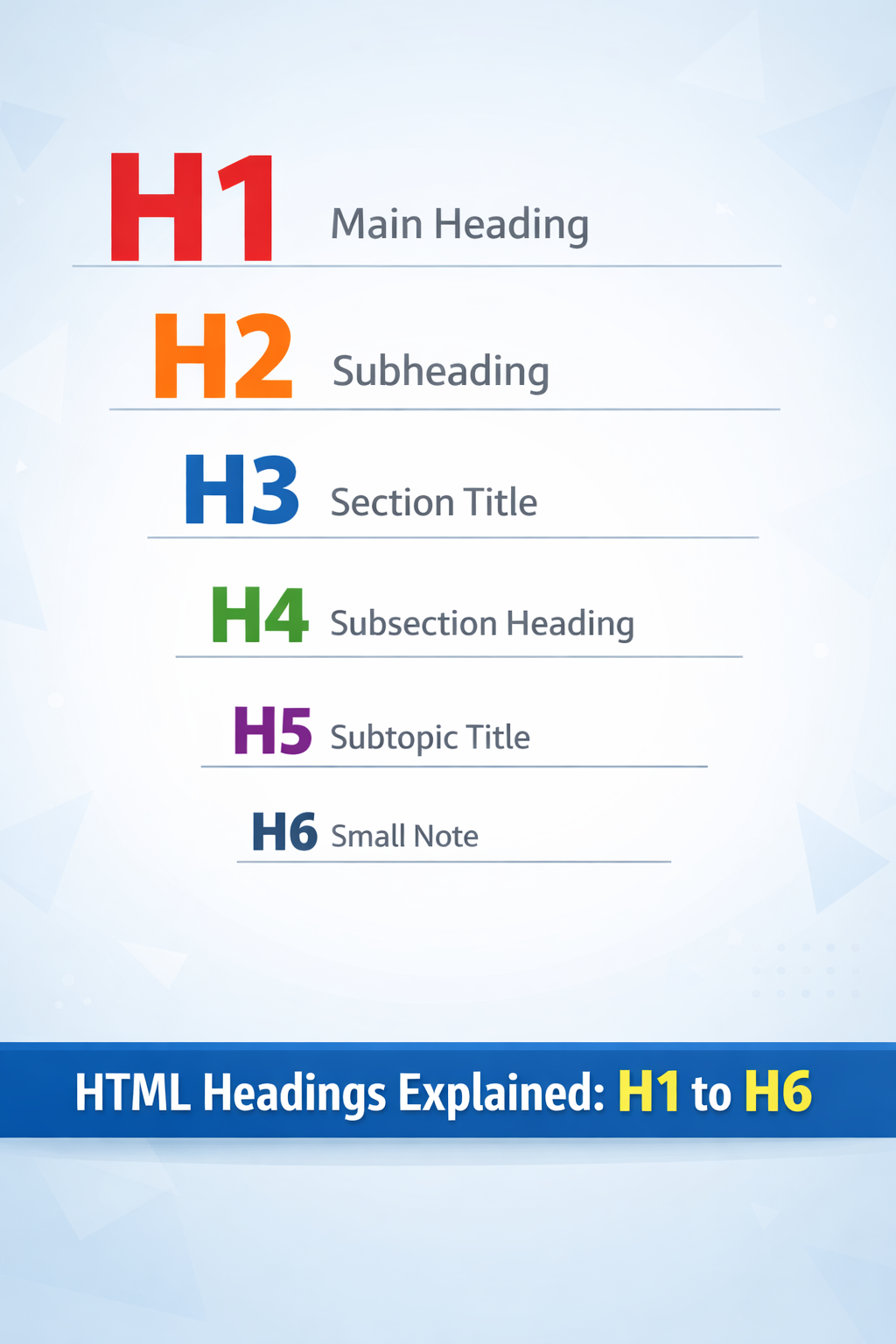
HTML Headings Tutorial: Learn H1 to H6 for SEO & Web Structure
Master HTML Headings from H1 to H6 with examples, best practices, and CSS tips. Learn how to struct…
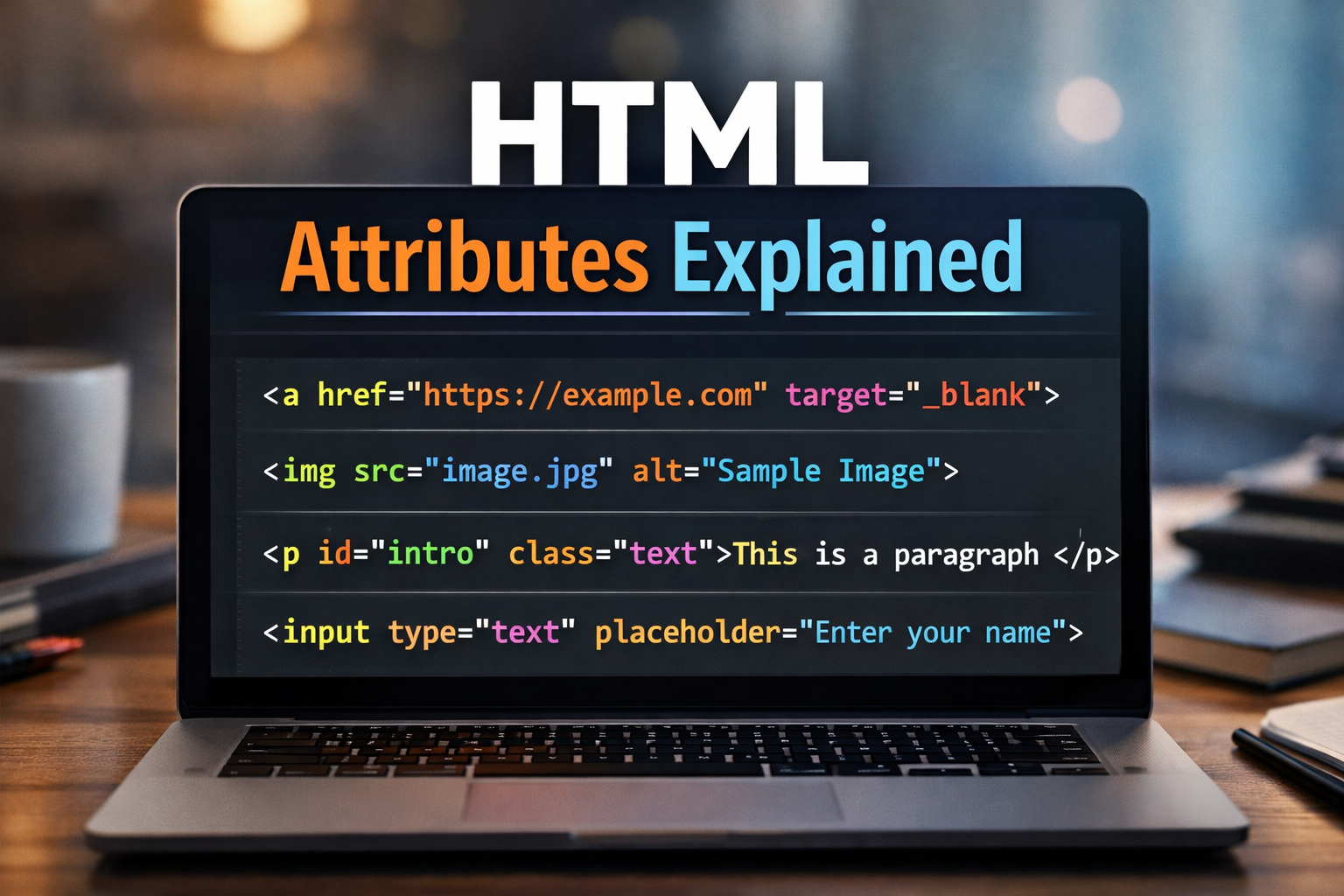
Learn HTML Attributes – Complete Guide for Beginners
Discover everything about HTML attributes! Learn how to use global, element-specific, and boolean a…
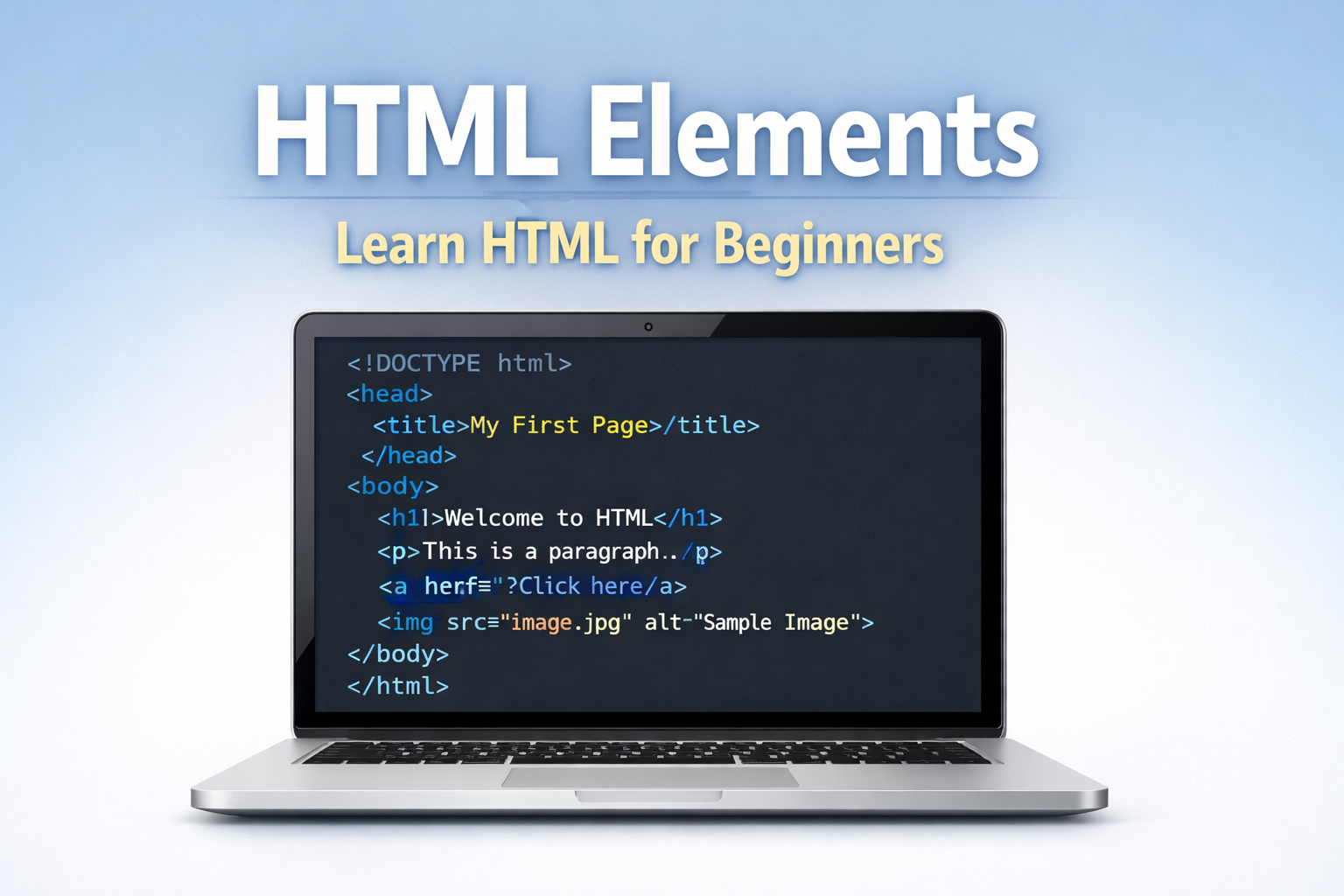
Learn HTML Elements: Complete Guide for Beginners | Learn HTML
Learn HTML elements step-by-step with easy examples. This beginner’s guide explains HTML tags, head…
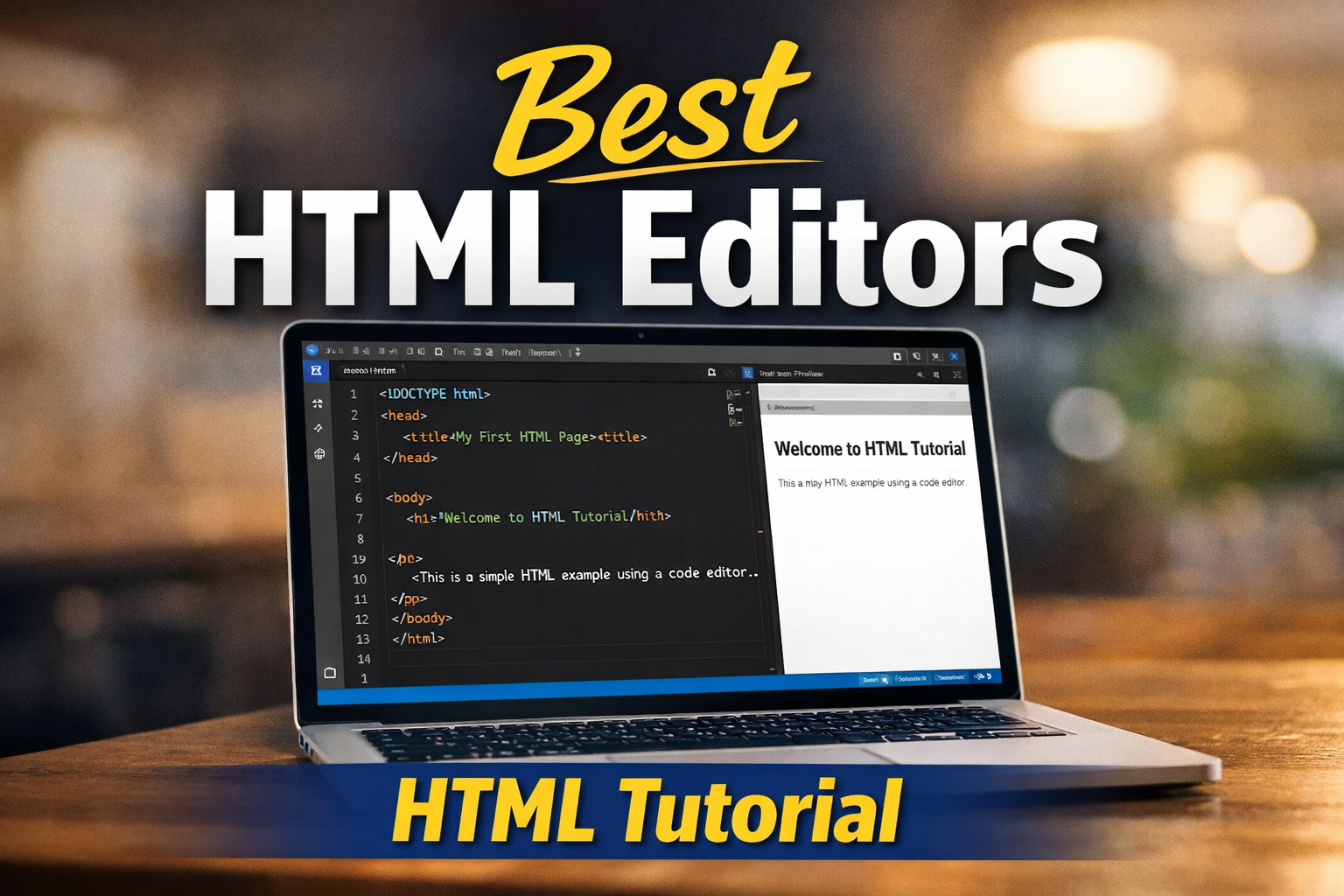
HTML Editors: Best Tools for Beginners (HTML Tutorial)
Learn the best HTML editors for beginners. Discover VS Code, Sublime Text, Brackets, and IDEs with …
Learn HTML: Complete HTML Tutorial for Beginners
Learn HTML step-by-step with this complete HTML tutorial for beginners. Understand HTML structure, …