Debian Chroot Installation Guide: Step-by-Step Tutorial with Facts
bigsansar | March 1, 2026

Chroot (Change Root) is a powerful feature in Linux that allows a user to change the root directory of a system. Using chroot, a separate environment can be created within an existing Linux system. This environment behaves like an independent system, even though it still uses the host system’s kernel.
Chroot is mainly used for system recovery, testing, development, and creating minimal environments. It is important to understand that chroot does not install a full operating system. Instead, it creates an isolated file system environment while still relying on the host system’s kernel. Therefore, it is not virtualization but a lightweight isolation technique.
Creating a Minimal Debian System Using debootstrap
To install Debian inside a chroot environment, the tool debootstrap is commonly used. This tool downloads and installs a basic Debian system into a selected directory.
First, the required tools must be installed:
sudo apt update
sudo apt install debootstrap
Next, create a directory that will serve as the new root:
sudo mkdir -p /mnt/debianThen install the Debian base system using debootstrap:
sudo debootstrap --arch=amd64 bookworm /mnt/debian http://deb.debian.org/debian
After installation, important system directories must be mounted to ensure proper functionality:
sudo mount --bind /dev /mnt/debian/dev
sudo mount --bind /proc /mnt/debian/proc
sudo mount --bind /sys /mnt/debian/sys
Now, you can enter the new Debian environment using:
sudo chroot /mnt/debian /bin/bash
At this point, you are inside the Debian system and can run commands such as updating packages or installing software.
Important Facts
Chroot does NOT create a full operating system.
It only creates an isolated environment using the host system’s kernel.
The host kernel is always used.
This means chroot is not virtualization like VirtualBox or VMware.
It is commonly used for system recovery.
For example, if a Linux system fails to boot, a live USB can be used to mount the system and enter chroot to repair it.
On Android systems, tools like proot are often used instead of traditional chroot.
Use Cases of Chroot
- System repair and troubleshooting
- Testing software safely
- Creating minimal server environments
- Development and experimentation
- Building isolated environments
Debian chroot installation is a practical and efficient method for creating an isolated Linux environment inside an existing system. While it does not replace a full operating system installation, it is extremely useful for recovery, testing, and development purposes. Since it relies on the host kernel, it is lightweight and simple compared to full virtualization solutions. Understanding chroot is important for anyone working with Linux systems and server management.
0 COMMENTS:
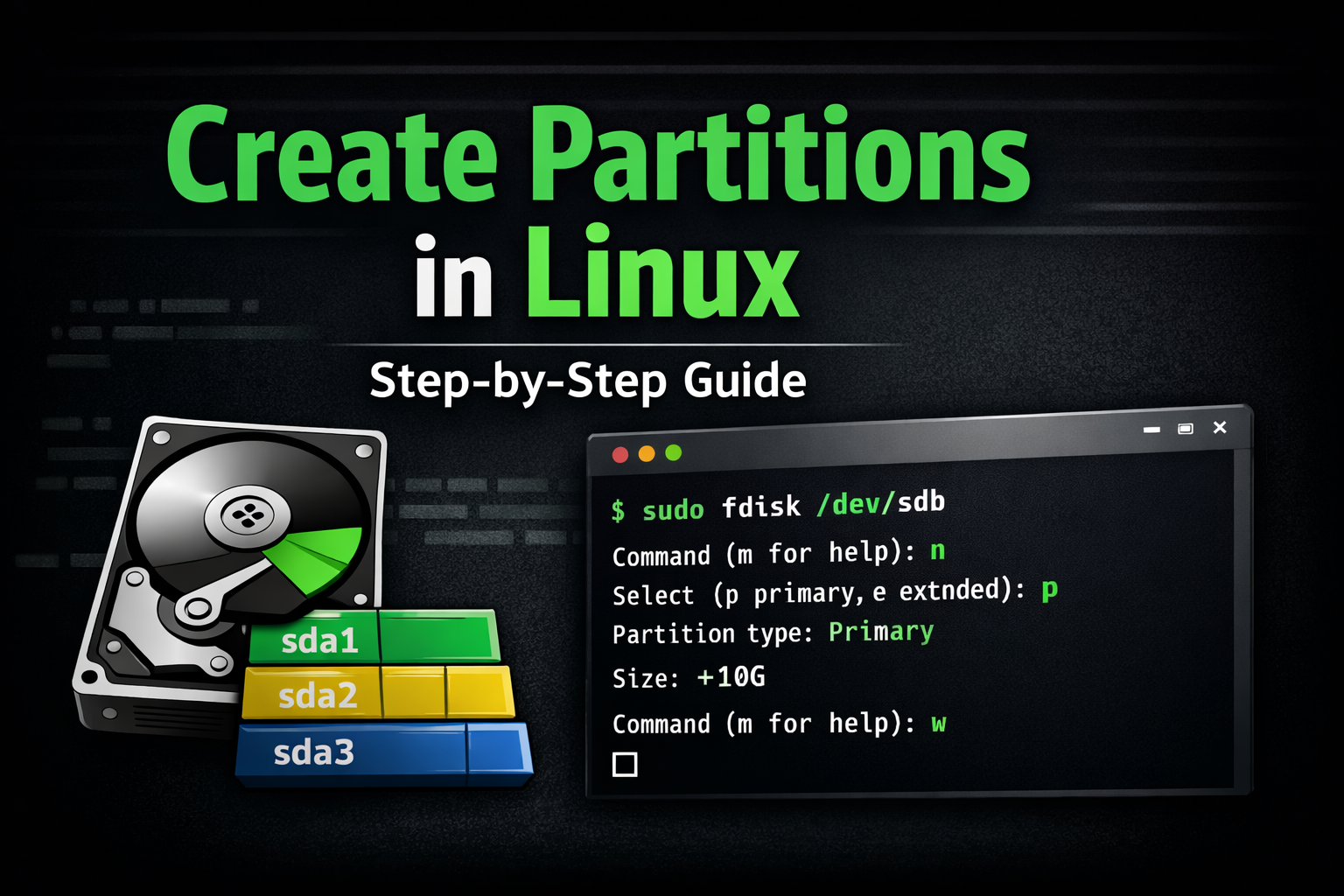
How to Create Partitions in Linux | Step-by-Step Guide for Beginners
Learn how to create partitions in Linux using fdisk and GParted. Step-by-step guide to create, form…
Debian Chroot Installation Guide: Step-by-Step Tutorial with Facts
Learn how to install Debian using chroot with debootstrap. Step-by-step guide, important facts, sys…

Kali Linux 2025.4 Release: New Hacking Tools & Wifipumpkin3 Preview
Discover Kali Linux 2025.4 release with three new hacking tools and Wifipumpkin3 preview. Learn abo…