Microsoft Copilot: The Ultimate AI Assistant for Productivity in 2025
bmw | Nov. 19, 2025

In today’s digital era, technological advancements have transformed the way we live and work. One remarkable example of this transformation is Microsoft Copilot, an advanced artificial intelligence assistant developed by Microsoft. Copilot is designed to help users work faster, smarter, and more efficiently. This essay explores the features, uses, benefits, limitations, and future potential of Microsoft Copilot.
Microsoft Copilot is built on state-of-the-art AI models like GPT-4. It integrates seamlessly with applications such as Word, Excel, PowerPoint, Outlook, Edge, and Windows, providing real-time support to users. Its primary function is to assist with repetitive and time-consuming tasks. Users can give instructions in natural language, and Copilot will transform them into professional content, including writing, report preparation, presentations, data analysis, email management, and even coding.
The writing and content creation capabilities of Copilot are especially noteworthy. Users can input general instructions, and Copilot converts them into polished, professional outputs. In Excel, it helps analyze data, generate charts, and summarize trends, making it easier for users to interpret complex datasets and make informed decisions. In PowerPoint, Copilot can create full presentations based on a topic or an uploaded document, arranging slides with professional design and layout. Outlook users benefit from Copilot’s ability to summarize long email threads, draft responses, and provide suggestions for follow-ups. With its integration into Windows 11, Copilot assists in managing system settings, searching files, and planning tasks. The Edge browser, it facilitates web research, summarizes long articles, and compares information without switching between apps.
The importance of Copilot lies in its ability to increase productivity and efficiency. Automating repetitive tasks, it frees up users to focus on creative and strategic work. Businesses and organizations can leverage Copilot to boost productivity and streamline operations. For students, bloggers, writers, and developers, it provides invaluable support in content creation, data analysis, and task management. Copilot combines the power of AI with Microsoft’s ecosystem to deliver a smarter, more efficient work experience.
Despite its advantages, Copilot has some limitations. It may not be uniformly available across all applications, and some users have reported that older versions of Windows or software may not fully support it. The subscription model can also be confusing for new users, as Copilot Pro and Microsoft 365 Copilot offer different features and pricing structures. Understanding these limitations is essential to maximizing the tool’s benefits.
Looking ahead, Microsoft Copilot is more than just a productivity tool. It represents a digital assistant capable of reshaping how we work and create. Its advanced capabilities and deep integration into Microsoft applications make it a valuable tool for professionals, students, and creators alike. As AI technology evolves, Copilot is expected to become an even more integral part of daily digital workflows, enhancing efficiency, creativity, and convenience.
In conclusion, Microsoft Copilot is a transformative tool for the digital age. It saves time, reduces effort, and increases productivity while providing creative and analytical support across multiple applications. As we move further into an AI-driven world, Copilot is poised to become a central companion for work, learning, and personal projects, redefining how people interact with technology every day.
0 COMMENTS:

Microsoft Windows 11 Emergency Update: Major Issues Fixed for Users
Microsoft has released an emergency update for Windows 11 to fix major issues including crashes, pe…
Microsoft Unifies Copilot Team | Satya Nadella’s ‘My Apps’ AI Vision
Microsoft is consolidating Copilot under one team to create seamless AI-powered experiences. Explor…
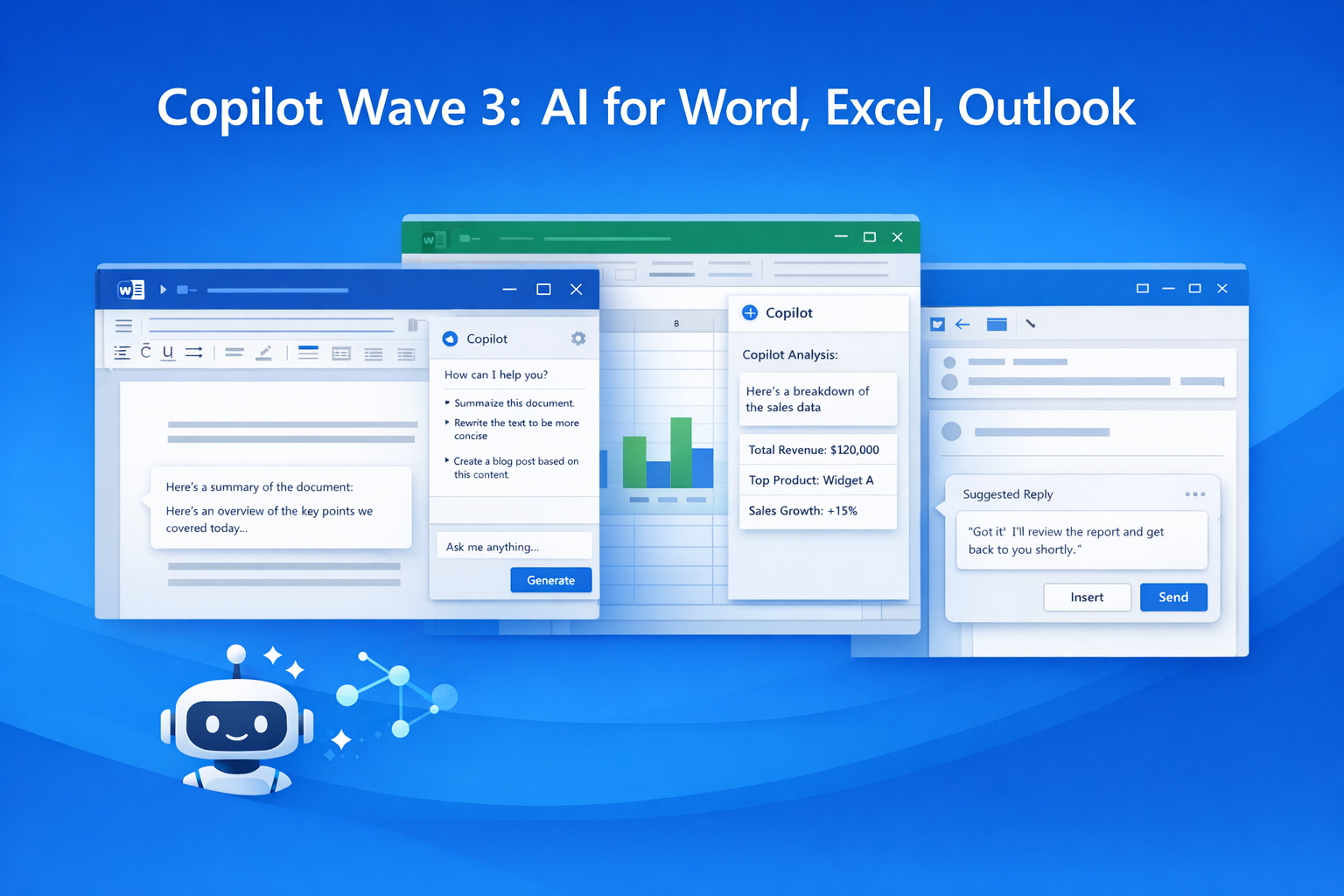
Microsoft 365 Copilot Wave 3: New AI Features for Word & Excel
Discover Microsoft 365 Copilot Wave 3 with agentic AI for Word, Excel, and Outlook. Automate tasks,…

Microsoft Confirms Project Helix: Next-Gen Xbox Details
Microsoft confirms Project Helix, the next-generation Xbox console. Here’s what we know about featu…

Create Windows 10 Bootable USB in Ubuntu (No WoeUSB)
Learn how to create a Windows 10 bootable USB in Ubuntu without WoeUSB. Step-by-step guide using NT…

Manual Install WSL on Older Windows (WSL 2 Step-by-Step Guide)
Learn how to install WSL manually on older Windows versions. Step-by-step guide to enable WSL, inst…
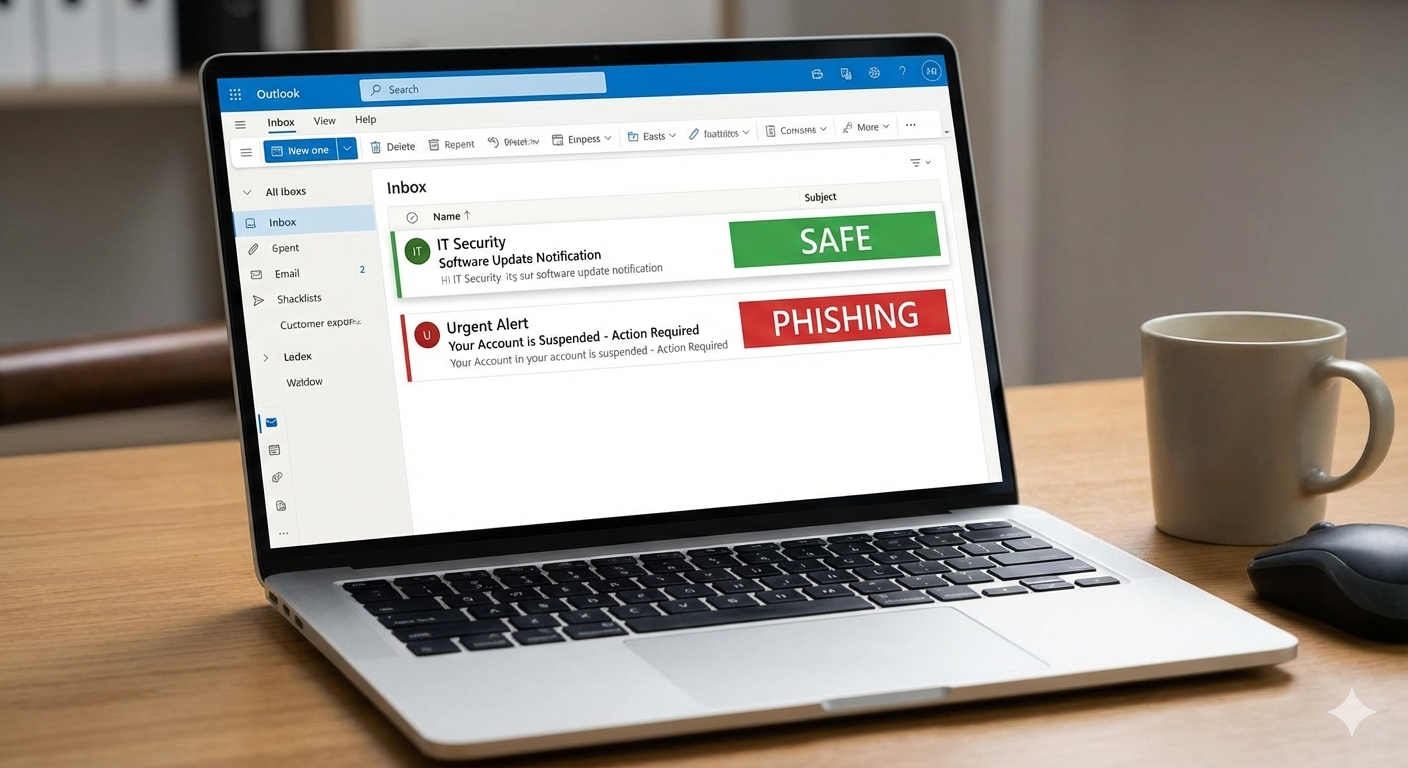
Microsoft Exchange Online Bug: Legit Emails Marked as Phishing Explained
Microsoft Exchange Online recently flagged legitimate emails as phishing, causing false positives a…

Microsoft Windows 11 Emergency Update Fixes Outlook Crash Bug
Microsoft has released a second emergency Windows 11 update to fix a critical Outlook crash bug cau…

Microsoft 365 Down for Thousands of Users | Downdetector Report
Microsoft 365 faced a major outage on January 22, 2026, affecting thousands of users worldwide. Dow…
Microsoft Windows 11 Emergency Update 2026: Shutdown Bug Explained
Microsoft’s first Windows 11 update of 2026 caused shutdown and hibernate failures on some PCs. Lea…