Microsoft Exchange Online Bug: Legit Emails Marked as Phishing Explained
bigsansar | Feb. 10, 2026
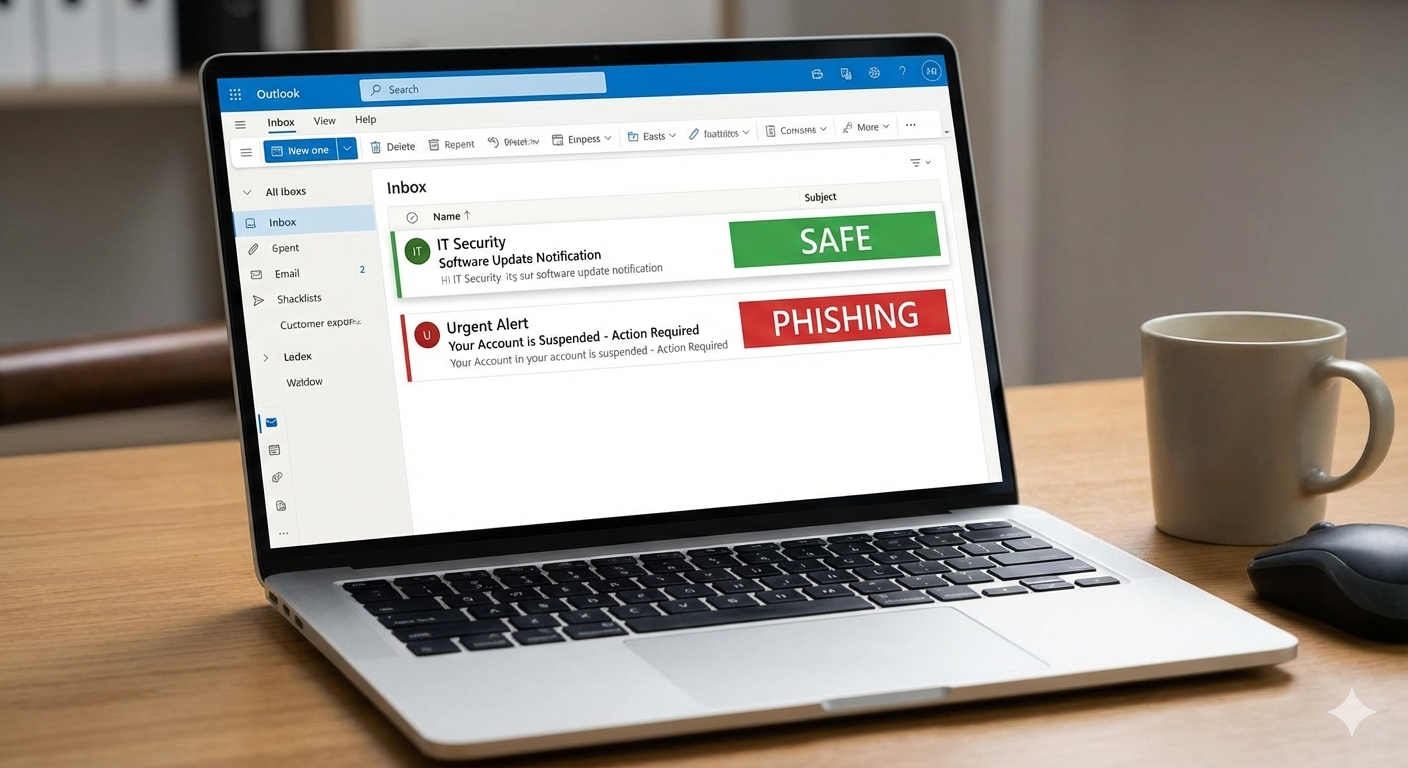
Email has become one of the most important tools in modern digital life. From office communication and invoices to password resets and banking alerts, email is still the backbone of how people and businesses exchange information online.
Because of this, major platforms like Microsoft, Google, and Yahoo invest heavily in email security. They use advanced spam and phishing filters to block dangerous messages before they reach the inbox.
However, in early February 2026, Microsoft Exchange Online users began reporting an unusual issue: legitimate emails were being incorrectly flagged as phishing.
This incident is not just a technical error. It highlights a much bigger topic that every internet user should understand: what is phishing, how phishing works, and why even the best security systems sometimes make mistakes.
What Happened in Microsoft Exchange Online?
Microsoft Exchange Online is widely used by businesses and organizations for professional email. It includes strong anti-spam and anti-phishing systems designed to detect suspicious messages and move them into quarantine.
In this incident, Microsoft confirmed that a problem caused legitimate emails containing specific URLs to be incorrectly classified as phishing. As a result, many valid emails were quarantined instead of being delivered to inboxes.
This created a serious disruption, especially for businesses, because important messages such as invoices, client emails, meeting confirmations, and support requests were blocked.
Important highlight: This was a false positive phishing detection issue, meaning the system blocked safe emails by mistake.
What Is a “False Positive” in Email Security?
Email security systems can fail in two main ways:
False negative: A phishing email successfully reaches the inbox.
False positive: A legitimate email is incorrectly blocked as phishing.
In this Microsoft Exchange Online incident, the issue was a false positive.
Important highlight: False positives are not as dangerous as false negatives, but they can be extremely damaging for businesses because they block real communication.
What Is Phishing?
Phishing is a type of cyberattack where criminals pretend to be a trusted company, service, or person in order to trick victims into revealing sensitive information.
The main goal of phishing is usually to steal:
Passwords
Banking details
Credit card information
One-time passwords (OTP)
Personal identity data
Phishing attacks often come through email, but they can also happen through SMS (smishing), social media messages, or fake websites.
Important highlight: Phishing is not just “spam.” It is a deliberate scam designed to steal your private information.
How Phishing Emails Trick People
Phishing emails are dangerous because they often look real. Attackers carefully design them to imitate trusted brands.
Common phishing techniques include:
Creating urgency, such as “Your account will be locked in 30 minutes.”
Pretending to be customer support from Microsoft, banks, or popular services
Sending fake invoices or payment requests
Adding links that lead to fake login pages
Including malicious attachments
Important highlight: Modern phishing emails are becoming more professional due to AI tools, which makes them harder to detect.
Why Microsoft Exchange Online Flagged Legitimate Emails as Phishing
Microsoft Exchange Online uses advanced detection methods. It analyzes email risk using multiple factors, including sender reputation, link reputation, authentication, and message content.
However, legitimate emails can still be flagged as phishing due to reasons such as:
- URL reputation and scanning rules
If an email contains a URL that matches suspicious patterns or triggers new security rules, it may be blocked. - Tracking links and marketing links
Many legitimate business emails contain tracking links (Mailchimp, HubSpot, etc.). These links sometimes look suspicious to security filters. - Email authentication problems (SPF, DKIM, DMARC)
If authentication is missing or misconfigured, a valid email can appear untrustworthy. - Sender reputation issues
If a sender suddenly changes IP addresses, sending volume, or sending location, filters may increase risk scoring.
Important highlight: Even legitimate emails can be blocked if they look “similar” to common phishing patterns.
The Real Impact of This Incident
This type of issue is especially harmful for organizations that depend on email for daily operations.
Some real-world consequences include:
Invoices and quotations are not being delivered
Customer support requests are being missed
Delayed communication with clients
Loss of trust due to unanswered emails
Reduced productivity inside teams
Important highlight: When email delivery fails, business operations can be directly affected.
A Simple Example: Legitimate Email vs Phishing Email
Legitimate email example:
Subject: Meeting schedule for tomorrow
Sender: [email protected]
Message: “Tomorrow’s meeting is at 10 AM as discussed. Here is the Zoom link.”
Link: Official Zoom link or company portal link
Phishing email example:
Subject: Your Microsoft account will be locked in 30 minutes
Sender: [email protected]
Message: “Suspicious login detected. Verify now to prevent suspension.”
Link: A fake website designed to steal login credentials
Important highlight: Phishing emails often use urgency and fear to force quick action.
How to Protect Yourself From Phishing
Even though Microsoft’s issue was a false positive, phishing remains a real and growing threat. To stay safe, users should follow strong email security habits:
Never click links without checking the real URL
Do not open unexpected attachments
Never share OTP codes with anyone
Enable two-factor authentication (2FA)
If you receive a suspicious email, visit the official website manually instead of using the email link.
Be cautious with emails that create urgency or fear
Important highlight: The best phishing defense is a combination of smart user habits and strong security tools.
Microsoft Exchange Online incorrectly flagging legitimate emails as phishing is a reminder that even the most advanced email security systems are not perfect.
This incident shows how complex phishing detection is. Filters must be strict enough to block dangerous emails, but not so strict that they block legitimate communication.
At the same time, it reinforces the importance of understanding what phishing is and how phishing scams work, because phishing continues to be one of the most common and dangerous cyber threats worldwide.
Final highlight: Email security tools are powerful, but user awareness remains the strongest defense against phishing.
0 COMMENTS:
Microsoft Windows 11 Emergency Update: Major Issues Fixed for Users
Microsoft has released an emergency update for Windows 11 to fix major issues including crashes, pe…

Microsoft Unifies Copilot Team | Satya Nadella’s ‘My Apps’ AI Vision
Microsoft is consolidating Copilot under one team to create seamless AI-powered experiences. Explor…
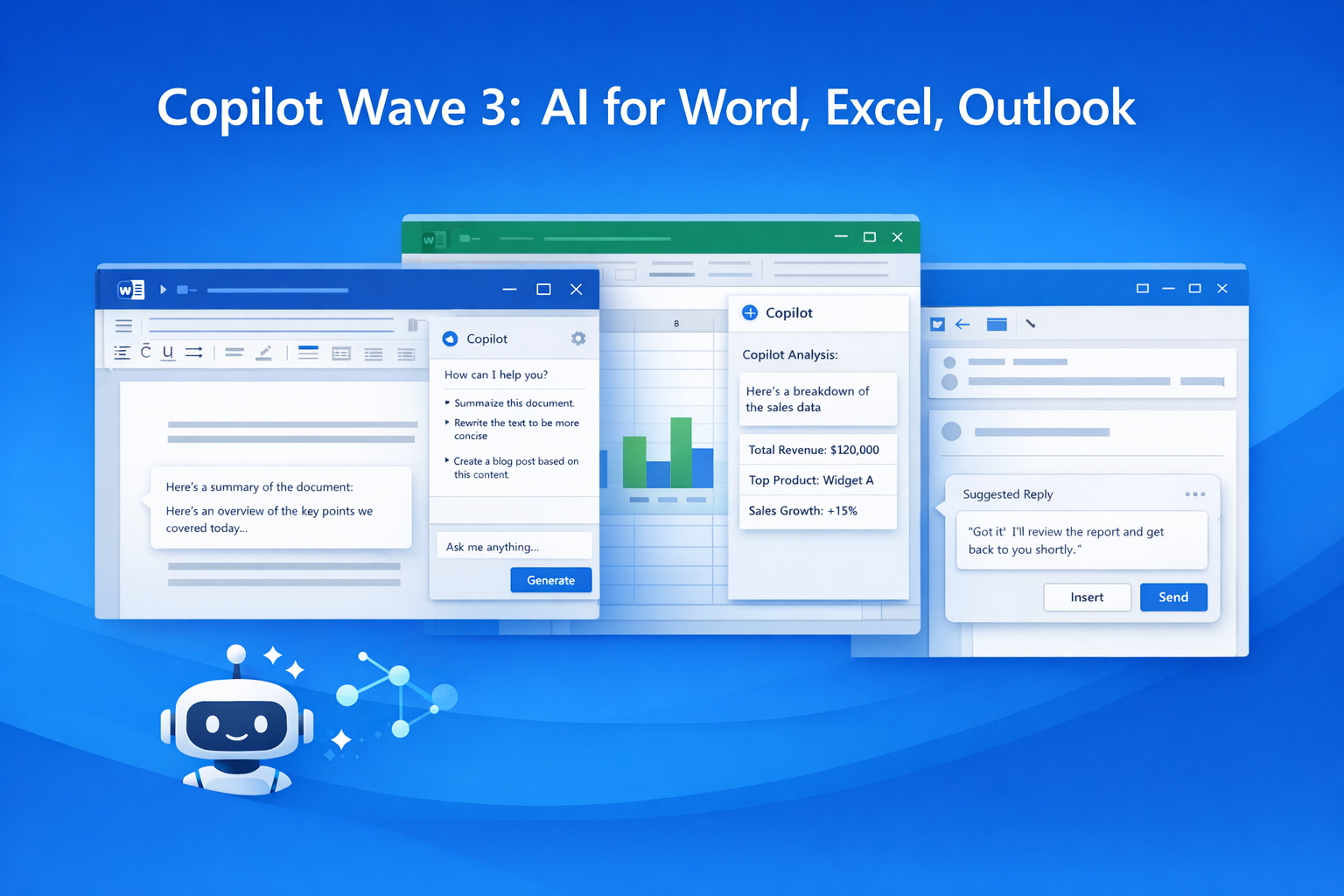
Microsoft 365 Copilot Wave 3: New AI Features for Word & Excel
Discover Microsoft 365 Copilot Wave 3 with agentic AI for Word, Excel, and Outlook. Automate tasks,…

Microsoft Confirms Project Helix: Next-Gen Xbox Details
Microsoft confirms Project Helix, the next-generation Xbox console. Here’s what we know about featu…
Create Windows 10 Bootable USB in Ubuntu (No WoeUSB)
Learn how to create a Windows 10 bootable USB in Ubuntu without WoeUSB. Step-by-step guide using NT…

Manual Install WSL on Older Windows (WSL 2 Step-by-Step Guide)
Learn how to install WSL manually on older Windows versions. Step-by-step guide to enable WSL, inst…
Microsoft Exchange Online Bug: Legit Emails Marked as Phishing Explained
Microsoft Exchange Online recently flagged legitimate emails as phishing, causing false positives a…
Microsoft Windows 11 Emergency Update Fixes Outlook Crash Bug
Microsoft has released a second emergency Windows 11 update to fix a critical Outlook crash bug cau…
Microsoft 365 Down for Thousands of Users | Downdetector Report
Microsoft 365 faced a major outage on January 22, 2026, affecting thousands of users worldwide. Dow…
Microsoft Windows 11 Emergency Update 2026: Shutdown Bug Explained
Microsoft’s first Windows 11 update of 2026 caused shutdown and hibernate failures on some PCs. Lea…