Microsoft Unifies Copilot Team | Satya Nadella’s ‘My Apps’ AI Vision
bigsansar | March 18, 2026
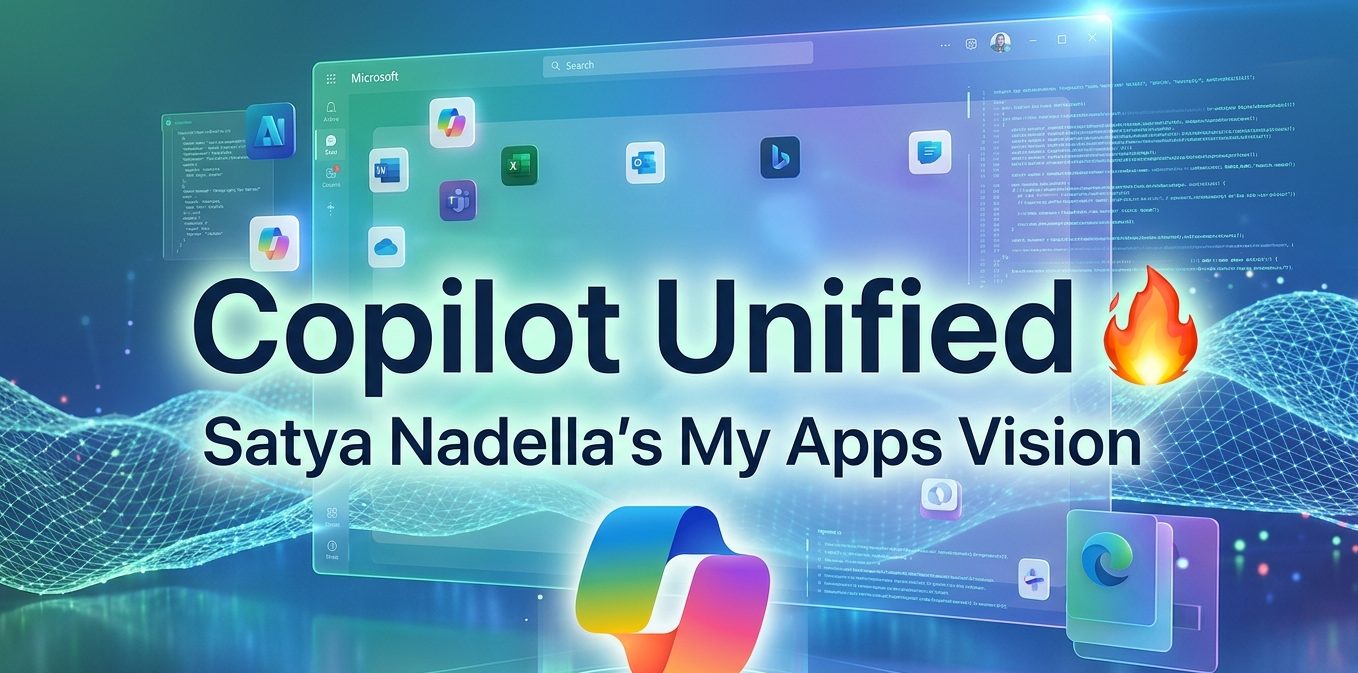
In a major step toward simplifying its AI ecosystem, Microsoft is working to unify its Copilot services under a single structure. This move reflects CEO Satya Nadella’s broader vision of making computing more seamless, intelligent, and user-focused through AI.
Rather than treating applications as separate tools, Microsoft is gradually moving toward a system in which everything works together as a single, connected experience.
Copilot Integration: What’s Actually Happening (Fact-Checked)
Microsoft has already integrated Copilot into products like Word, Excel, Windows, and Azure. The company is now focusing on making these AI features more consistent and interconnected.
Key Facts:
- Copilot is becoming a core layer across Microsoft products
- AI is now central to Microsoft’s long-term strategy
- The goal is to create a unified and seamless user experience
Important Clarification:
The term “My Apps” is not an official product or feature. It represents a conceptual direction rather than a formally announced system.
Understanding the ‘My Apps’ Concept
The idea of the “My Apps” concept reflects a shift from traditional app usage to AI-driven experiences.
Important Points:
- Apps will become more personalized based on user behavior
- Copilot will act as a central assistant across all apps
- Users will interact more with AI than with individual applications
In simple terms, users may no longer need to open multiple apps manually—AI will handle tasks across them.
Satya Nadella’s Vision for AI
Under the leadership of Satya Nadella, Microsoft is transforming AI into a foundational platform rather than just a feature.
Core Direction:
- AI connects and enhances all applications
- Software becomes context-aware and intelligent
- Productivity tools evolve into automated assistants
This suggests a future where Copilot becomes the primary interface for interacting with digital tools.
Impact on Users and Developers
For Users:
- Faster and more efficient workflows
- Reduced need to switch between apps
- More personalized and intelligent experiences
For Developers:
- Increasing importance of AI-integrated applications
- Need to adapt to a Copilot-first ecosystem
- Greater reliance on Microsoft’s development platforms
Why This Shift Matters
Microsoft’s strategy places it in direct competition with companies like Google and Apple.
What makes it significant:
- AI is becoming the main interface, not just a feature
- Traditional boundaries between apps are fading
- User experience is shifting toward automation and intelligence
Real-World Example
Imagine typing a simple request:
“Summarize yesterday’s meeting and create a presentation.”
Instead of opening multiple applications:
- Copilot retrieves data from Outlook
- Creates a summary in Word
- Generates slides in PowerPoint
This demonstrates how a unified AI system can handle tasks across multiple apps seamlessly.
Microsoft’s move to unify Copilot is more than a structural update—it represents a fundamental shift in how software will be used in the future.
While “My Apps” is not an official feature, it clearly reflects the direction Microsoft is heading toward:
Applications will become invisible, and AI will take center stage in user experience.
0 COMMENTS:
Microsoft Windows 11 Emergency Update: Major Issues Fixed for Users
Microsoft has released an emergency update for Windows 11 to fix major issues including crashes, pe…
Microsoft Unifies Copilot Team | Satya Nadella’s ‘My Apps’ AI Vision
Microsoft is consolidating Copilot under one team to create seamless AI-powered experiences. Explor…
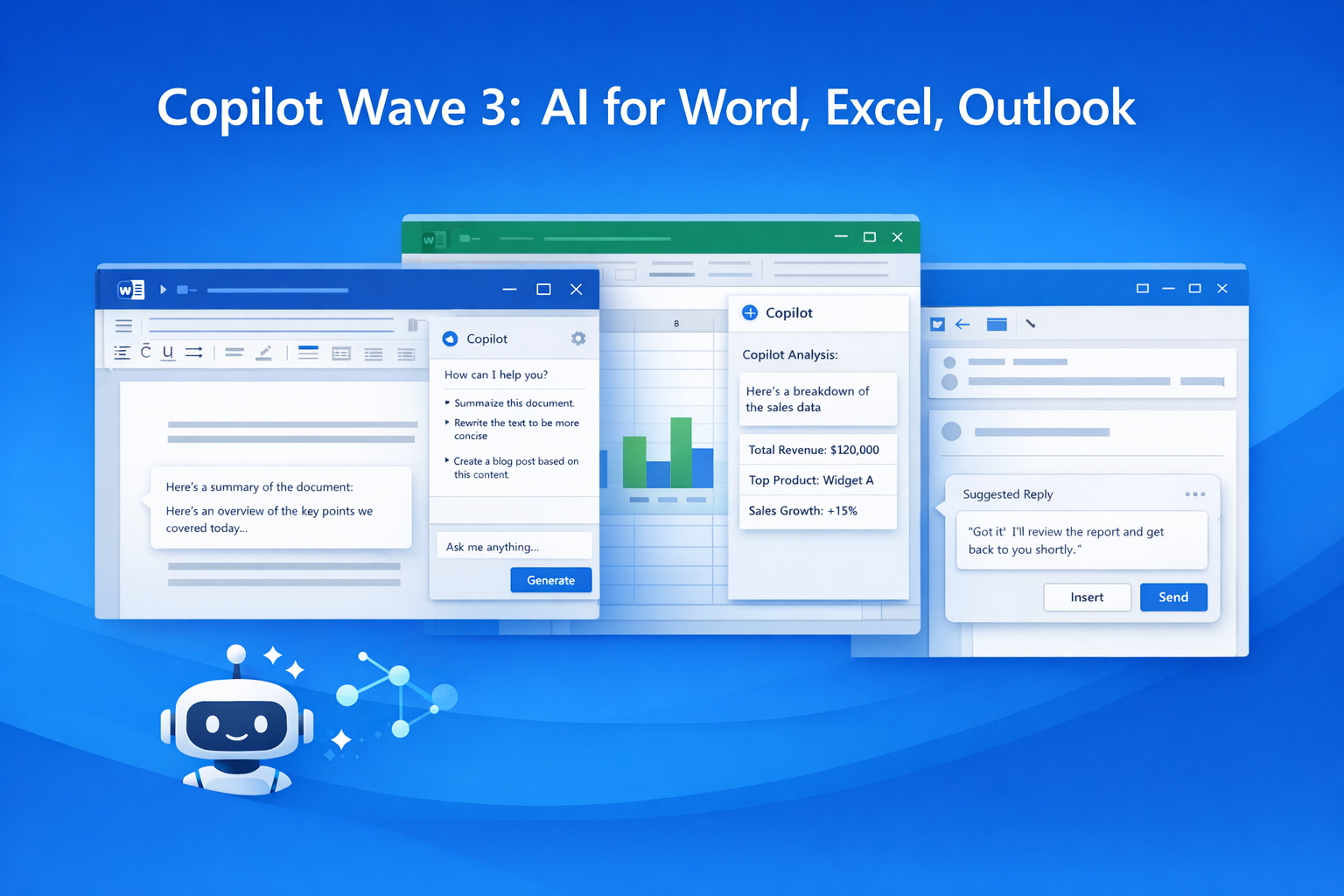
Microsoft 365 Copilot Wave 3: New AI Features for Word & Excel
Discover Microsoft 365 Copilot Wave 3 with agentic AI for Word, Excel, and Outlook. Automate tasks,…
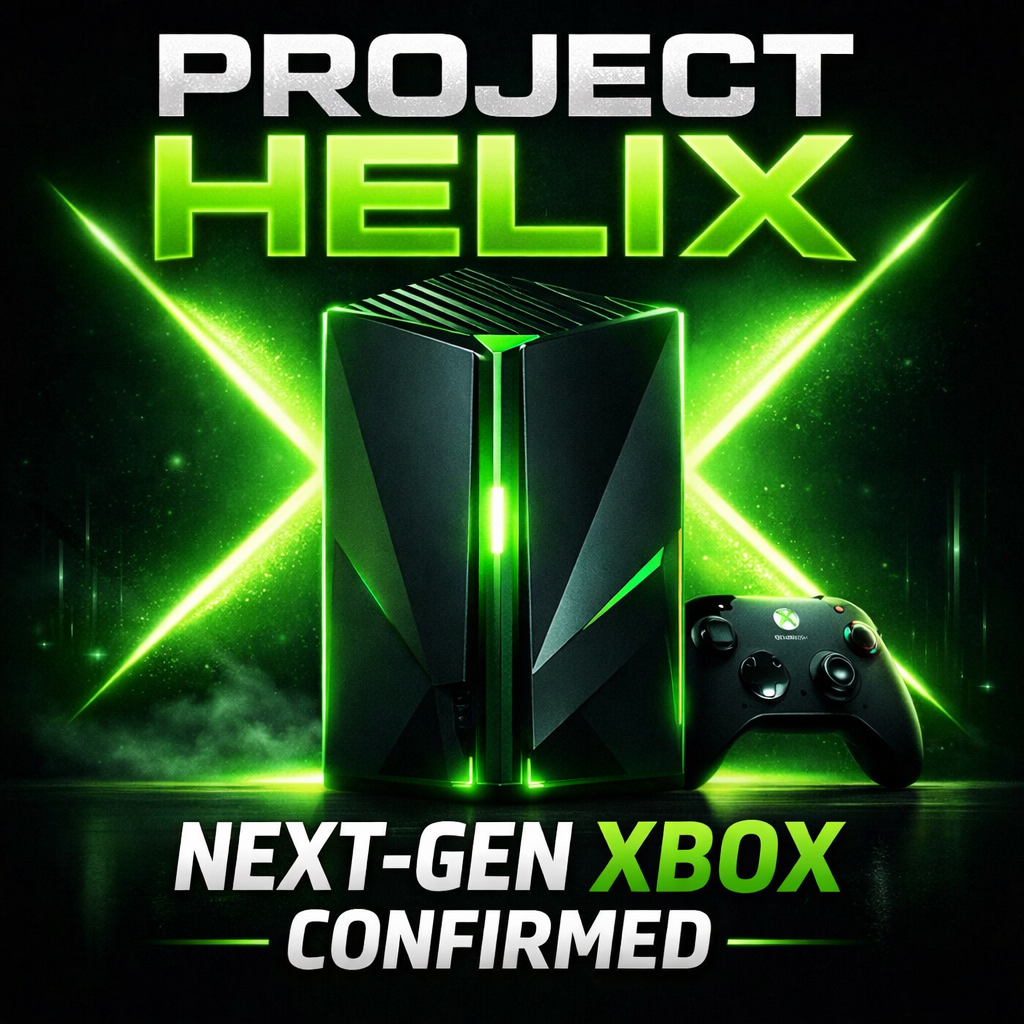
Microsoft Confirms Project Helix: Next-Gen Xbox Details
Microsoft confirms Project Helix, the next-generation Xbox console. Here’s what we know about featu…
Create Windows 10 Bootable USB in Ubuntu (No WoeUSB)
Learn how to create a Windows 10 bootable USB in Ubuntu without WoeUSB. Step-by-step guide using NT…

Manual Install WSL on Older Windows (WSL 2 Step-by-Step Guide)
Learn how to install WSL manually on older Windows versions. Step-by-step guide to enable WSL, inst…
Microsoft Exchange Online Bug: Legit Emails Marked as Phishing Explained
Microsoft Exchange Online recently flagged legitimate emails as phishing, causing false positives a…

Microsoft Windows 11 Emergency Update Fixes Outlook Crash Bug
Microsoft has released a second emergency Windows 11 update to fix a critical Outlook crash bug cau…

Microsoft 365 Down for Thousands of Users | Downdetector Report
Microsoft 365 faced a major outage on January 22, 2026, affecting thousands of users worldwide. Dow…
Microsoft Windows 11 Emergency Update 2026: Shutdown Bug Explained
Microsoft’s first Windows 11 update of 2026 caused shutdown and hibernate failures on some PCs. Lea…