Microsoft Windows 11 Emergency Update 2026: Shutdown Bug Explained
bigsansar | Jan. 19, 2026
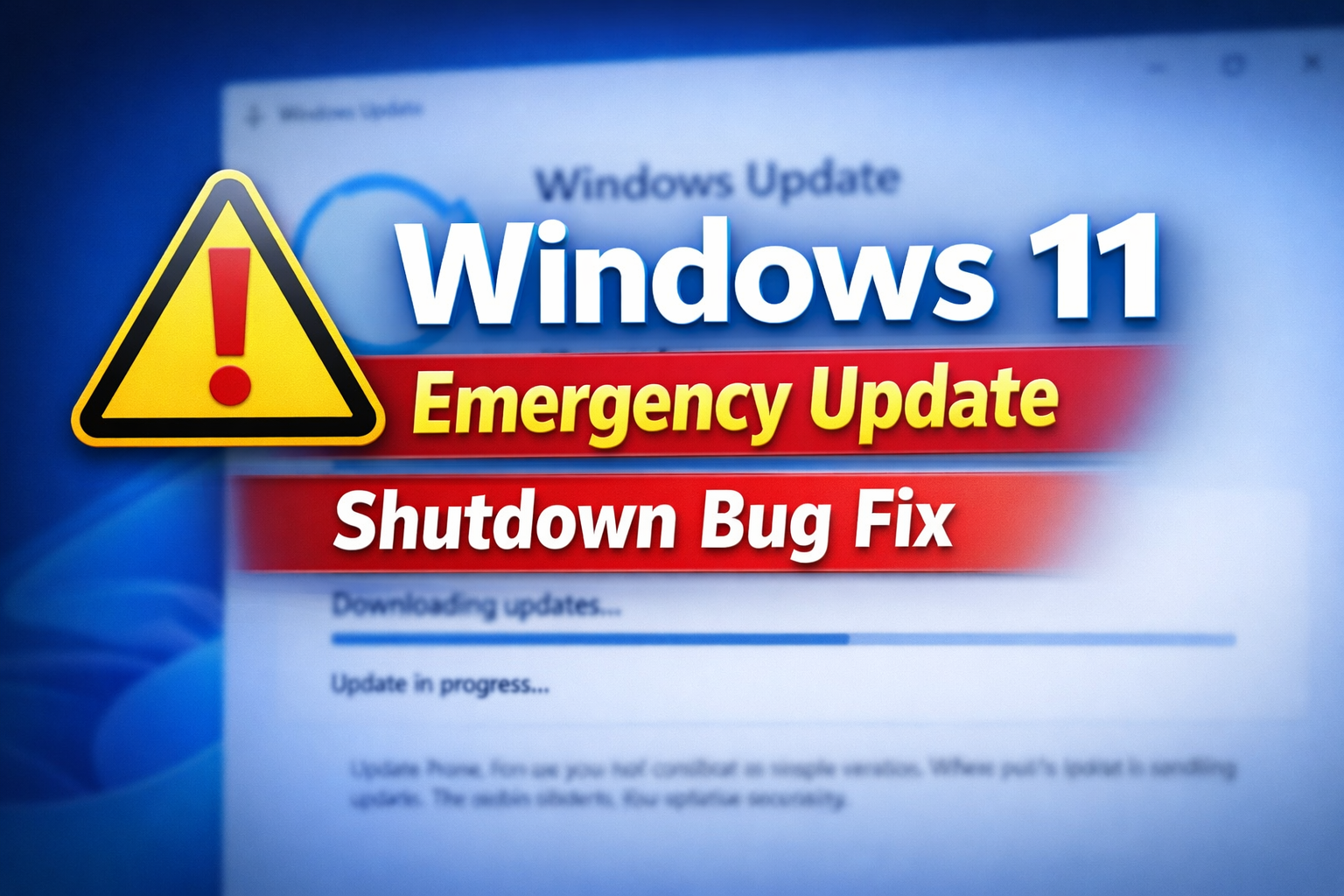
In January 2026, Microsoft released its first major Windows 11 update of the year, which was intended to improve security and system stability. However, the update unexpectedly caused problems for some users, especially those running Windows 11 23H2 editions with advanced security features enabled. Instead of improving the system, the update led to a situation where some computers could not shut down or enter hibernate mode properly.
The issue appeared shortly after the update was installed. Many users reported that when they tried to shut down their PCs, the system would freeze or fail to complete the shutdown process. Some computers would restart instead of shutting down, while others would remain stuck on the shutdown screen. This problem was not limited to home users; it also affected enterprise environments where shutdown and restart operations are crucial for maintenance and security updates.
The root cause of the problem was linked to System Guard Secure Launch, a security feature designed to protect the system at a low level, ensuring a secure boot process and preventing unauthorized firmware modifications. When the January update was installed, a regression occurred in how Secure Launch interacted with the shutdown process. As a result, the shutdown command was not executed properly on affected systems.
Microsoft responded quickly by issuing an emergency out-of-band update. This type of update is released outside the regular monthly Patch Tuesday cycle, specifically to address urgent issues that cannot wait. The emergency fix was rolled out to ensure that affected users could once again shut down, restart, and hibernate their systems normally. In addition to fixing the shutdown bug, the update also addressed related issues such as Remote Desktop login failures for some users.
For users who experienced the shutdown problem, the first step was to check their Windows Update history to identify whether the issue started after the January patch. After confirming the cause, users were advised to install the latest available updates, which included the emergency fix. Microsoft’s rapid response helped restore normal functionality for many affected systems.
This incident highlights a significant lesson in software updates: even a well-tested security patch can introduce unexpected issues. While Windows updates are essential for protecting systems against new threats, they also need to be thoroughly tested for compatibility with security features like Secure Launch. The January 2026 update demonstrated that even a small regression can have a major impact, especially in enterprise environments where system reliability is critical.
In conclusion, the first Windows 11 update of 2026, although aimed at improving security, caused shutdown and hibernation failures on some computers. Microsoft addressed the issue by releasing an emergency update, restoring normal operation for affected users. This event serves as a reminder that updates must balance security improvements with system stability, and that quick corrective action is essential when problems arise.
0 COMMENTS:
Microsoft Windows 11 Emergency Update: Major Issues Fixed for Users
Microsoft has released an emergency update for Windows 11 to fix major issues including crashes, pe…

Microsoft Unifies Copilot Team | Satya Nadella’s ‘My Apps’ AI Vision
Microsoft is consolidating Copilot under one team to create seamless AI-powered experiences. Explor…
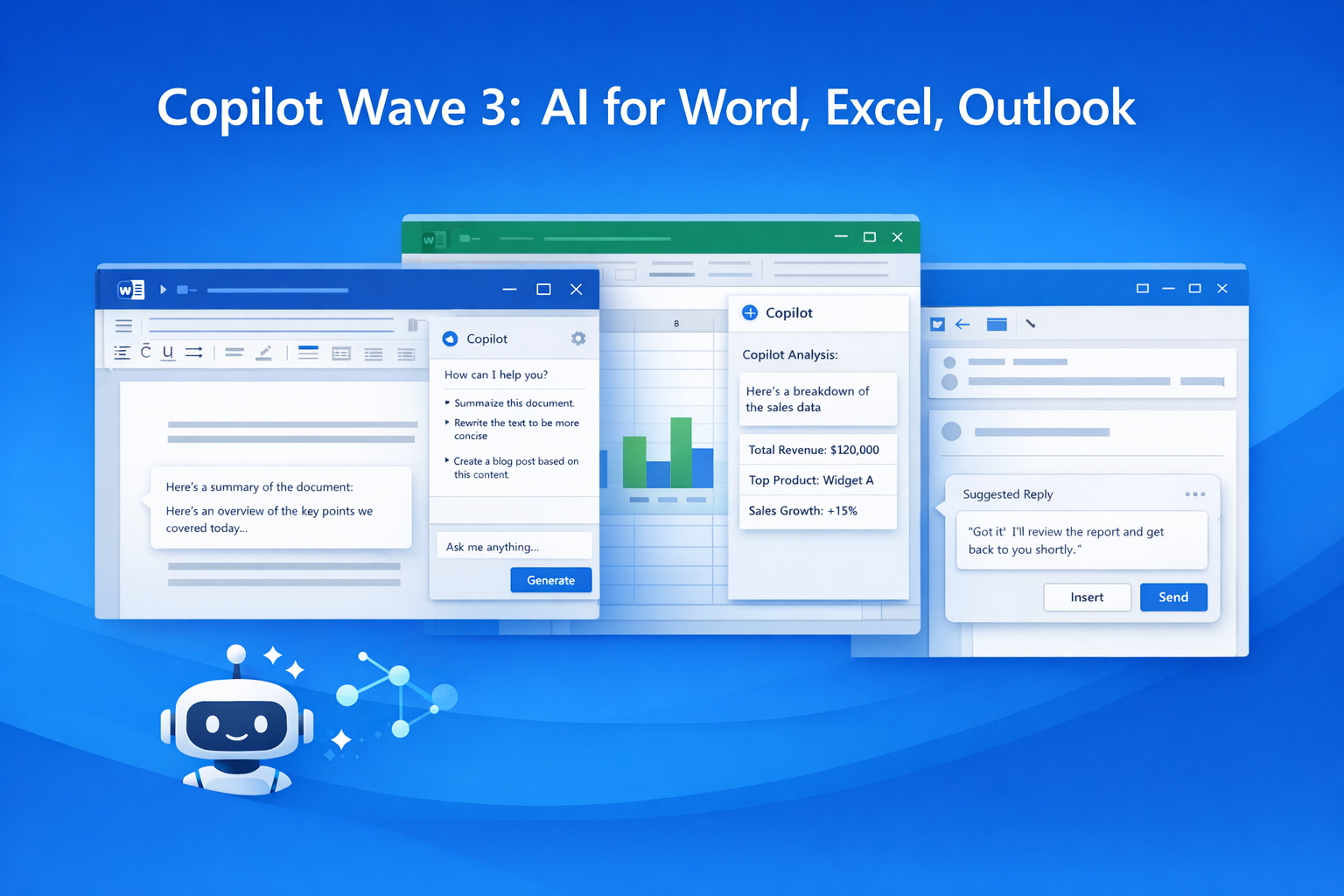
Microsoft 365 Copilot Wave 3: New AI Features for Word & Excel
Discover Microsoft 365 Copilot Wave 3 with agentic AI for Word, Excel, and Outlook. Automate tasks,…
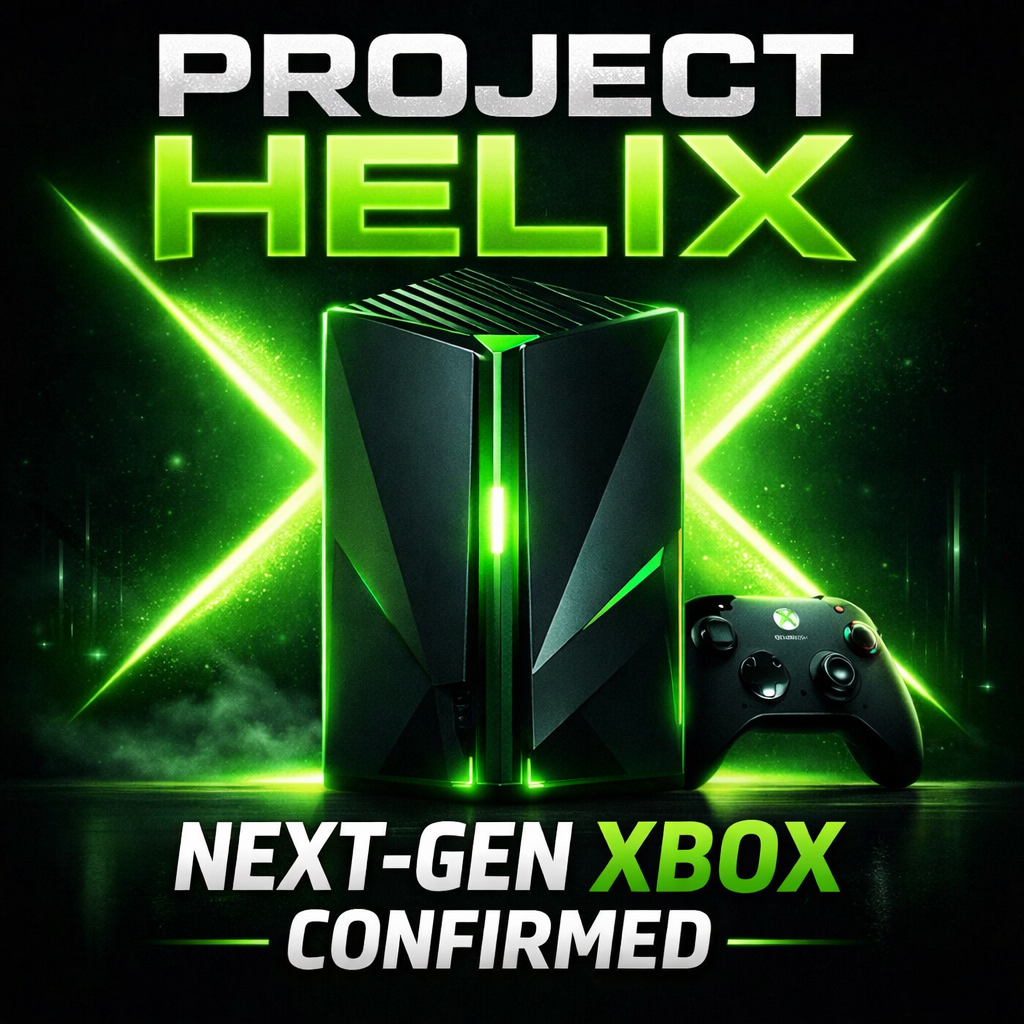
Microsoft Confirms Project Helix: Next-Gen Xbox Details
Microsoft confirms Project Helix, the next-generation Xbox console. Here’s what we know about featu…
Create Windows 10 Bootable USB in Ubuntu (No WoeUSB)
Learn how to create a Windows 10 bootable USB in Ubuntu without WoeUSB. Step-by-step guide using NT…

Manual Install WSL on Older Windows (WSL 2 Step-by-Step Guide)
Learn how to install WSL manually on older Windows versions. Step-by-step guide to enable WSL, inst…
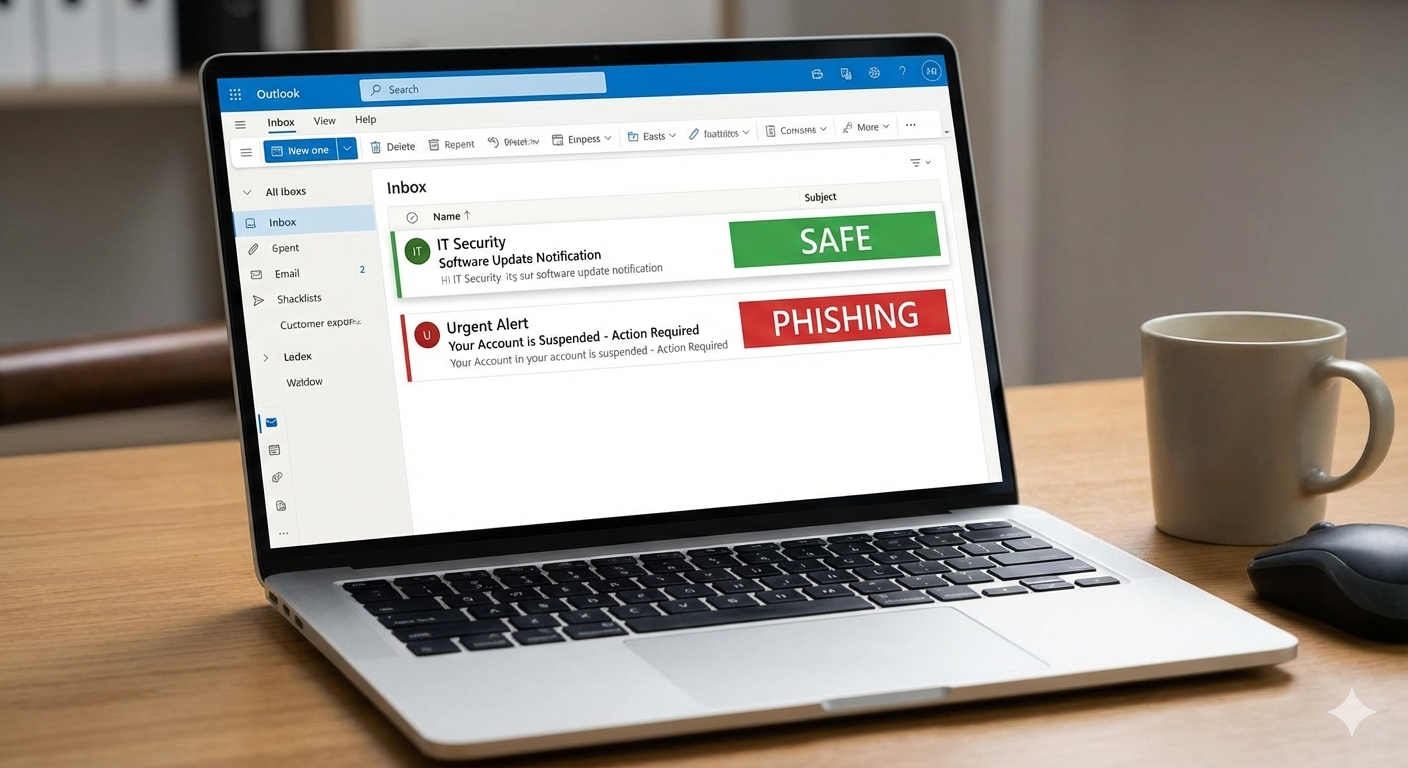
Microsoft Exchange Online Bug: Legit Emails Marked as Phishing Explained
Microsoft Exchange Online recently flagged legitimate emails as phishing, causing false positives a…
Microsoft Windows 11 Emergency Update Fixes Outlook Crash Bug
Microsoft has released a second emergency Windows 11 update to fix a critical Outlook crash bug cau…
Microsoft 365 Down for Thousands of Users | Downdetector Report
Microsoft 365 faced a major outage on January 22, 2026, affecting thousands of users worldwide. Dow…
Microsoft Windows 11 Emergency Update 2026: Shutdown Bug Explained
Microsoft’s first Windows 11 update of 2026 caused shutdown and hibernate failures on some PCs. Lea…