Microsoft Windows 11 Emergency Update: Major Issues Fixed for Users
bigsansar | March 23, 2026
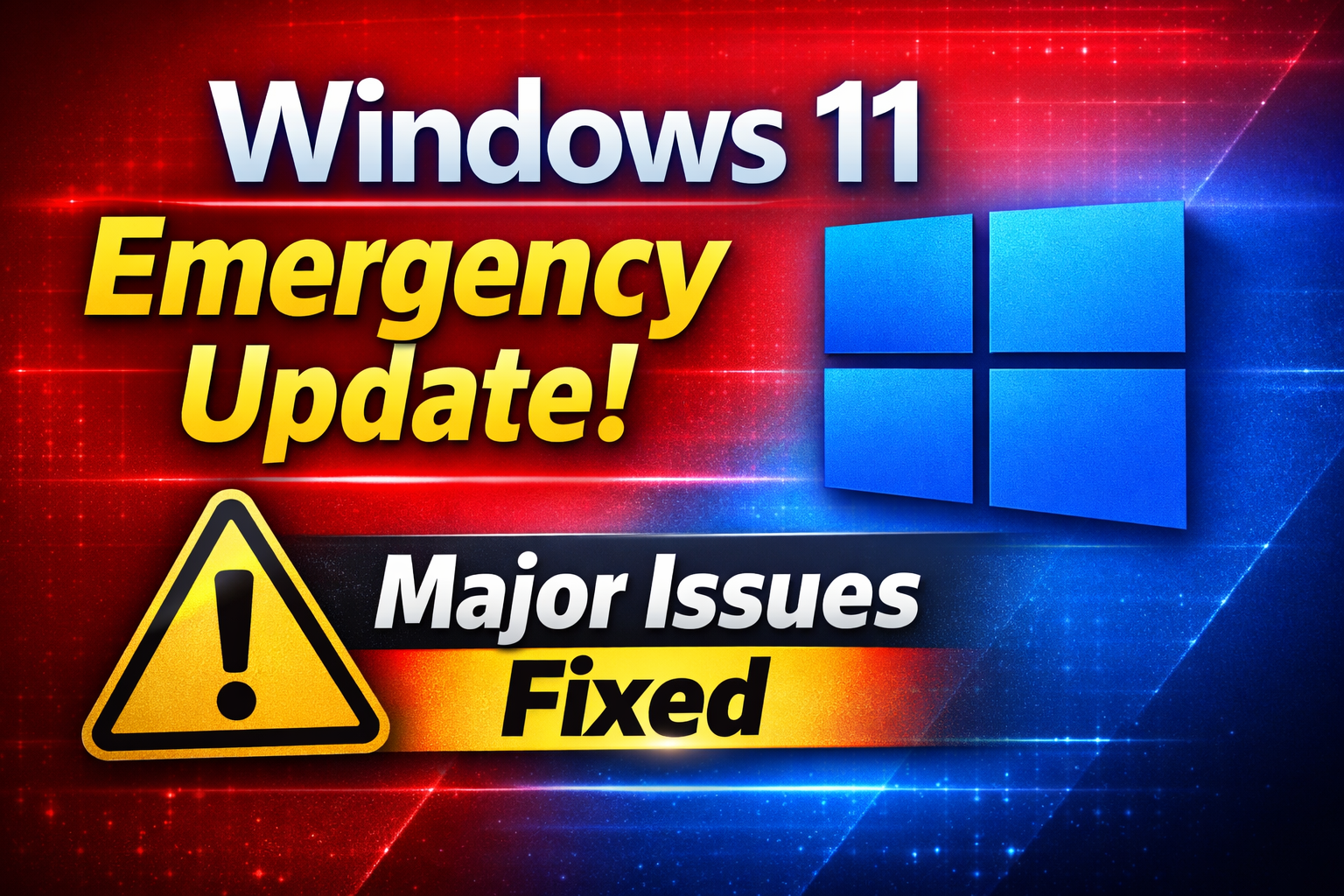
Recent reports about an “emergency update” for Windows 11 have drawn significant attention worldwide. Microsoft is known for releasing urgent fixes when serious issues arise, but such headlines can sometimes sound more alarming than the actual situation. Therefore, it is important to understand the facts clearly.
An “emergency update” typically refers to what Microsoft calls an out-of-band update—a patch released outside the regular monthly update cycle. These updates are issued only when there are critical bugs, security vulnerabilities, or widespread system issues that need immediate attention.
In recent cases, some Windows 11 users have reported problems after installing certain updates. These include system freezes, unexpected restarts, app crashes, performance drops, and driver compatibility issues. While not all users are affected, such problems can impact specific devices or configurations.
To address these concerns, Microsoft releases emergency patches focused on restoring system stability and security. These updates are designed to:
- Fix system crashes and freezing issues
- Improve overall performance and responsiveness
- Resolve driver and hardware compatibility problems
- Patch critical security vulnerabilities
It is important to understand that these updates are not a sign of failure, but rather a rapid response mechanism to fix issues and protect users.
For example, imagine a user who installs a recent Windows 11 update and then experiences slow performance and frequent browser crashes. Shortly after, Microsoft released an emergency patch. Once installed, the system returns to normal, performance improves, and crashes stop. This illustrates how crucial such updates can be.
Users are strongly advised to regularly check for updates by going to Settings → Windows Update → Check for updates. Enabling automatic updates is also recommended to ensure that critical fixes are installed without delay.
In conclusion, while headlines mentioning “major issues” may sound concerning, they often reflect temporary problems that are quickly addressed. Microsoft’s ability to release emergency updates demonstrates its commitment to maintaining a secure and stable operating system.
Keeping your system updated is the simplest and most effective way to stay protected and ensure optimal performance.
0 COMMENTS:
Microsoft Windows 11 Emergency Update: Major Issues Fixed for Users
Microsoft has released an emergency update for Windows 11 to fix major issues including crashes, pe…

Microsoft Unifies Copilot Team | Satya Nadella’s ‘My Apps’ AI Vision
Microsoft is consolidating Copilot under one team to create seamless AI-powered experiences. Explor…
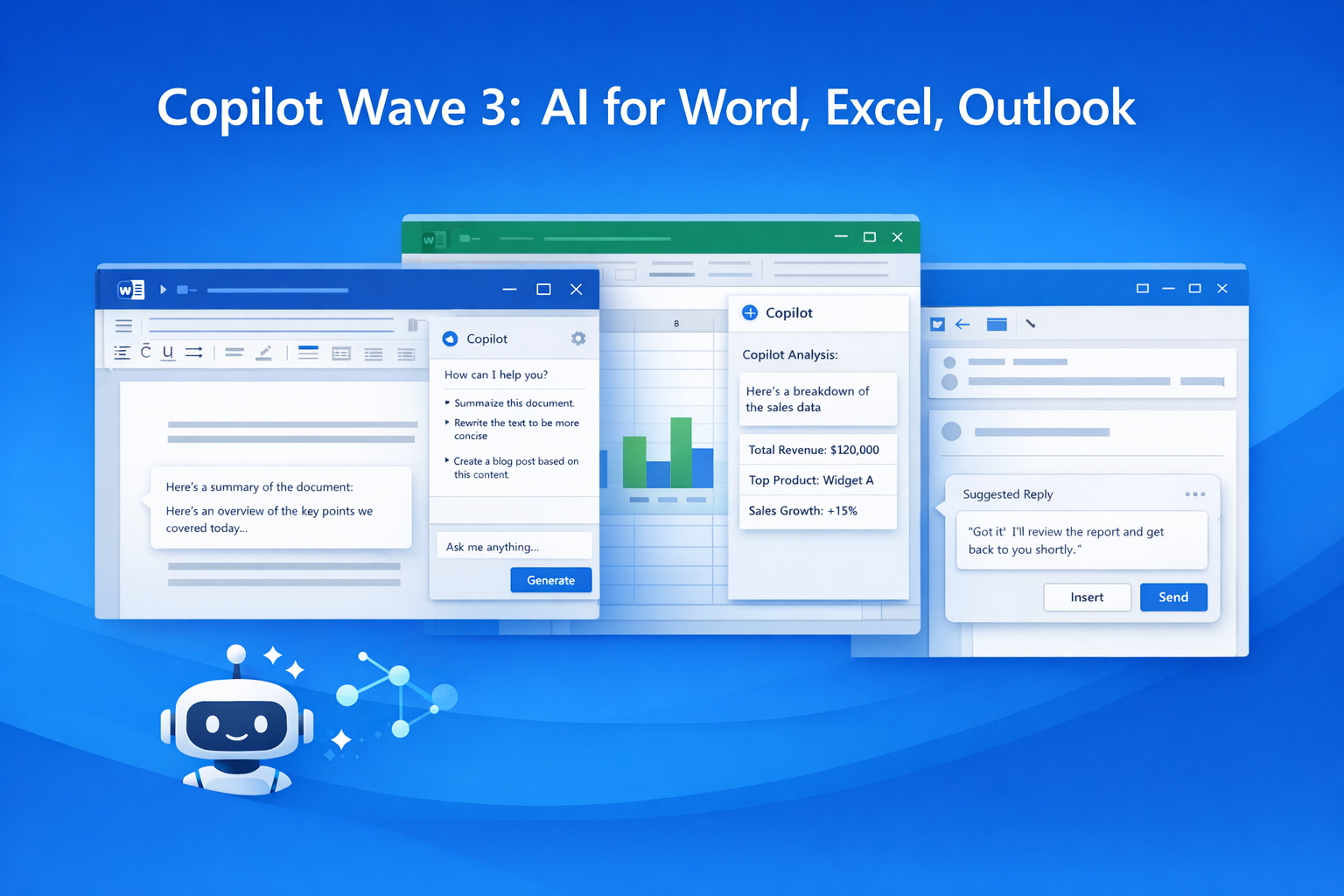
Microsoft 365 Copilot Wave 3: New AI Features for Word & Excel
Discover Microsoft 365 Copilot Wave 3 with agentic AI for Word, Excel, and Outlook. Automate tasks,…

Microsoft Confirms Project Helix: Next-Gen Xbox Details
Microsoft confirms Project Helix, the next-generation Xbox console. Here’s what we know about featu…
Create Windows 10 Bootable USB in Ubuntu (No WoeUSB)
Learn how to create a Windows 10 bootable USB in Ubuntu without WoeUSB. Step-by-step guide using NT…

Manual Install WSL on Older Windows (WSL 2 Step-by-Step Guide)
Learn how to install WSL manually on older Windows versions. Step-by-step guide to enable WSL, inst…
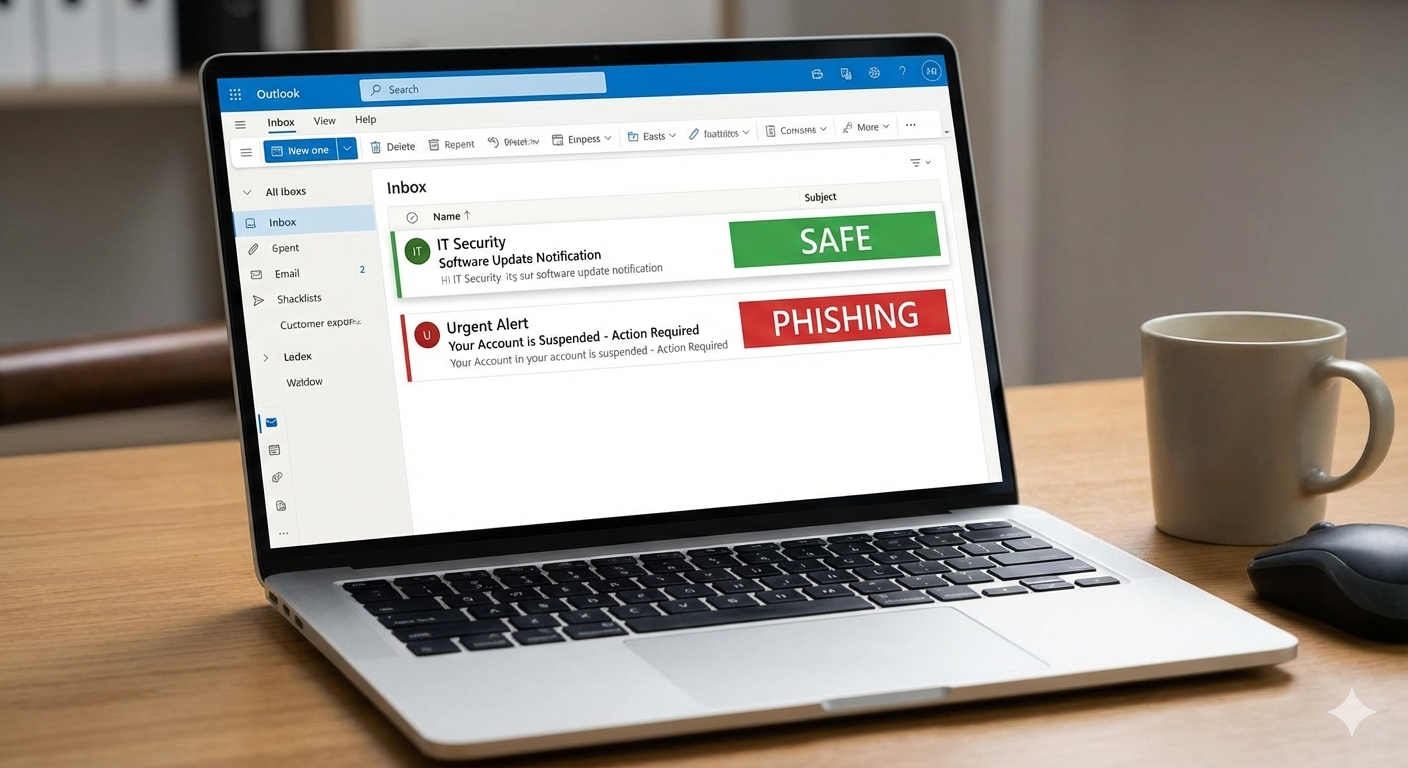
Microsoft Exchange Online Bug: Legit Emails Marked as Phishing Explained
Microsoft Exchange Online recently flagged legitimate emails as phishing, causing false positives a…
Microsoft Windows 11 Emergency Update Fixes Outlook Crash Bug
Microsoft has released a second emergency Windows 11 update to fix a critical Outlook crash bug cau…
Microsoft 365 Down for Thousands of Users | Downdetector Report
Microsoft 365 faced a major outage on January 22, 2026, affecting thousands of users worldwide. Dow…
Microsoft Windows 11 Emergency Update 2026: Shutdown Bug Explained
Microsoft’s first Windows 11 update of 2026 caused shutdown and hibernate failures on some PCs. Lea…