How to Factory Reset Windows 10 on a Samsung Laptop | Step-by-Step Guide
bigsansar | March 2, 2026
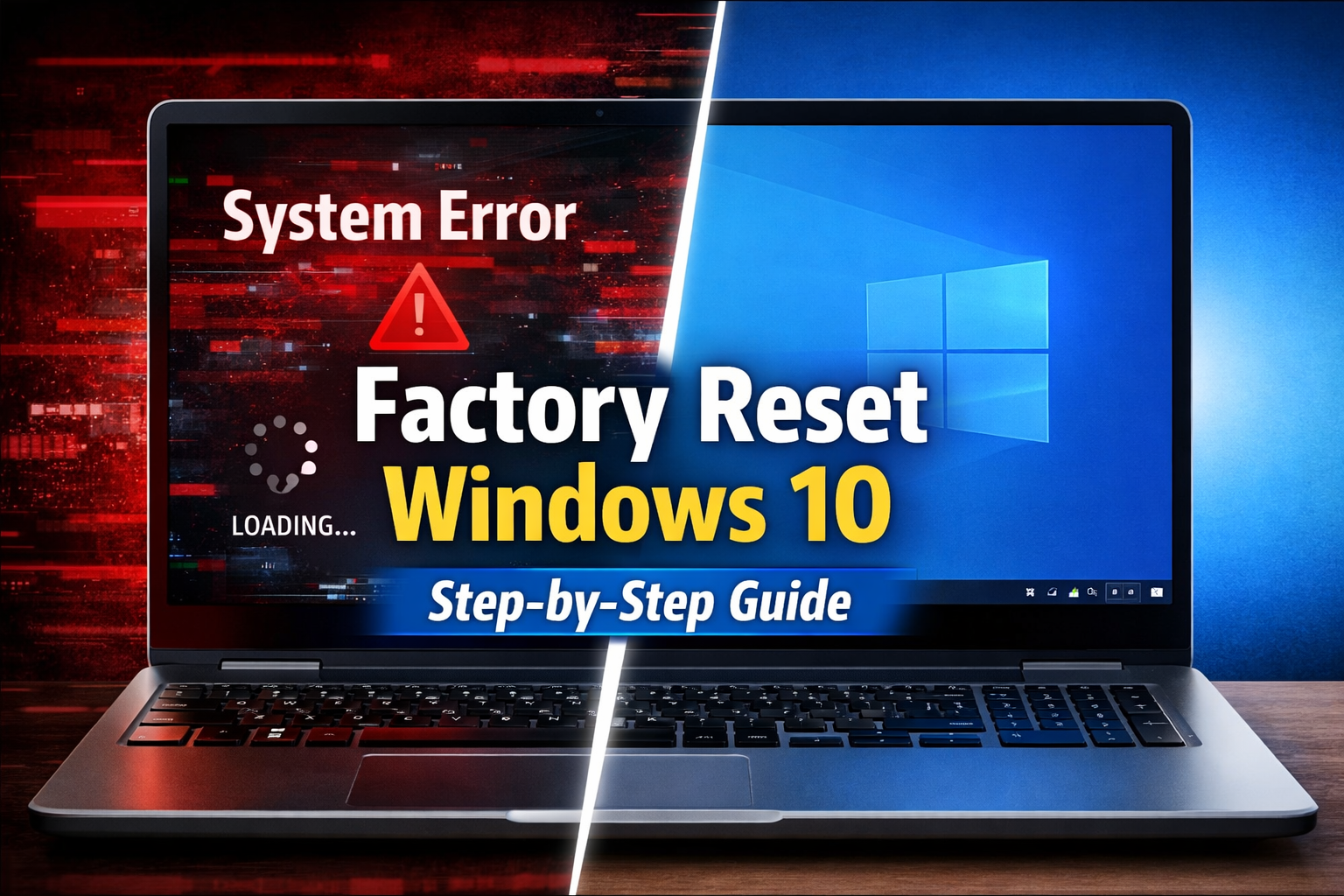
Factory resetting a Windows 10 laptop means restoring it to its original system state. This process removes installed applications, system settings, and—depending on the option you choose—personal files. It is commonly used when a laptop is running slowly, has software problems, or is being prepared for sale.
Before starting the reset process, backing up important data is extremely important. Save documents, photos, videos, and other essential files to an external USB drive, hard disk, or cloud storage. Once you choose the “Remove everything” option, all data will be permanently deleted and cannot be recovered.
On a Windows 10 device such as the Samsung Notebook 9 Pro, you can perform a factory reset directly from system settings. Go to Start → Settings → Update & Security → Recovery → Reset this PC. This is the safest and recommended method.
When you click “Get Started,” you will see two main options:
Keep my files
This option removes apps and settings but keeps your personal files.
Remove everything
This option performs a full factory reset and deletes all data. It is recommended when selling the laptop or fixing serious system issues.
After selecting an option, Windows may ask whether you want to use Cloud download (downloads a fresh copy of Windows from the internet) or Local reinstall (uses existing system files). The reset process will then begin, and the computer will restart automatically. Do not turn off the laptop during this process. Make sure it is connected to power.
If Windows does not open normally, you can use Advanced Startup (Recovery Mode). Restart the laptop and use the recovery key (commonly F4 on many Samsung devices or Shift + Restart). From the Troubleshoot menu, select Reset this PC and follow the instructions.
In conclusion, factory resetting is an effective way to fix system problems and prepare a laptop for new use. However, it is very important to back up your data, choose the correct reset option, and keep the device powered during the process. When done properly, the laptop will function like a new device with a clean installation of Windows.
0 COMMENTS:

Samsung Galaxy Unpacked July 22: Galaxy Z Fold 8, Flip 8 & Galaxy AI Expected
Samsung Galaxy Unpacked is almost here. Discover everything expected at Samsung's July 22 event, in…
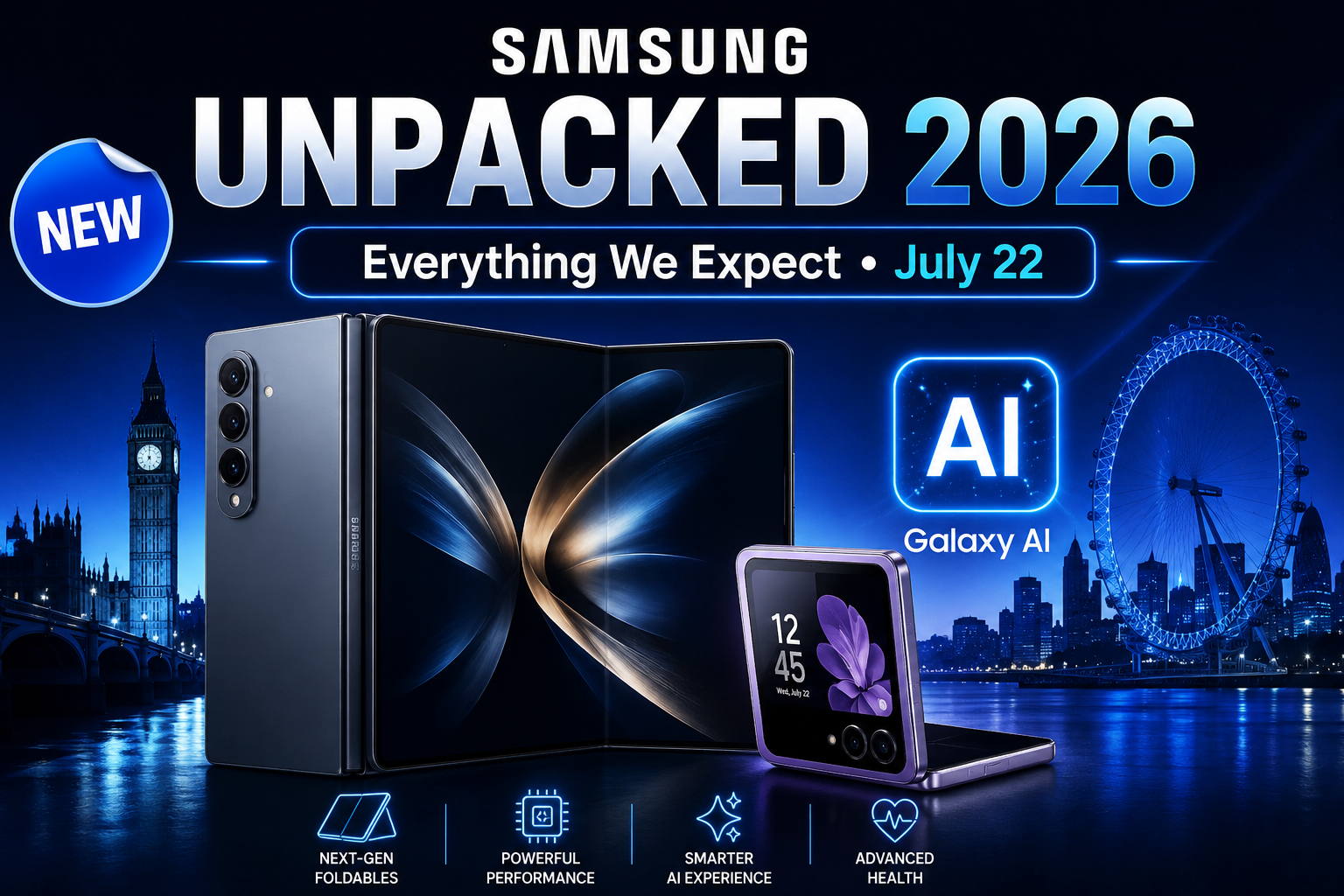
Samsung Galaxy Unpacked 2026: Everything Expected on July 22
Samsung Galaxy Unpacked 2026 takes place on July 22 in London. Discover the expected Galaxy Z Fold …

Samsung Galaxy S27 Pro Leak Reveals Major Hardware Difference for Global Buyers
New Galaxy S27 Pro leaks suggest Samsung may ship different processors depending on the region. Lea…
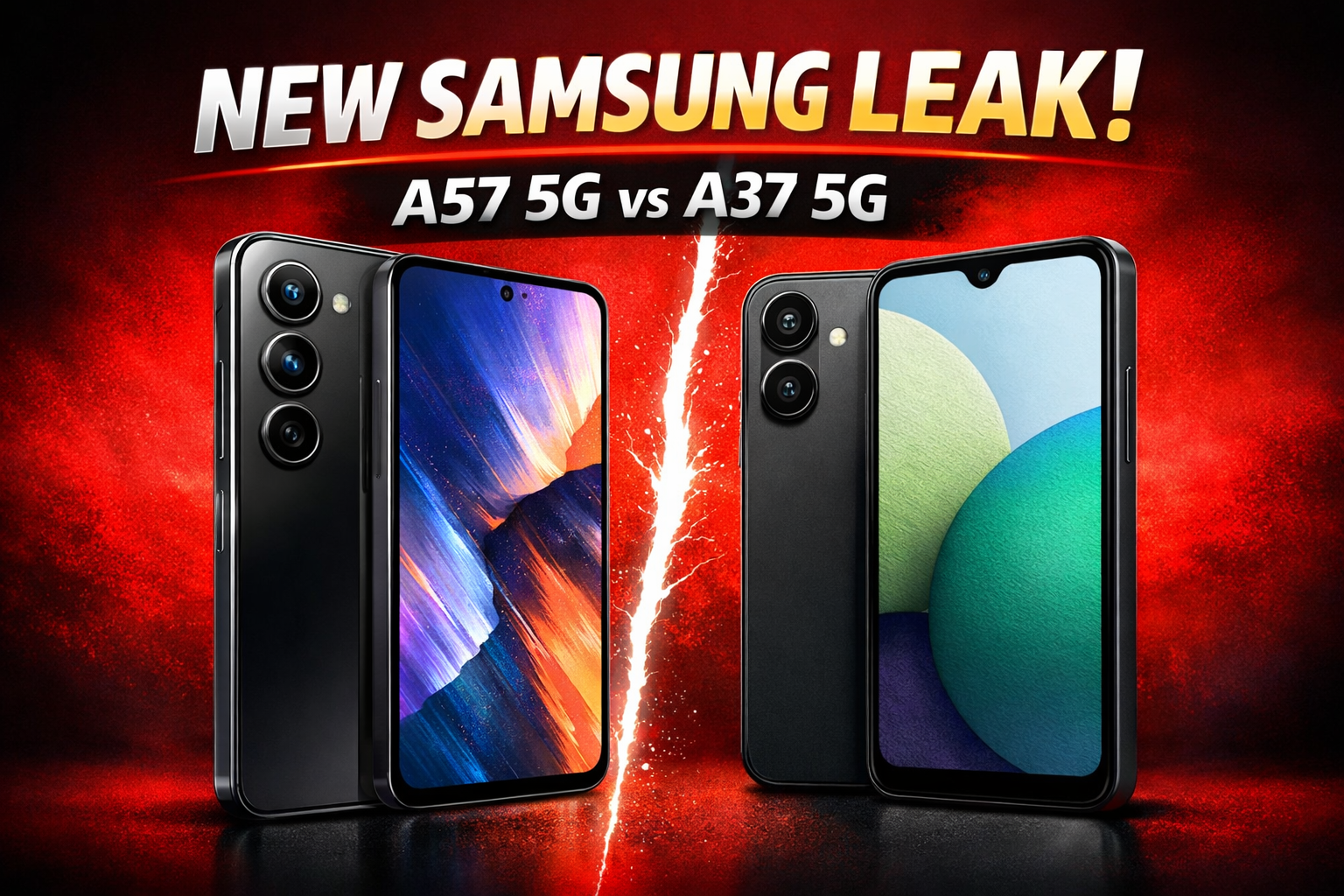
Samsung Galaxy A57 5G & A37 5G Leaks: Specs, Features & Price Rumors Explained
Samsung Galaxy A57 5G and Galaxy A37 5G are rumored mid-range smartphones from Samsung. Check expec…

Galaxy Z Fold 8 Battery Leaks: 5000mAh Upgrade & Faster Charging
“Samsung Galaxy Z Fold 8 battery leaks reveal a larger 5,000 mAh capacity and faster charging. Disc…
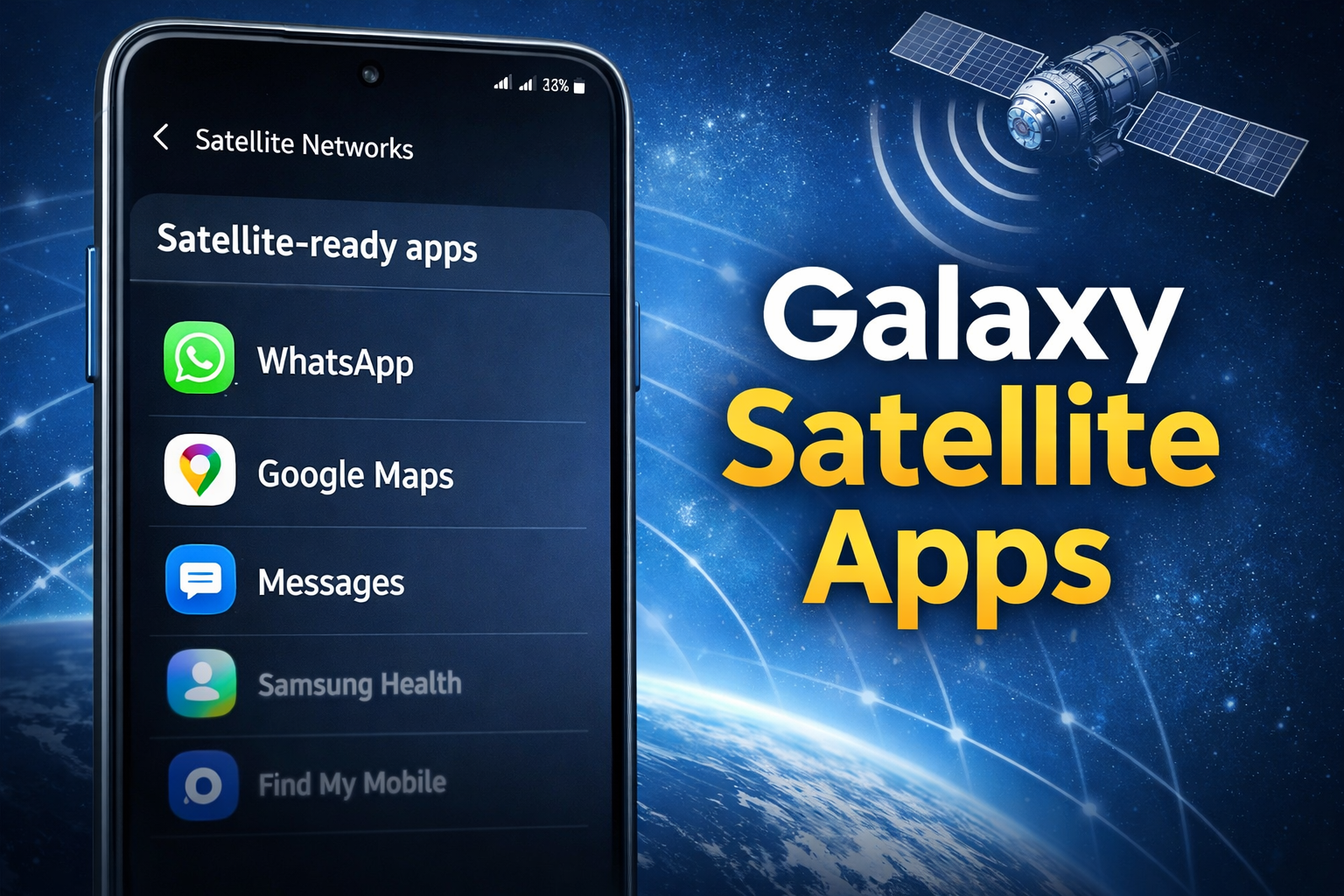
Samsung Galaxy Satellite Apps: Check Which Apps Are Supported
Discover Samsung’s new menu for Galaxy devices showing which installed apps support satellite conne…
How to Factory Reset Windows 10 on a Samsung Laptop | Step-by-Step Guide
Learn how to factory reset a Windows 10 Samsung laptop safely. Step-by-step guide with backup tips,…

Watch the Samsung Galaxy Unpacked Event Live – Latest Updates on Galaxy S26 Ultra 5G
Watch the Samsung Galaxy Unpacked Event live to get official updates about the Samsung Galaxy S26 U…
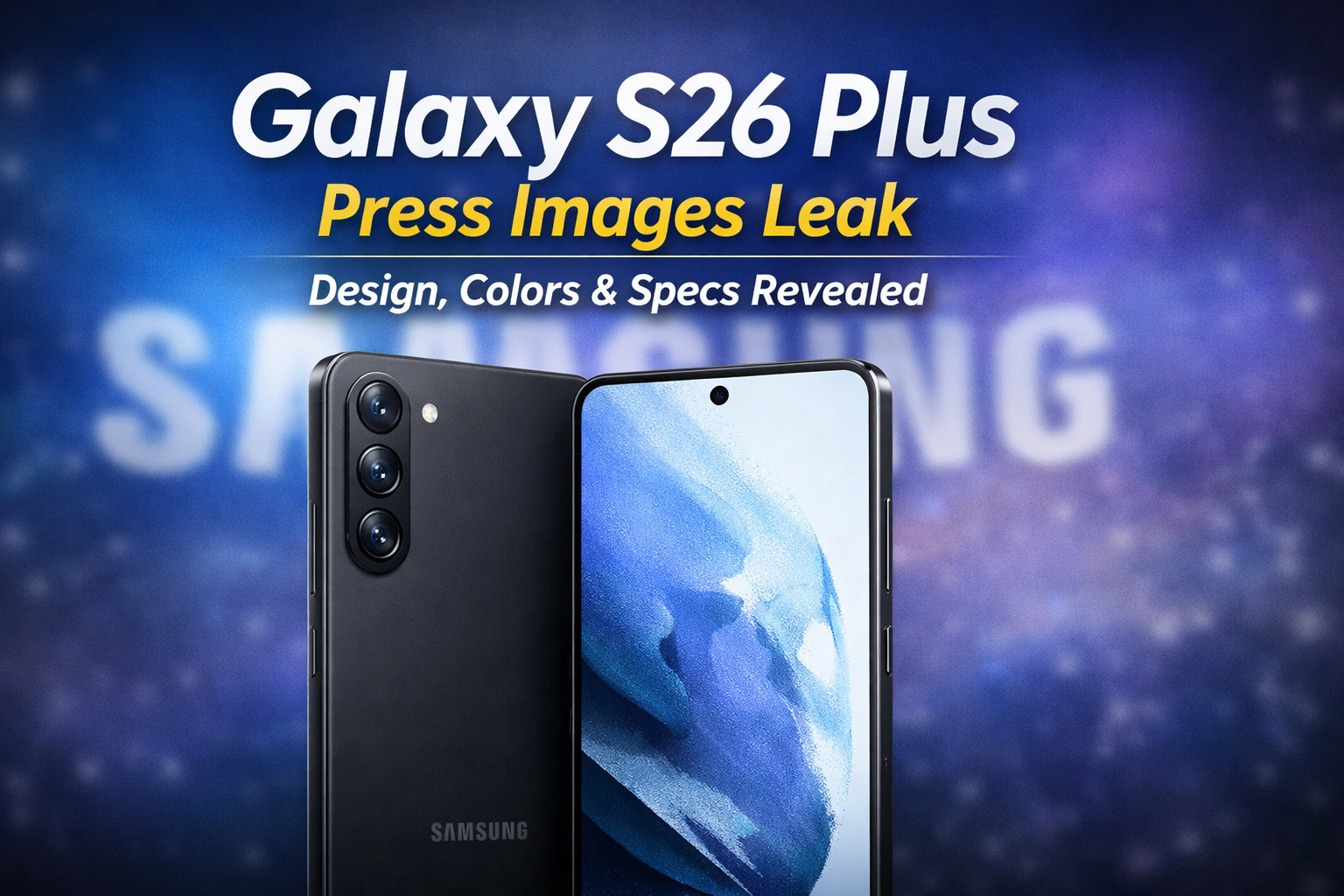
Samsung Galaxy S26 Plus Press Images Leak: Design, Colors & Specs Revealed
Discover the full set of leaked Samsung Galaxy S26 Plus press images. Explore the refined design, c…
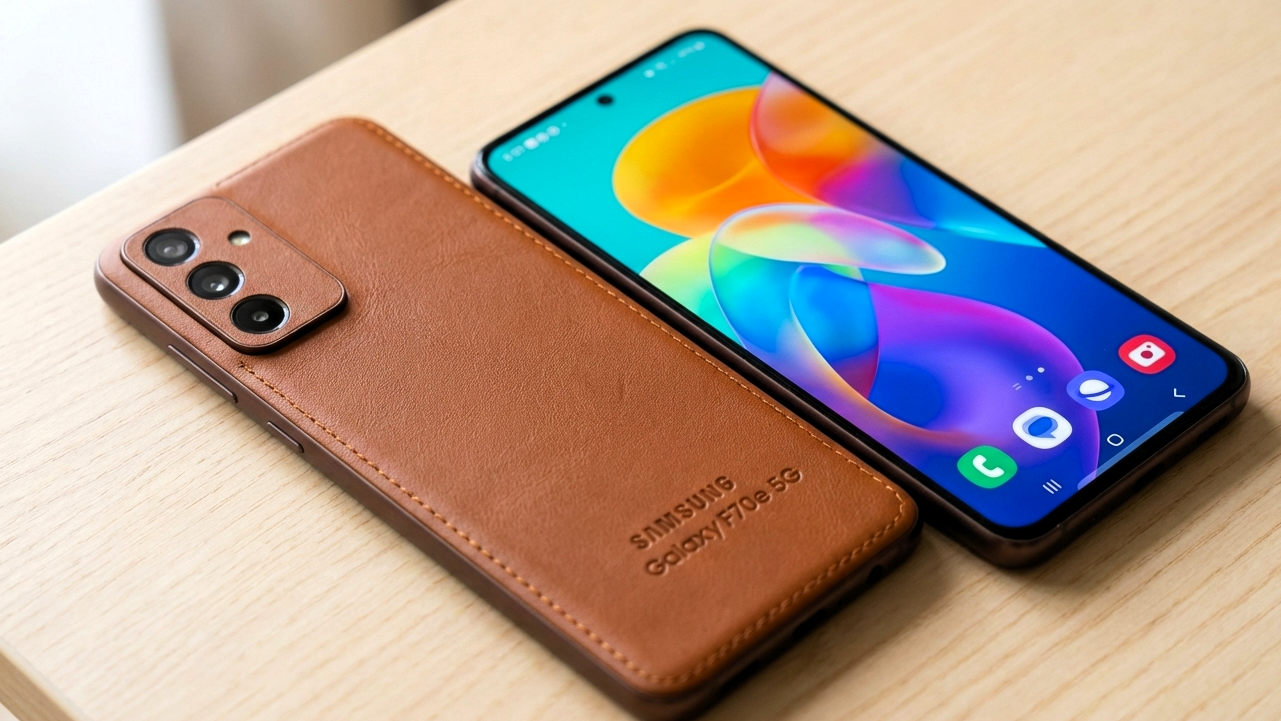
Samsung Galaxy F70e 5G Specs, Launch Date & Review 2026
Explore Samsung Galaxy F70e 5G: 50MP camera, 6,000mAh battery, 120Hz display, 5G support & launch d…