Samsung Galaxy Satellite Apps: Check Which Apps Are Supported
bigsansar | March 15, 2026
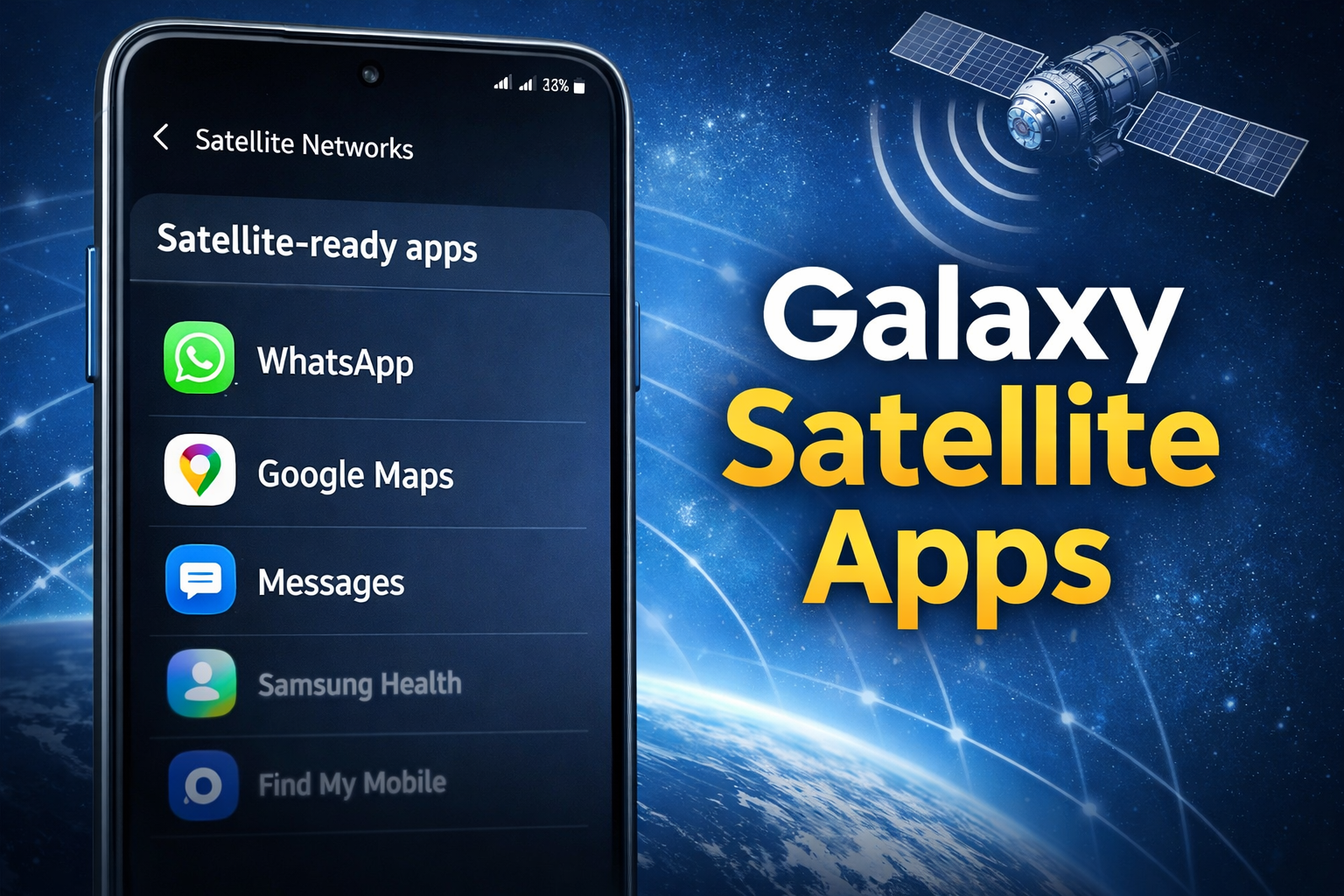
Samsung has introduced a significant improvement to its Galaxy smartphones by adding a menu that shows which installed apps support satellite connectivity. This feature is currently available on select Galaxy models and helps users know exactly which apps can use satellite networks, especially in areas without cellular coverage.
What Are Galaxy Satellite Apps?
Galaxy Satellite Apps are applications that can use satellite connections for communication when cellular networks are unavailable. This is especially useful for emergency messaging, location sharing, and essential communication apps. Newer Galaxy models like the S25 and S26 series include both hardware and software support for this feature.
How the New Menu Works
Samsung’s new menu is found under:
Settings > Connections > Satellite Networks
Inside this section, a “Satellite‑ready apps” list appears. It shows all apps installed on the device that can communicate via satellite. This allows users to quickly identify which apps are compatible and ensures seamless communication in remote areas.
Examples of Satellite-Ready Apps
Some apps that may appear in the menu include:
- Google Messages
- X (formerly Twitter)
- Google Maps
- Facebook Messenger
- Samsung Health
- Weather
- System apps like Samsung Find My Mobile, Samsung Account
Note: Not all apps are satellite-enabled. The menu only lists apps that currently support satellite connections, and heavier data apps usually do not work over satellite.
Why This Feature Matters
- Connectivity in Remote Areas: Works in regions without a mobile signal.
- Emergency Support: Enables SOS messages and location sharing during emergencies.
- Transparency: Users can see which apps are satellite-enabled in one place, reducing confusion.
How to Access the Menu
- Open Settings on a Samsung Galaxy device.
- Go to Connections.
- Select Satellite Networks.
- View the Satellite‑ready apps list.
This menu makes it easy for users to manage satellite-enabled apps, improving usability and preparedness.
Key Takeaways
Samsung’s addition of the Satellite‑ready apps menu enhances the Galaxy experience by providing:
- Better safety in remote areas
- Quick access to apps that work via satellite
- Greater control and transparency for users
This update demonstrates Samsung’s commitment to innovation and user convenience in satellite connectivity.
0 COMMENTS:
Samsung Galaxy Unpacked 2026: Everything Expected on July 22
Samsung Galaxy Unpacked 2026 takes place on July 22 in London. Discover the expected Galaxy Z Fold …
Samsung Galaxy S27 Pro Leak Reveals Major Hardware Difference for Global Buyers
New Galaxy S27 Pro leaks suggest Samsung may ship different processors depending on the region. Lea…
Samsung Galaxy A57 5G & A37 5G Leaks: Specs, Features & Price Rumors Explained
Samsung Galaxy A57 5G and Galaxy A37 5G are rumored mid-range smartphones from Samsung. Check expec…
Galaxy Z Fold 8 Battery Leaks: 5000mAh Upgrade & Faster Charging
“Samsung Galaxy Z Fold 8 battery leaks reveal a larger 5,000 mAh capacity and faster charging. Disc…
Samsung Galaxy Satellite Apps: Check Which Apps Are Supported
Discover Samsung’s new menu for Galaxy devices showing which installed apps support satellite conne…
How to Factory Reset Windows 10 on a Samsung Laptop | Step-by-Step Guide
Learn how to factory reset a Windows 10 Samsung laptop safely. Step-by-step guide with backup tips,…
Watch the Samsung Galaxy Unpacked Event Live – Latest Updates on Galaxy S26 Ultra 5G
Watch the Samsung Galaxy Unpacked Event live to get official updates about the Samsung Galaxy S26 U…
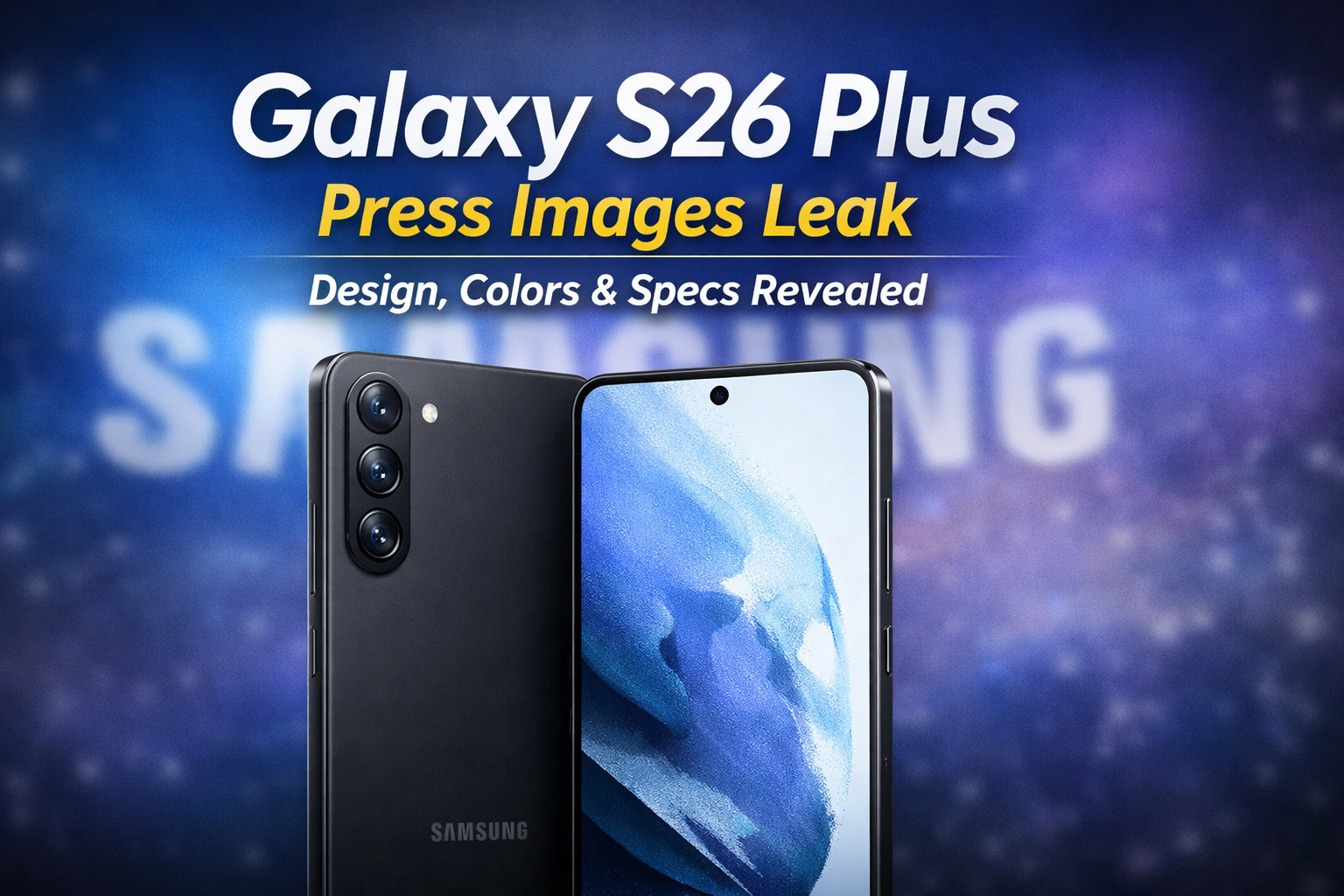
Samsung Galaxy S26 Plus Press Images Leak: Design, Colors & Specs Revealed
Discover the full set of leaked Samsung Galaxy S26 Plus press images. Explore the refined design, c…
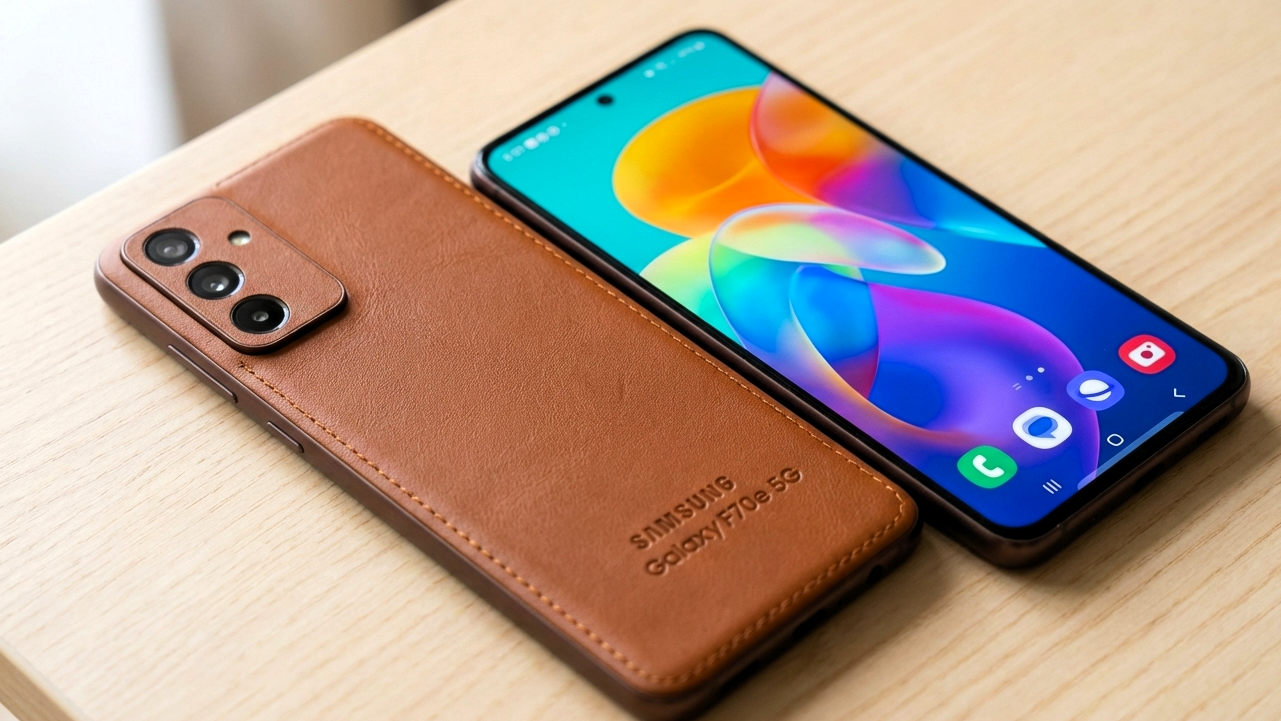
Samsung Galaxy F70e 5G Specs, Launch Date & Review 2026
Explore Samsung Galaxy F70e 5G: 50MP camera, 6,000mAh battery, 120Hz display, 5G support & launch d…
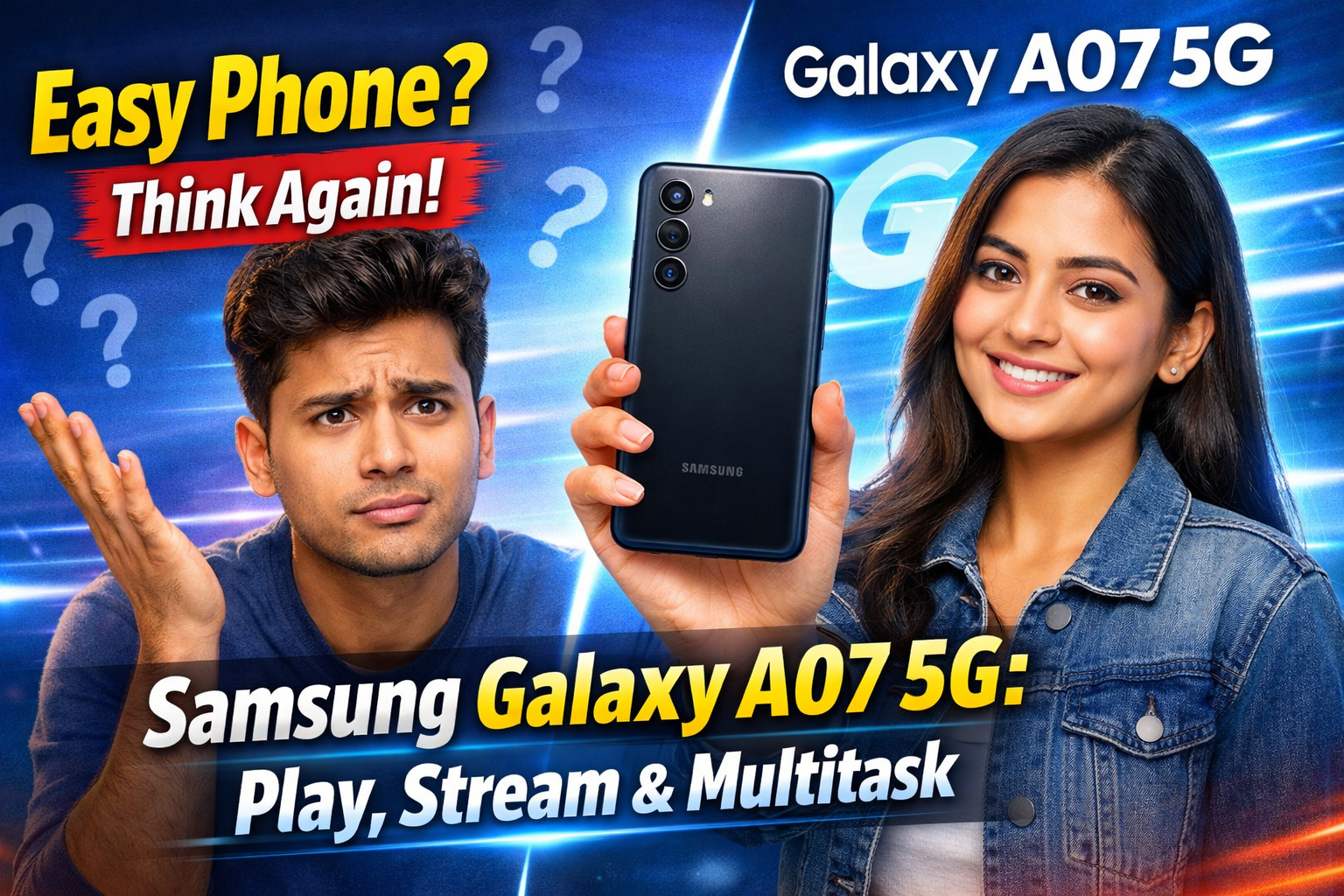
Powerful Samsung Galaxy A07 5G – Play, Stream & Multitask
Discover the Samsung Galaxy A07 5G: 6.7" display, 6000mAh battery, 5G speed, and multitasking power…