Cybersecurity Tips to Stay Safe Online | Digital Safety Guide
bigsansar | March 22, 2026
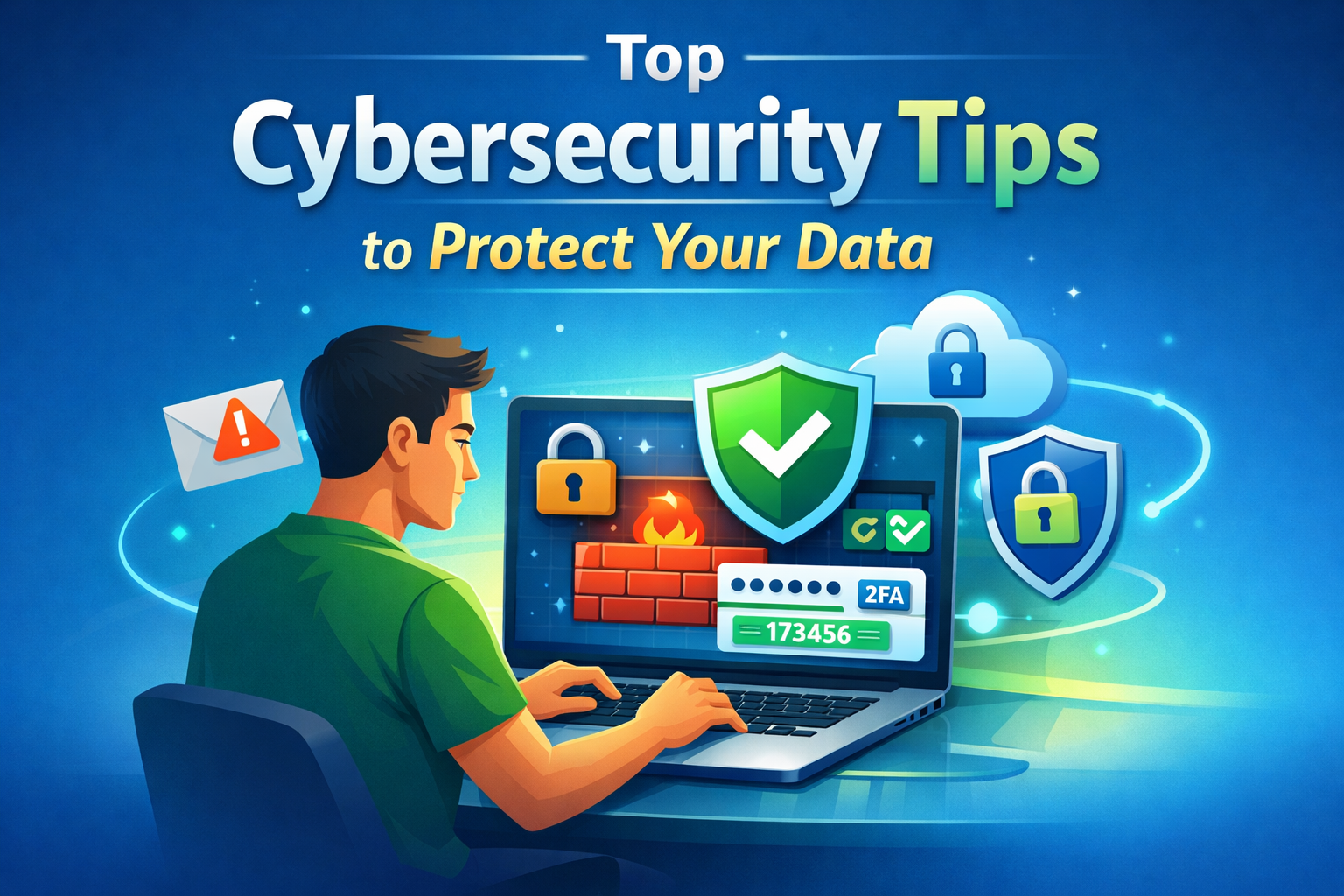
In today’s digital age, our daily activities—work, study, shopping, and social interactions—are increasingly online. Along with these opportunities come cyber threats such as hacking, phishing, malware, and identity theft. Protecting yourself online is no longer optional; it is essential. The following cybersecurity tips are based on verified facts and will help you stay safe in the digital world.
Why Data Security Matters
Personal data, banking details, emails, and passwords are extremely sensitive. Protecting them not only ensures a safe online experience but also prevents financial loss, identity theft, and mental stress. Every click online can carry risk, so careful practices are crucial.
1. Use Strong and Unique Passwords
The first layer of online security is a strong password.
- Use at least 12 characters with a mix of uppercase, lowercase, numbers, and symbols.
- Avoid using the same password across multiple accounts.
- Use a password manager like Bitwarden or 1Password to manage complex passwords.
Strong passwords make it difficult for attackers to guess and significantly reduce the risk of hacking.
2. Enable Two-Factor Authentication (2FA)
Two-Factor Authentication adds an extra layer of protection. After entering your password, you are required to input a one-time code (OTP) or code from an authenticator app.
Even if attackers know your password, they cannot log in without this second step.
3. Keep Software and Apps Updated
Outdated software often contains security vulnerabilities that cybercriminals can exploit.
- Regularly update your operating system, browser, antivirus, and apps.
- Updates often include security patches that fix known vulnerabilities.
4. Be Cautious with Emails and Links
Phishing attacks trick users into giving away sensitive information through fake emails or links.
- Do not click links from unknown senders.
- Verify any request for sensitive information, such as bank details or OTP codes.
- Check attachments carefully before opening.
5. Use Secure Internet Connections
Avoid performing sensitive activities such as banking or online payments on public Wi-Fi.
- Prefer HTTPS-secured websites.
- Use a VPN (Virtual Private Network) to encrypt your data and prevent interception.
6. Use Antivirus Software and Firewalls
Antivirus programs detect and remove malware, spyware, and ransomware.
Firewalls block unauthorized access to your network.
Together, they provide a stronger defense against cyber threats.
7. Share Personal Information Carefully
Limit sharing personal information such as phone numbers, addresses, or birthdates online.
- Oversharing on social media increases your risk of being targeted.
- Only share sensitive information when absolutely necessary.
8. Regularly Back Up Your Data
Backups protect your data in case of hardware failure, ransomware attacks, or corruption.
- Use cloud storage or an external hard drive for regular backups.
Cybersecurity is no longer optional—it is essential. From strong passwords and two-factor authentication to regular updates, cautious link handling, secure networks, antivirus software, and careful data sharing, following these practices will keep you safe online. Stay vigilant and make cybersecurity a priority.
0 COMMENTS:

NVIDIA DGX Station for Windows Brings Trillion-Parameter AI to the Desktop
NVIDIA has introduced DGX Station for Windows, a powerful AI workstation capable of running trillio…
Cybersecurity Tips to Stay Safe Online | Digital Safety Guide
Learn essential cybersecurity tips to protect your accounts, personal data, and privacy online. Sta…

OpenClaw: Nvidia’s Next ChatGPT & AI Future | NemoClaw
Nvidia CEO Jensen Huang calls OpenClaw the next ChatGPT. Discover NemoClaw and how autonomous AI ag…
NVIDIA DLSS 5 Explained: Realistic Lighting & RTX 50-Series Performance
Discover NVIDIA DLSS 5: AI-powered upscaling and improved ray tracing for RTX 50-Series GPUs. Learn…

Crimson Desert Editions Explained: What Comes in Each Edition?
Discover what comes in each Crimson Desert edition. Compare Standard, Deluxe, and Collector’s Editi…
iOS 26.4 Beta 1 Features: Stolen Device Protection Default for All iPhones
Discover the latest iOS 26.4 beta 1 features. Reports suggest Apple may enable Stolen Device Protec…

Google Pixel 10a First Look: Leaks, Expected Specs, Price & Release Date
Get your first look at the new Google Pixel 10a. Explore the latest leaks, expected specs, camera u…
How to Report Phishing: A Comprehensive Guide to Stay Safe Online
Learn what phishing is and how to report phishing scams. This complete guide explains phishing sign…

Race for AI Could Trigger Hindenburg-Style Disaster: Expert Warning
Leading AI expert warns that the global race for artificial intelligence could create a Hindenburg-…
Essential Cybersecurity Tips for All Gadget Users – Protect Your Data
Learn the top cybersecurity tips for smartphones, laptops, tablets, and smart devices. Protect your…