Essential Cybersecurity Tips for All Gadget Users – Protect Your Data
bigsansar | Feb. 17, 2026
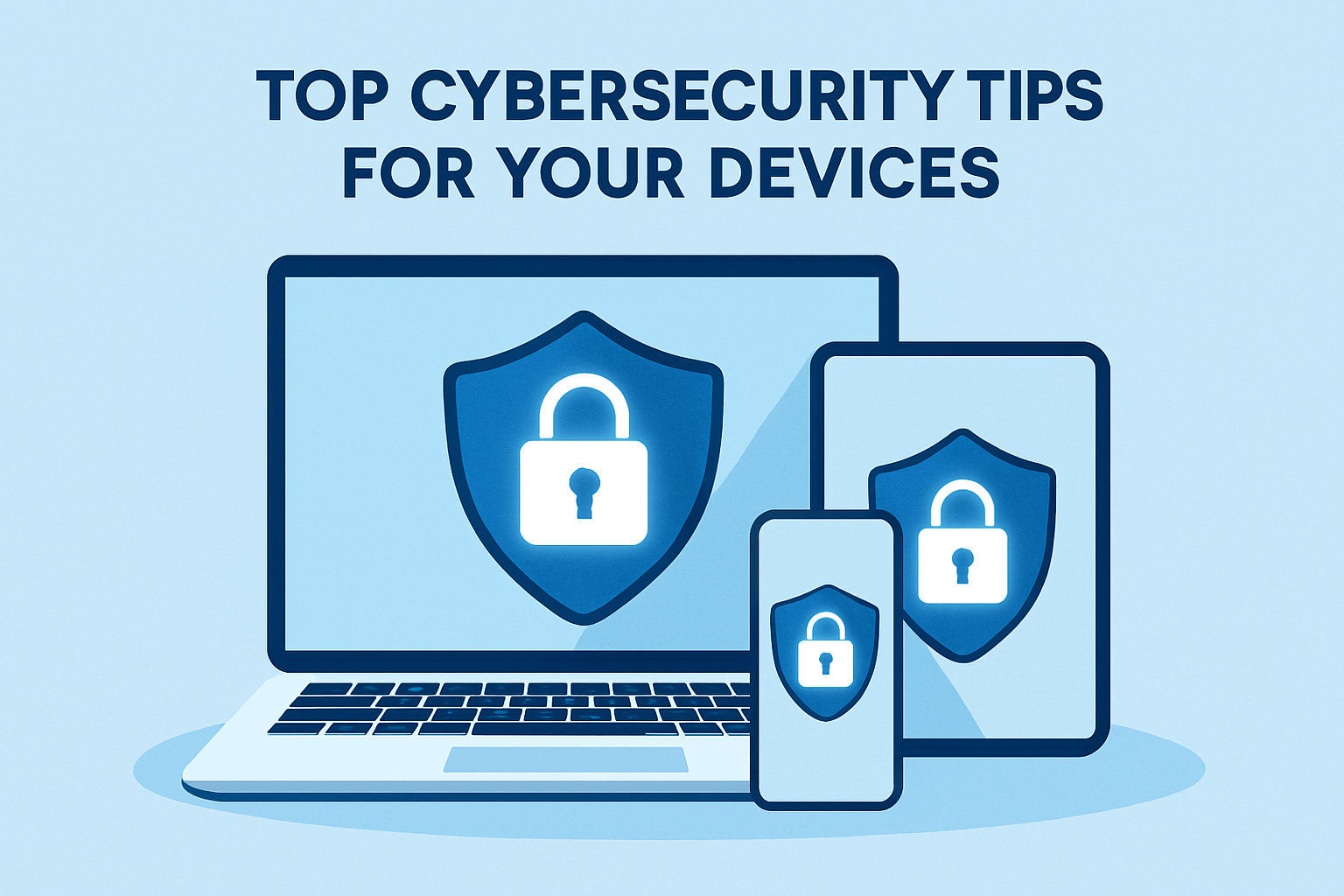
In today’s digital era, gadgets like smartphones, laptops, tablets, and smart home devices are integral to our daily lives. While these devices make life convenient, they also put our personal information and data at risk. Cyberattacks, phishing, ransomware, and hacking are increasing every year. Therefore, every gadget user must follow some essential cybersecurity tips.
1. Use Strong and Unique Passwords
Weak passwords remain one of the most common causes of data breaches. Always create passwords using a combination of uppercase and lowercase letters, numbers, and symbols.
Tip: Use a password manager such as Bitwarden or 1Password to create and store secure passwords safely.
2. Enable Two-Factor Authentication (2FA)
Two-factor authentication adds an extra layer of security. Even if a password is stolen, 2FA prevents unauthorized access.
Example: Gmail, banking apps, and social media platforms support 2FA using SMS codes or authenticator apps like Google Authenticator.
3. Keep Your Software Updated
Cybercriminals exploit vulnerabilities in outdated software. Regularly update:
- Your operating system (Windows, macOS, Android, iOS)
- Browsers and apps
- Antivirus and security software
Tip: Enable automatic updates to ensure critical security patches are not missed.
4. Be Cautious with Public Wi-Fi
Public Wi-Fi can be convenient but unsafe. Hackers may intercept your traffic to steal passwords or sensitive information.
Tip: Always use a VPN (Virtual Private Network) when accessing sensitive data on public networks.
5. Recognize Phishing Attempts
Phishing attacks trick users into revealing personal information through fake emails or messages.
Signs of phishing:
- Unexpected or suspicious sender email addresses
- Generic greetings such as “Dear Customer.”
- Urgent requests to click links or provide credentials
Tip: Always verify links and avoid sharing sensitive details online.
6. Backup Your Data Regularly
Data loss can occur due to hardware failure, malware, or accidental deletion.
- Store files on an external hard drive
- Use cloud storage services like Google Drive or Dropbox
Tip: Regular backups ensure that important files can be recovered in emergencies.
7. Protect Your Devices Physically
Cybersecurity is not just digital. Protect devices physically by:
- Locking devices with a PIN, password, or biometric authentication
- Avoid leaving devices unattended in public areas
8. Install Trusted Security Software
Reputable antivirus and anti-malware software can prevent malware, ransomware, and phishing attacks. Recommended options include Kaspersky, Norton, and Bitdefender. Keep the software updated for maximum protection.
Key Takeaways
Cybersecurity is essential for everyone, not just IT professionals. By following these verified cybersecurity tips, you can significantly reduce the risk to your personal and financial data.
- Strong passwords and 2FA are non-negotiable.
- Keep all software updated.
- Be cautious with public Wi-Fi and suspicious emails
- Backup data and secure your devices physically
Even small precautions can go a long way in keeping your digital life safe.
Example Table
| Device | Security Measure Applied | Benefit |
|---|---|---|
| Smartphone | 2FA on banking apps | Prevents unauthorized access even if password is stolen |
| Laptop | OS + antivirus updated | Protects against malware and ransomware |
| Public Wi-Fi | VPN | Encrypts browsing data |
0 COMMENTS:
Siri AI vs. Old Siri on Apple Watch: What's New in Apple Intelligence?
Discover how Siri AI compares to the old Siri on Apple Watch. Learn about Apple Intelligence, smart…

Apple Unseats Nvidia (NVDA) as World's Most Valuable Company | AI News
Apple has overtaken Nvidia (NVDA) to become the world's most valuable company once again. Discover …

NVIDIA DGX Station for Windows Brings Trillion-Parameter AI to the Desktop
NVIDIA has introduced DGX Station for Windows, a powerful AI workstation capable of running trillio…
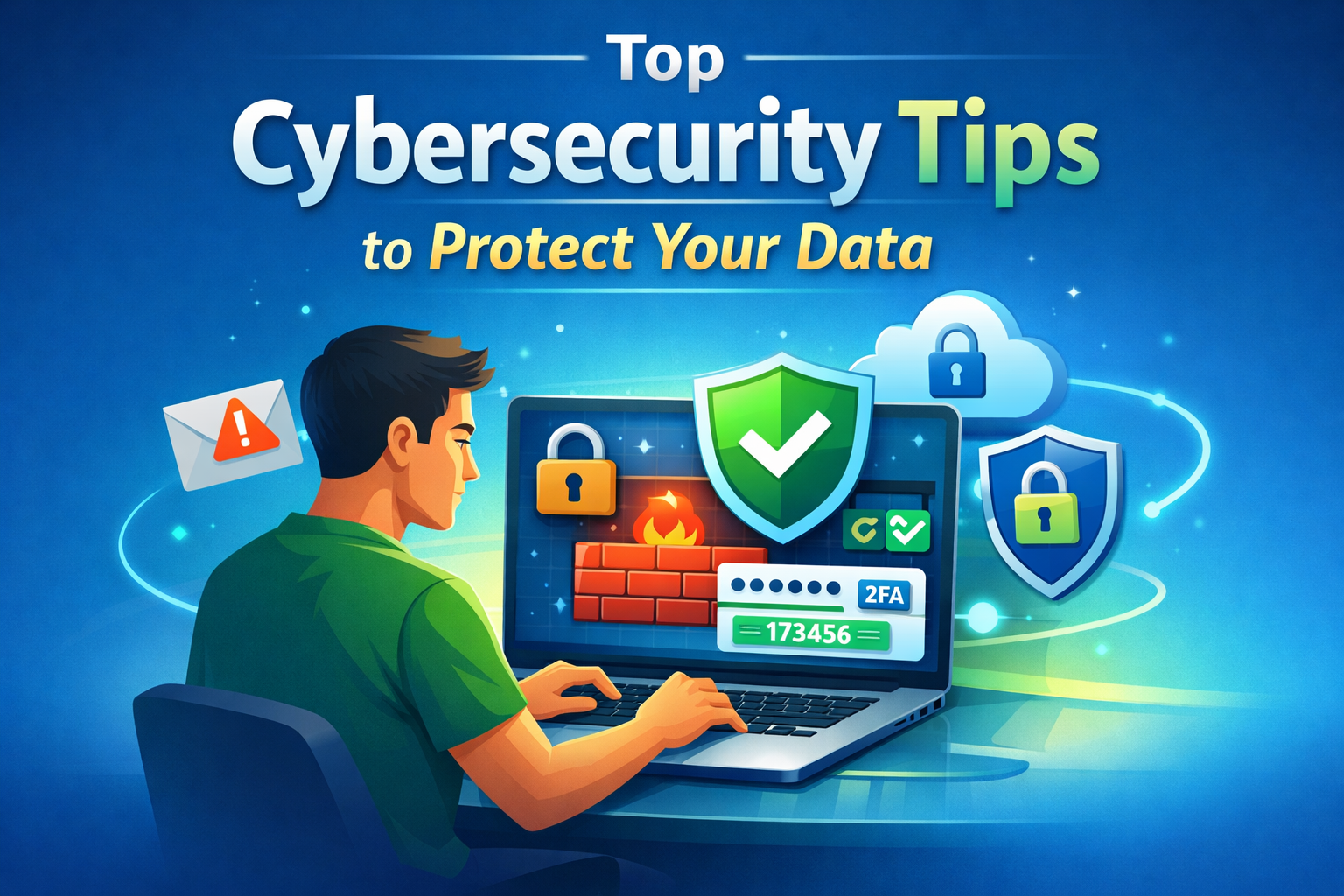
Cybersecurity Tips to Stay Safe Online | Digital Safety Guide
Learn essential cybersecurity tips to protect your accounts, personal data, and privacy online. Sta…

OpenClaw: Nvidia’s Next ChatGPT & AI Future | NemoClaw
Nvidia CEO Jensen Huang calls OpenClaw the next ChatGPT. Discover NemoClaw and how autonomous AI ag…

NVIDIA DLSS 5 Explained: Realistic Lighting & RTX 50-Series Performance
Discover NVIDIA DLSS 5: AI-powered upscaling and improved ray tracing for RTX 50-Series GPUs. Learn…

Crimson Desert Editions Explained: What Comes in Each Edition?
Discover what comes in each Crimson Desert edition. Compare Standard, Deluxe, and Collector’s Editi…
iOS 26.4 Beta 1 Features: Stolen Device Protection Default for All iPhones
Discover the latest iOS 26.4 beta 1 features. Reports suggest Apple may enable Stolen Device Protec…

Google Pixel 10a First Look: Leaks, Expected Specs, Price & Release Date
Get your first look at the new Google Pixel 10a. Explore the latest leaks, expected specs, camera u…
How to Report Phishing: A Comprehensive Guide to Stay Safe Online
Learn what phishing is and how to report phishing scams. This complete guide explains phishing sign…