How to Make AI Animated Videos | AI Video Generator | Text-to-Video AI Free
bigsansar | Feb. 5, 2026
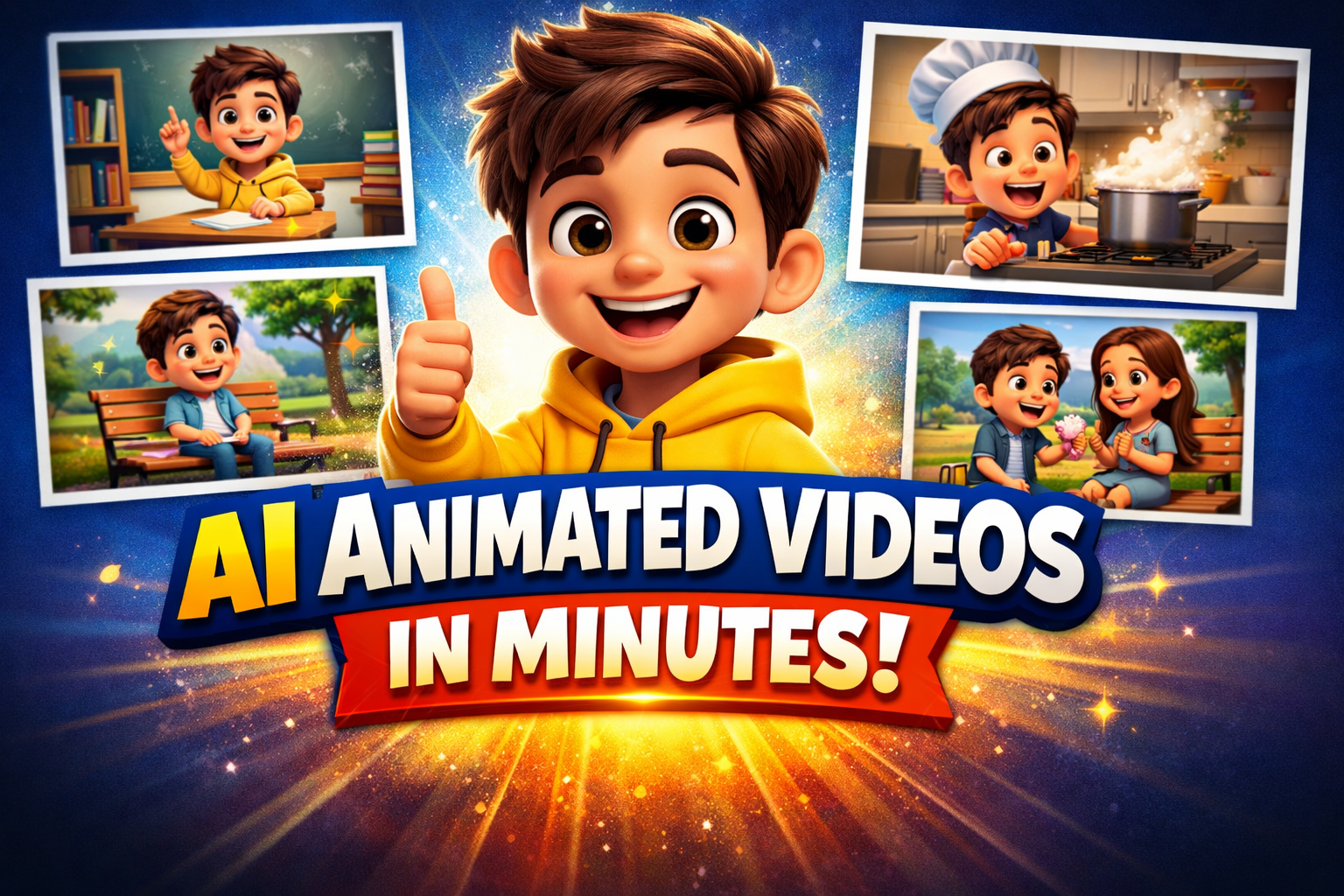
Animated videos are now extremely popular on platforms like TikTok, YouTube Shorts, Instagram Reels, and marketing content. Previously, creating animations was expensive and time-consuming. But with AI-powered tools, you can easily create animation, even using Nepali scripts.
This guide will take you step by step through the process of creating AI-animated videos.
Step 1: Prepare Your Script
The first step is to create the video script.
How to do it:
- Use ChatGPT with a prompt like:
Malai euta reel, tiktok , short ko lagi vlog comedy script banaideu
Important:
- Make sure the script is scene-by-scene, short, and easy to follow.
Result:
- Full script with breakdown of scenes.
Step 2: Decide Character Name
Next, determine the main character’s name.
How to do it:
- ChatGPT prompt:
Yini ko character name deu
Result:
- Character name (e.g., “Raju”, “Sita”)
Step 3: Generate Pixar Style Character Image
Create AI Image Prompt
Use ChatGPT to generate a ready-to-use image:
[charater name] ko image pixar style banayera deu. Personality: [brief traits from script].
Key Tips:
- Specify traits like age, hair, clothes, and mood
- Keep style consistent: “Pixar-style 3D cartoon, colorful, cheerful, cute, expressive.”
Step 4: Generate Scene-wise Image Prompts
Create individual prompts for each scene in your script.
ChatGPT prompt:
aba malai sabai script ko partek sence ko xutta xuttai image prompt deu ani pratek prompt ma character name style ni mention gara. prompt only in the same sequence
Result:
- Ready-to-use scene-wise image prompts
Step 5: Generate Scene Images Using Auto Whisk and Google Labs Whisk
- Install Auto Whisk - Automator for Whisk AI Chrome extension.
- Upload the character image in Google Whisk and Generate Scene-wise Image Prompts Using Auto Whisk
- Auto Whisk will automatically generate all scene images in sequence
Result:
- Complete set of images ready for video generation
Step 6: Create Video Prompts with Script Dialogues
Combine scene images with your script dialogues to create a video prompt.
ChatGPT prompt:
aba sabai image prompt ko video prompt banau, tesma mathi ko script text dialogue ni use gara [country language] ma
Result:
- Scene-by-scene video prompts ready for an AI video generator
- country language : Nepali, hindi, english etc.
Step 7: Generate an Animated Video Using Grok AI
- Tool: Grok AI Video Generator
- Input:
- Scene images from Auto Whisk
- Video prompts with dialogues
- Settings:
- Resolution: YouTube standard 16:9 (1080p or 4K)
- Scene duration: 3–5 seconds per scene
- Maintain consistent character style
- Generate Video → AI will create a full animated video with dialogues
Result:
- Fully animated video ready for editing
Step 8: Edit Video in Filmora
- Import an AI-generated video into Filmora
- Edit:
- Trim unnecessary parts
- Add background music and sound effects
- Add captions or subtitles
- Export video in YouTube/TikTok/Reels-ready format
Result:
- Polished, professional-looking animated video
Step 9: create seo tittle and more
sabai script lai eutai video banayeko ho yt, short, reel ra tiktok ko lagi seo title in [ country language ] and English with '|', 10-character trending hashtag with ',', description and 500-character trending tags in English
note:
remove country language from [country language ] and put your country language like this nepali , hindi , english, etc ...
This step-by-step workflow allows you to create AI-animated videos from script to final polished video, even in Nepali, using Grok AI, Auto Whisk, and AI image generators.
0 COMMENTS:
NVIDIA DGX Station for Windows Brings Trillion-Parameter AI to the Desktop
NVIDIA has introduced DGX Station for Windows, a powerful AI workstation capable of running trillio…

Cybersecurity Tips to Stay Safe Online | Digital Safety Guide
Learn essential cybersecurity tips to protect your accounts, personal data, and privacy online. Sta…
OpenClaw: Nvidia’s Next ChatGPT & AI Future | NemoClaw
Nvidia CEO Jensen Huang calls OpenClaw the next ChatGPT. Discover NemoClaw and how autonomous AI ag…
NVIDIA DLSS 5 Explained: Realistic Lighting & RTX 50-Series Performance
Discover NVIDIA DLSS 5: AI-powered upscaling and improved ray tracing for RTX 50-Series GPUs. Learn…
Crimson Desert Editions Explained: What Comes in Each Edition?
Discover what comes in each Crimson Desert edition. Compare Standard, Deluxe, and Collector’s Editi…
iOS 26.4 Beta 1 Features: Stolen Device Protection Default for All iPhones
Discover the latest iOS 26.4 beta 1 features. Reports suggest Apple may enable Stolen Device Protec…
Google Pixel 10a First Look: Leaks, Expected Specs, Price & Release Date
Get your first look at the new Google Pixel 10a. Explore the latest leaks, expected specs, camera u…

How to Report Phishing: A Comprehensive Guide to Stay Safe Online
Learn what phishing is and how to report phishing scams. This complete guide explains phishing sign…
Race for AI Could Trigger Hindenburg-Style Disaster: Expert Warning
Leading AI expert warns that the global race for artificial intelligence could create a Hindenburg-…

Essential Cybersecurity Tips for All Gadget Users – Protect Your Data
Learn the top cybersecurity tips for smartphones, laptops, tablets, and smart devices. Protect your…