V8 Live Sound Card: Complete Review, Features & Setup Guide
bmw | Nov. 22, 2025
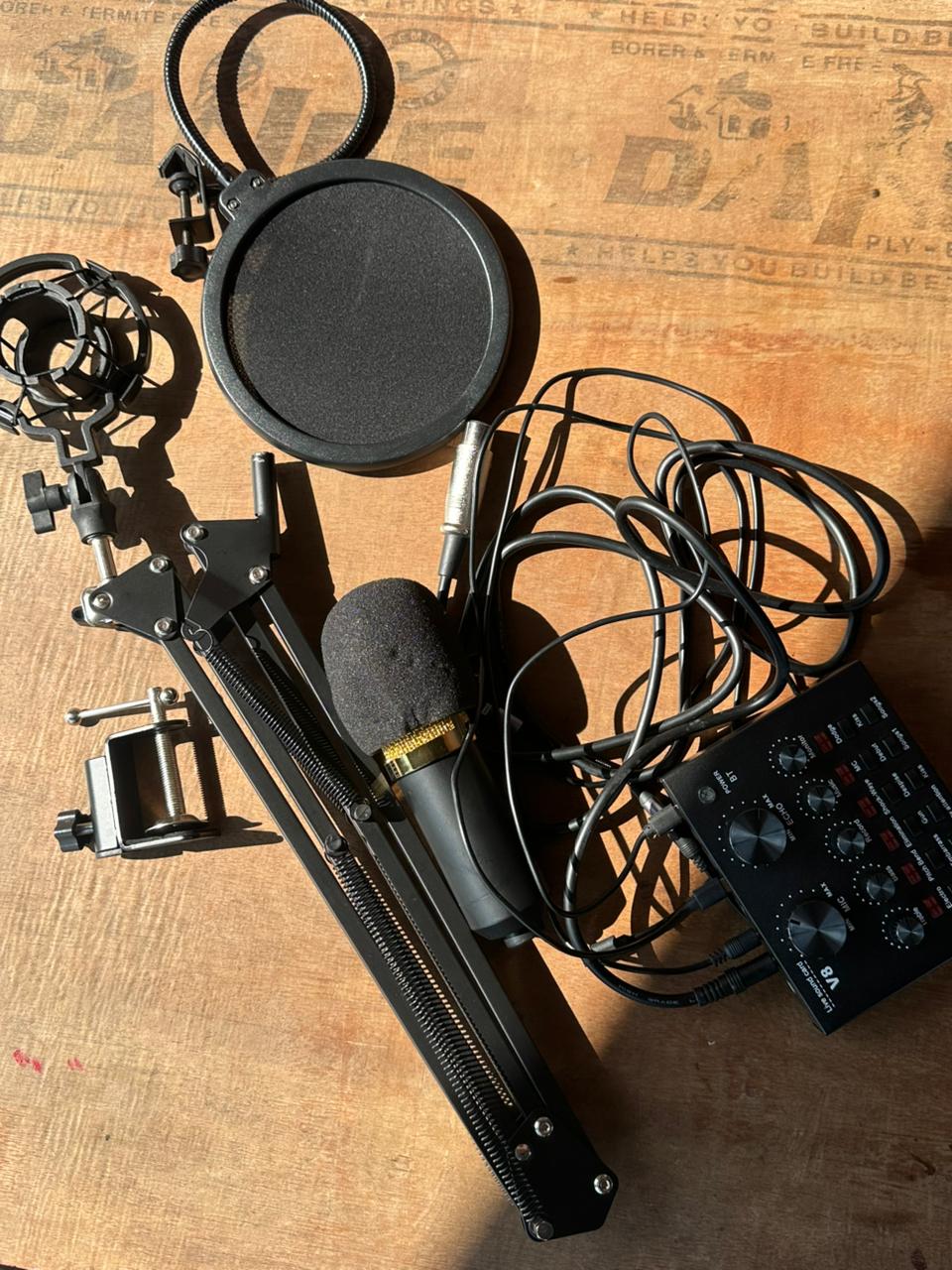
The V8 Live Sound Card is one of the most popular low-budget audio interfaces for content creators, streamers, singers, and podcasters. Despite its affordable price, it offers a surprisingly good set of features like reverb, voice changing, live connection ports, and instrument input—making it the perfect choice for beginners.
In this article, we’ll go through everything you need to know about the V8: its features, sound quality, setup guide, advantages, limitations, and whether it’s worth buying in 2025.
⭐ What is the V8 Live Sound Card?
The V8 Live Sound Card is a compact USB audio interface designed for mobile and PC live streaming, music recording, gaming commentary, and online meetings. It includes multiple audio effects, dual mic inputs, real-time monitoring, and multiple output channels for multi-device streaming.
It’s a favourite among TikTok creators, Facebook gamers, singers doing cover songs, and podcast beginners.
🎧 Key Features of the V8 Sound Card
🎙️ 1. Dual Microphone Support
You can connect:
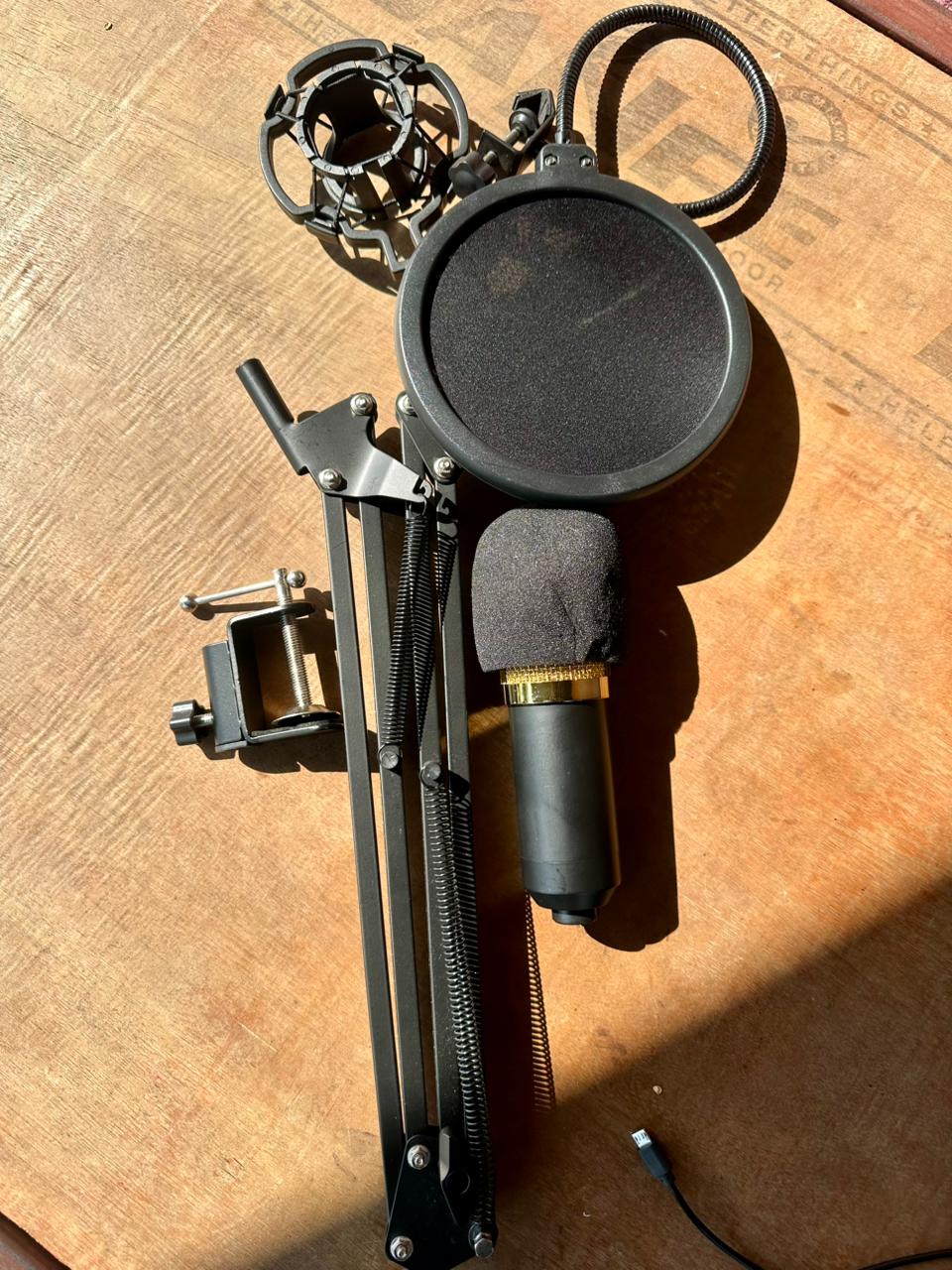
- 1× Condenser Mic (48V powered)
- 1× Dynamic Mic
Perfect for two-person podcasts or duet singing.
🎵 2. Real-Time Effects
The V8 offers several built-in audio effects, including:
Voice Effects
- Male to Female
- Female to Male
- Baby voice
- Monster
- Robot voice
Reverb Control
Adjustable Echo, Treble, Bass, and Monitor knobs allow fine-tuning of your voice.
🔊 3. Background Sound Effects
The V8 includes fun, live-triggered effects:
- Applause
- Laughter
- Gunshot
- Kiss sound
- Shock sound
- Clapping
These effects are useful for live entertainment streams.
🔌 4. Multi-Device Connectivity
It supports:
- Mobile
- PC/Laptop
- Speaker
- Earphone/headset
- Guitar/keyboard input
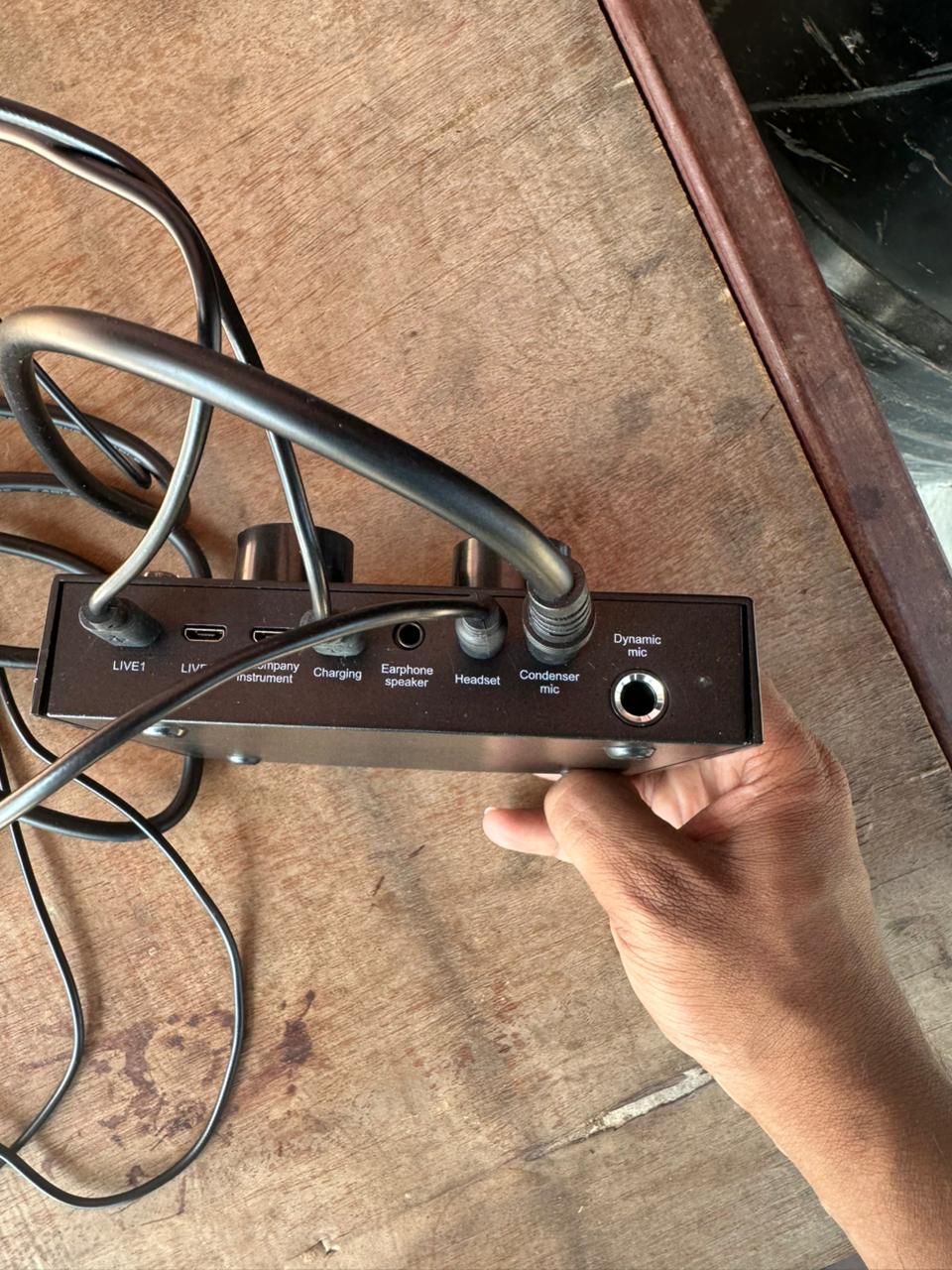
Ports include:
- Live 1 (Main streaming output)
- Live 2 (Secondary stream/record device)
- Accompaniment input
- Instrument input
This makes it ideal for multi-platform streaming.
🔋 5. Battery Backup
- Built-in 1000mAh battery
- 6–8 hours of usage time
- Can operate while charging
Perfect for long live sessions.
📦 What Comes in the Box?
Typically, V8 packages include:
- V8 Sound Card
- USB charging cable
- 2× 3.5mm TRRS live cables
Some sellers may also include a lavalier mic or condenser mic combo (optional).
🛠️ How to Connect the V8 Sound Card
📱 1. Mobile Live Streaming Setup
- Mic 1 → Your condenser mic
- Earphones → Headphones for monitoring
- Live 1 → Phone used for streaming
- Live 2 → Optional second phone (for background music or recording)
💻 2. PC or Laptop Setup
- Connect the V8 to the PC via USB cable
- Select USB Audio as input/output in:
- OBS Studio
- Audacity
- Zoom
- Discord
- Adjust echo, bass, and voice effects as needed
That's it—your PC now receives clean, processed audio.
🎤 Sound Quality: How Good Is the V8?
Pros
- Clean voice output for streaming
- An adjustable echo is useful for singing
- Fun effects for entertainment streams
- Good for entry-level podcasting
Cons
- Not suitable for professional studio recording
- Background noise reduction is limited
- Echo effects can distort if overused
For the price range, it delivers excellent performance for beginners.
👍 Is the V8 Sound Card Worth It in 2025?
✔ Best For
- TikTok / Facebook live
- Pubg / Free Fire gaming stream
- Singing & cover songs
- Podcast beginners
- Students recording voiceovers
- Entertainment content with sound effects
❌ Not Ideal For
- High-end studio music production
- Professional vocal recording
- Noise-sensitive environments
⭐ Verdict:
If your goal is low-budget streaming, singing, or podcasting, the V8 is still one of the best entry-level sound cards available.
The V8 Live Sound Card remains a budget king for beginners in 2025. It’s affordable, easy to set up, and offers a range of fun and useful audio effects. Whether you’re streaming, singing, or recording podcasts, it delivers excellent value for its price.
0 COMMENTS:
NVIDIA DGX Station for Windows Brings Trillion-Parameter AI to the Desktop
NVIDIA has introduced DGX Station for Windows, a powerful AI workstation capable of running trillio…

Cybersecurity Tips to Stay Safe Online | Digital Safety Guide
Learn essential cybersecurity tips to protect your accounts, personal data, and privacy online. Sta…

OpenClaw: Nvidia’s Next ChatGPT & AI Future | NemoClaw
Nvidia CEO Jensen Huang calls OpenClaw the next ChatGPT. Discover NemoClaw and how autonomous AI ag…
NVIDIA DLSS 5 Explained: Realistic Lighting & RTX 50-Series Performance
Discover NVIDIA DLSS 5: AI-powered upscaling and improved ray tracing for RTX 50-Series GPUs. Learn…
Crimson Desert Editions Explained: What Comes in Each Edition?
Discover what comes in each Crimson Desert edition. Compare Standard, Deluxe, and Collector’s Editi…
iOS 26.4 Beta 1 Features: Stolen Device Protection Default for All iPhones
Discover the latest iOS 26.4 beta 1 features. Reports suggest Apple may enable Stolen Device Protec…
Google Pixel 10a First Look: Leaks, Expected Specs, Price & Release Date
Get your first look at the new Google Pixel 10a. Explore the latest leaks, expected specs, camera u…

How to Report Phishing: A Comprehensive Guide to Stay Safe Online
Learn what phishing is and how to report phishing scams. This complete guide explains phishing sign…

Race for AI Could Trigger Hindenburg-Style Disaster: Expert Warning
Leading AI expert warns that the global race for artificial intelligence could create a Hindenburg-…
Essential Cybersecurity Tips for All Gadget Users – Protect Your Data
Learn the top cybersecurity tips for smartphones, laptops, tablets, and smart devices. Protect your…