Screen Mirror Android on Ubuntu 20.04 – Step-by-Step Guide
bigsansar | March 12, 2026
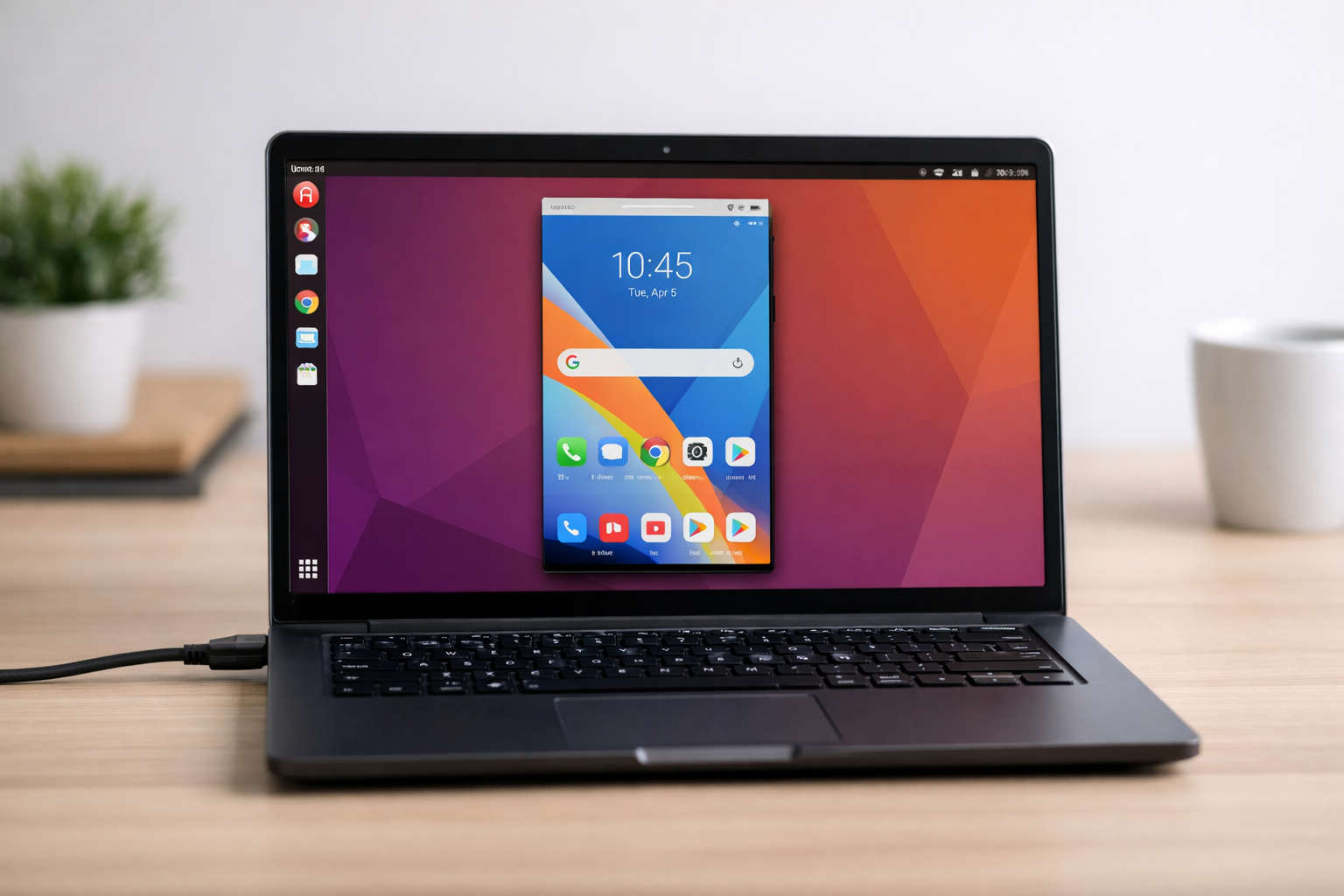
Screen mirroring your Android device to Ubuntu 20.04 is useful for work, tutorials, gaming, or presentations. There are several reliable methods, with Scrcpy being the most recommended.
1. Scrcpy (USB Connection – Recommended)
Scrcpy is a free, open-source tool for Android screen mirroring with low latency.
Installation:
sudo apt update
sudo apt install scrcpy
Steps to Enable USB Debugging:
- Go to Settings → About Phone → Build Number. Tap 7 times to enable Developer Options.
- Go to Developer Options and enable USB Debugging.
Connect Device and Launch Scrcpy:
- Connect your Android device via USB.
- Allow USB debugging on your phone.
- Open a terminal and type:
scrcpy- Your phone screen will appear on Ubuntu.
- You can control it using the keyboard and mouse.
2. Scrcpy (Wireless / Wi-Fi Connection)
For a wireless connection:
- Connect both Android and Ubuntu to the same Wi-Fi.
- On the phone, run:
adb tcpip 5555
- Find the phone’s IP address.
- Connect via Ubuntu terminal:
adb connect <phone-ip>:5555
scrcpy
3. Vysor (GUI Tool)
Vysor provides a graphical interface:
- Works with USB or Wi-Fi.
- The free version supports basic mirroring.
- Paid version unlocks high-resolution and wireless features.
4. KDE Connect (Limited Features)
KDE Connect shares notifications and allows basic remote control, but does not support full-screen mirroring.
- Install on Ubuntu:
sudo apt install kdeconnect
- Install the KDE Connect app on Android.
- Pair devices over the same network.
Key Recommendations
- Best Option: Scrcpy – fast, low-latency, free, works with USB and Wi-Fi.
- Vysor – simple GUI, some paid limitations.
- KDE Connect – good for notifications, limited mirroring.
This version removes all icons and images, and highlights the key tools, steps, and recommendations for easy reading.
0 COMMENTS:
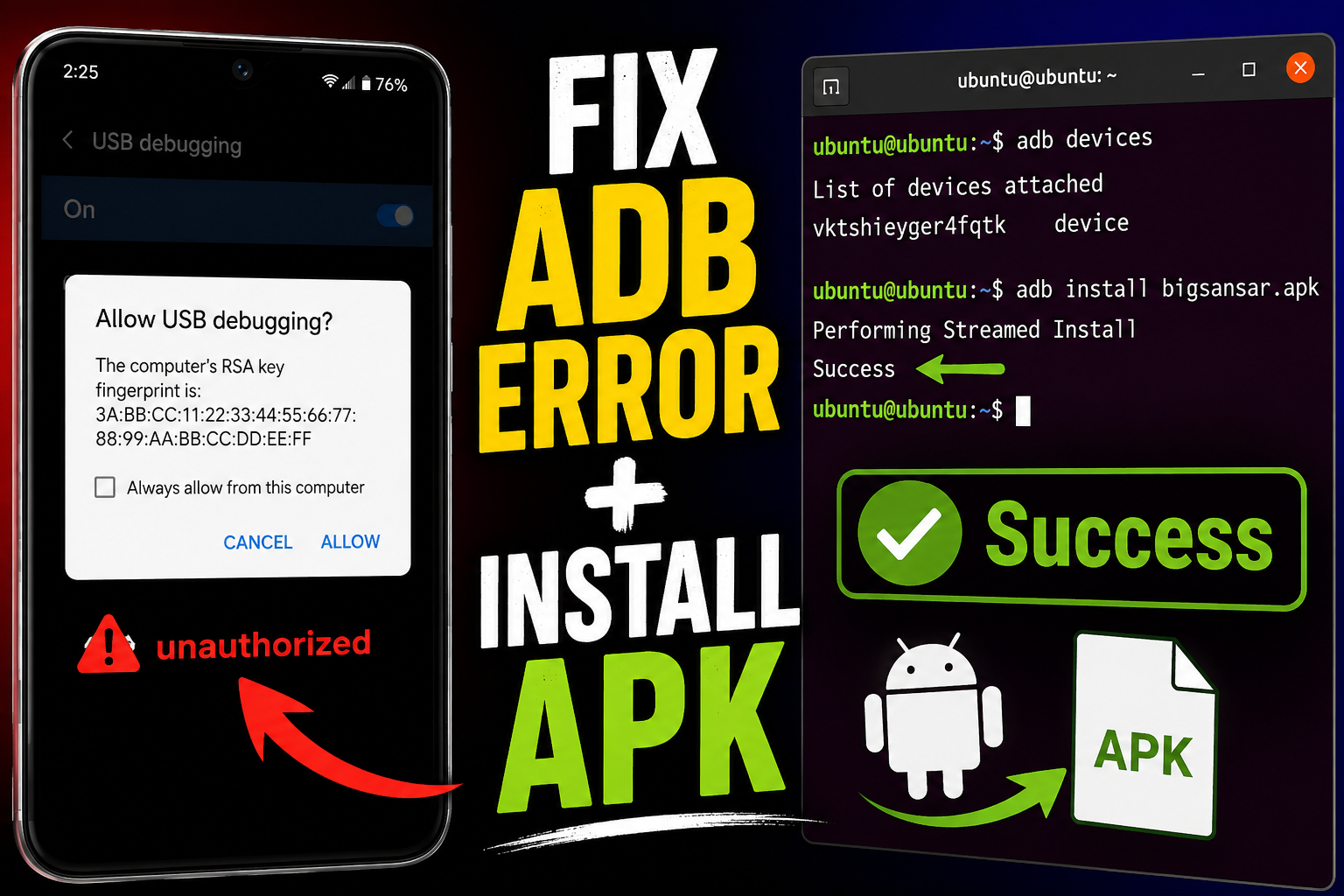
ADB on Ubuntu Guide: Install APK, Fix Unauthorized & Android Debugging (2026)
Learn how to install and use ADB on Ubuntu. Connect Android device, fix “unauthorized” error, insta…
Screen Mirror Android on Ubuntu 20.04 – Step-by-Step Guide
Learn how to mirror your Android device to Ubuntu 20.04 using Scrcpy, Vysor, or KDE Connect. Step-b…

How to Install and Configure Apache on Ubuntu
2025-06-07 03:59:24.874882+00:00
ubuntu chroot environment | What is chroot?
2025-06-07 03:59:24.874882+00:00
How to Manage WiFi and Web Browsing in Linux Using the Terminal
2025-06-07 03:59:24.874882+00:00
Essential Linux Commands for System Administration
2025-06-07 03:59:24.874882+00:00

Beginner's Guide to Learning Ubuntu Server
2025-06-07 03:59:24.874882+00:00